
You are here:
Apply Multi-Language Knowledge Search
Multinational companies have service centers around the globe, and their knowledge base reflects that geographic diversity. Service agents can get knowledge article results in different languages.
When an agent enters text in the knowledge search bar, search looks for articles that match the keywords and also applies synonyms. The articles returned match the agent’s personal profile language and the knowledge base default language. No translation of words occur. For example, an agent is working at a phone center in Madrid. The agent’s default language is Spanish and the knowledge base default language is English. In the search bar, the agent enters Dónde reparar un teléfono Acme Flip1. Einstein Search returns an article in Spanish and an article in English that contain the term Acme Flip1.
Agents can search for articles using terms that aren’t specific to a language, such as a product name. Also, an agent familiar with the default Knowledge language can enter words in that language to get to the correct article.
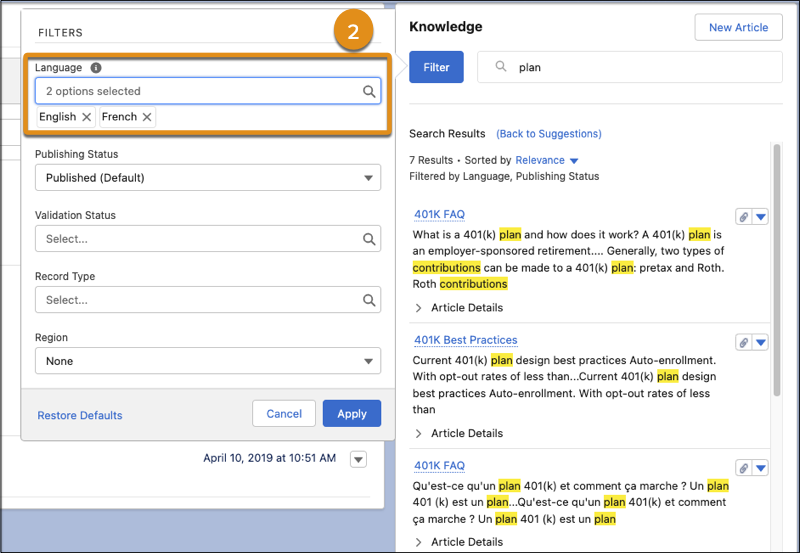
To change or add languages, a user can select other languages under the Language filter. Search returns all articles that match the selected language the user specifies.
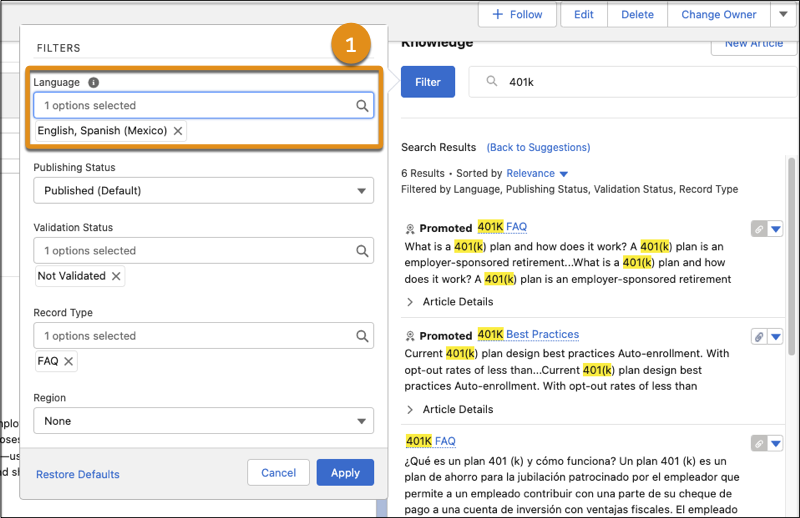
- The search default behavior returns results in both the user default language and in the knowledge base default language (1).
- Users can override the default behavior and specify which languages they want (2).

