
You are here:
Make Real-Time Decisions with an Input Widget
Perform speculative analysis to assess risk and develop recommendations for your business in real time. Use values from the input widget as a data source, and see its effect on your dashboard metrics without manual calculations.
Watch a Demo:  Make Real-Time Decisions
with an Input Widget (English Only)
Make Real-Time Decisions
with an Input Widget (English Only)
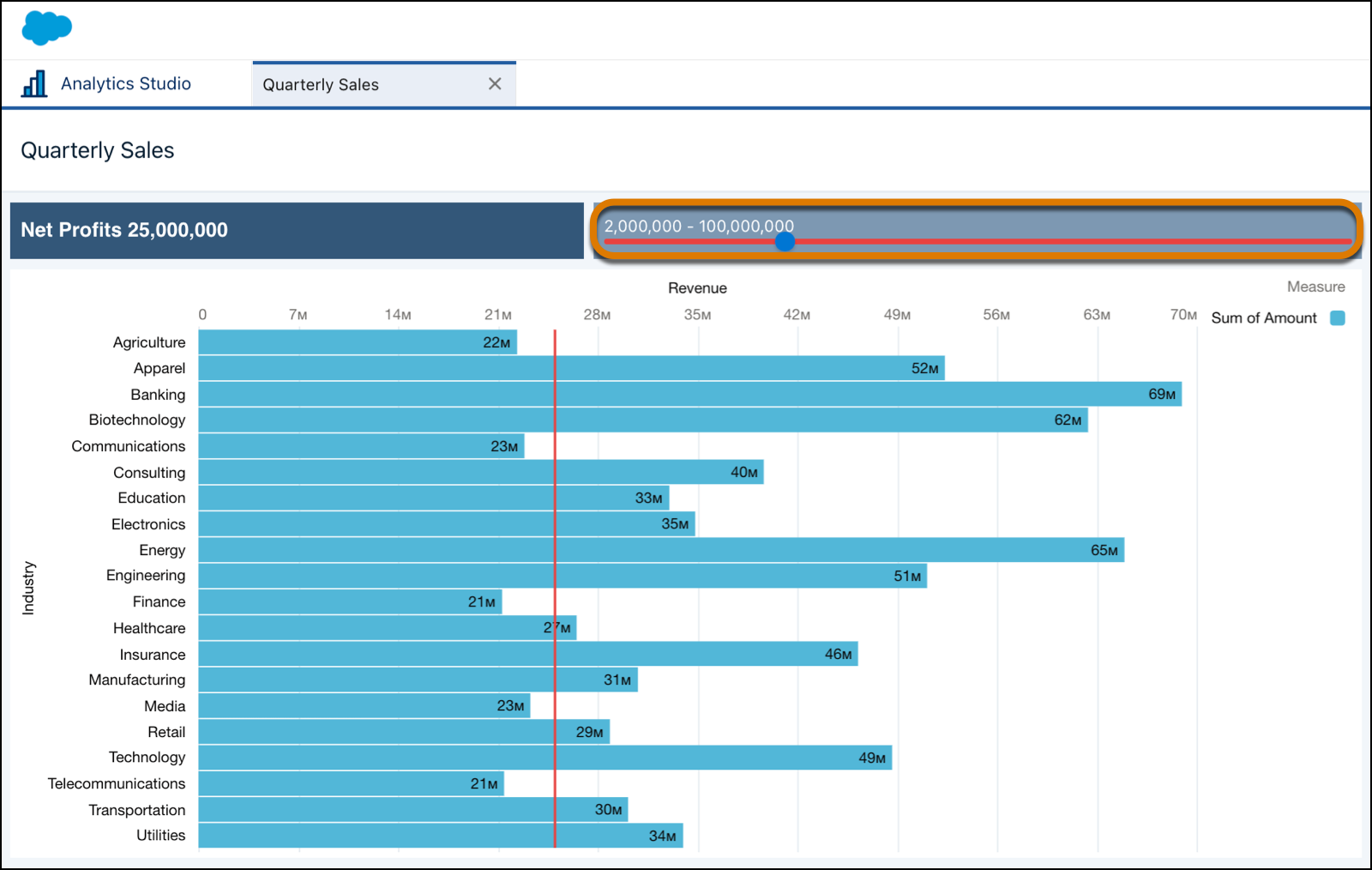
- Create an Input Widget
Speculative analysis starts by adding an input widget to the dashboard that captures numeric values to interact with other dashboard widgets. - Change the Layout and Style of an Input Widget
Fine-tune the input widget layout, and stylize its content for the dashboard. Input style options depend upon the selected input type. - Add the Input Widget to Formula Queries
Retrieving values from the input widget to use in a formula can be done through the UI. You can add the input widget as a column in a query or with SAQL. The input widget works as a data source by collecting user inputs for use in other parts of the dashboard.
Did this article solve your issue?
Let us know so we can improve!
