
You are here:
Create Data Assets from a Data Template
Follow these general procedures when you create data assets from any data template. Before you use a template, see the help for the Data Template that you want to use for requirements and instructions specific to that template.
Create the Data Assets
- From the App Launcher, open the Data Manager.
- Select the Data Template tab. This view shows the template gallery for
available data templates.
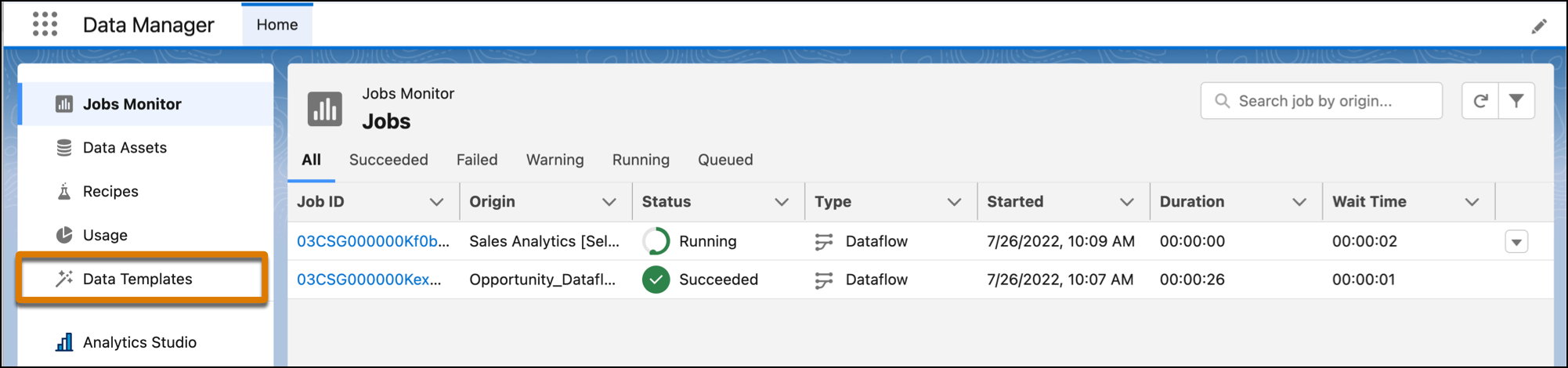
- Select a data template and click Next. If the template that you selected includes a configuration wizard, it opens now. Answer the questions on each page of the wizard, setting up the workflow for importing and processing the data.
- Name your data app, add a description for more information, and click Create.

View the Data Assets
In the Data Manager, on the Monitor tab, view the jobs run for the data assets. On the Recipes tab, view and schedule the Data Prep recipes created by the template. Each data asset the template generates is appended with the app name that you specified in the template configuration wizard.
For users with access to Analytics Studio, data apps show up on the Apps tab. From here, users with manage access to the app can delete apps. App deletion removes all data assets created from the template and any customized assets that are associated with the app.
