
You are here:
Optimize Data Operations with Semi and Anti Joins
Semi- and anti-joins offer a straightforward way to compare datasets in a lens. They're particularly useful for identifying the presence or absence of related rows without needing complex queries. For example, you can easily find accounts that have at least one opportunity or those that have no opportunities.
- Open a lens for the primary dataset.
-
Click Join Data Source.
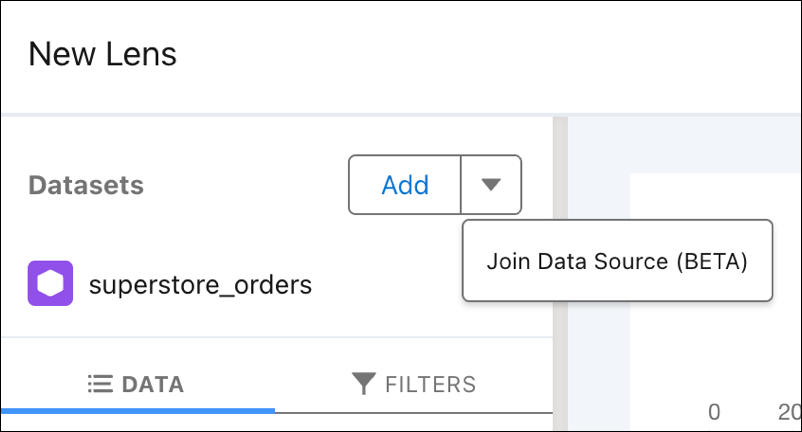
- Select a secondary dataset on the next screen.
-
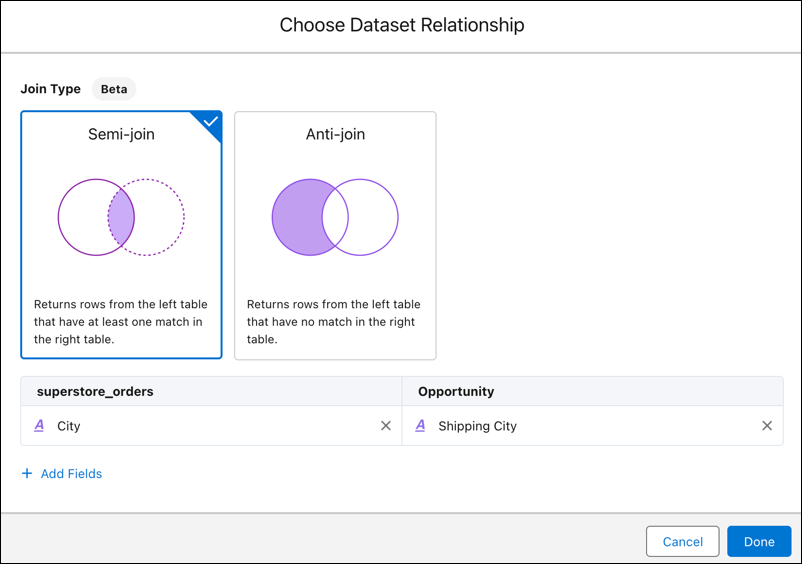
Select a join type:
The lens defaults to a semi-join.
- Semi-join returns the rows from the primary dataset that have a match in the second dataset, without returning any columns from the second dataset. This is useful for filtering data based on the existence of related records.
- Anti-join returns only the rows from the primary dataset that don't have a match in the second dataset. It's useful for finding records that don't have any related entries.
- Select fields to match between the datasets. Click Add Fields to add more fields.
- Click Done.
-
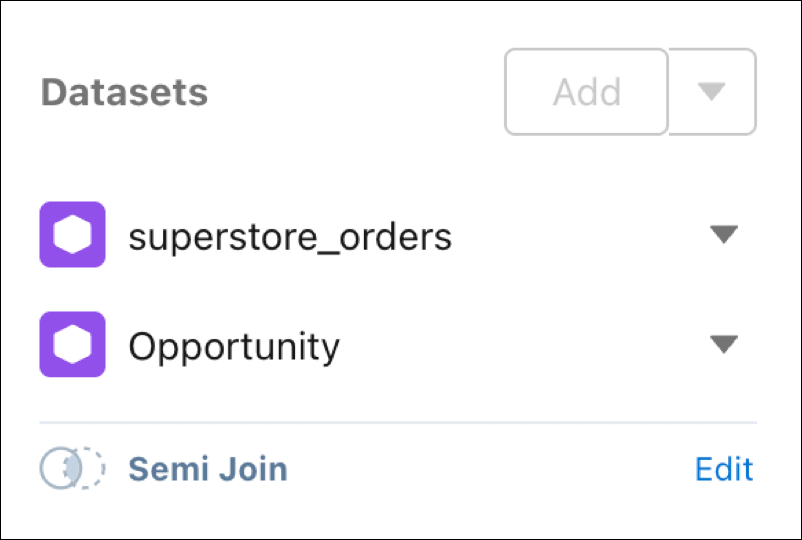
To change the join type:
- Click Edit in the Datasets area.
- Select the desired join type and fields.
- Click Done.
-
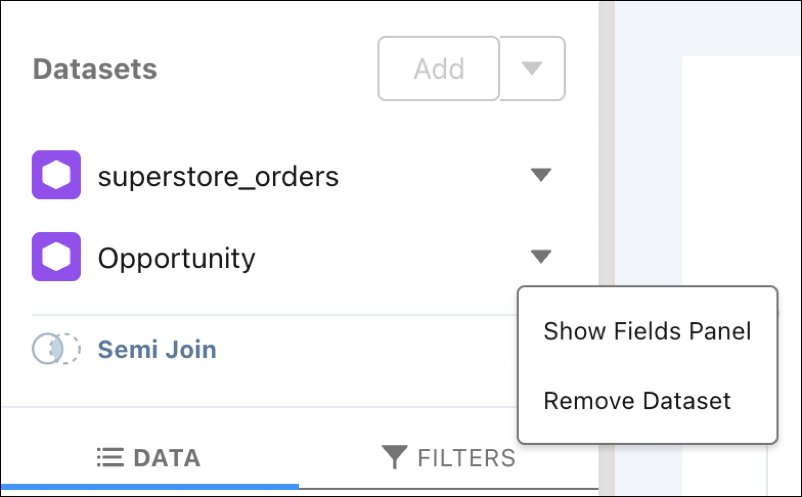
To remove a secondary dataset:
- Click the down arrow across from the dataset, and select Remove Dataset.
- To join with a different dataset, repeat steps 2–4 .
-
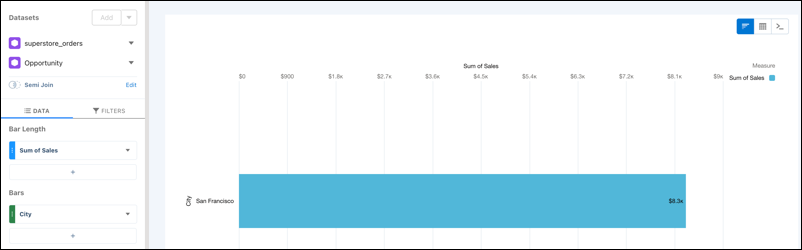
To create a meaningful analysis, select measures and fields to group by in the dataset
result.
When defining groups and measures, fields are selected from the primary dataset.
Unsupported Operations:
- cogroup and joins can't be used in the same query.
- Totals and subtotals arent supported.
- Boolean filter logic isn't supported.
- Blends and joins can't be combined in the same query.
Optimizing Performance:
- Filter the second dataset before running a join. Join performance is directly proportional to the amount of data returned by the second dataset.
- Execute join statements before any projections on the query results. For example, if
your query includes a
foreachstatement such as,q = foreach q generate count(q1) as 'A';, run it after the join.
Supported Filters
Filters can be applied to both the primary and secondary datasets.
Join Limitations
| Limitation | Details |
|---|---|
| Dataset Limit | You can join a maximum of two datasets. For combining more datasets (iup to six), consider using a blend. |
| Field Pairings | Up to five field pairings are allowed between datasets. |
| Order of Operations | Datasets must be joined before exploration. Join Data Source becomes unavailable if groupings, measures, or filters are added first. |
| Self-Joins | Combining rows within the same dataset is supported. When a filter is appled in a self-join, only one dataset is visible. Global filters are applied to the primary dataset in the join. |
| Primary Dataset Focus | Faceting and record-level actions are applied exclusively to the prmary dataset. |
- Limitations and Considerations for Semi and Anti Joins
Semi and anti joins are powerful tools for filtering data based on the existence of related records. To ensure accurate results and optimal performance, consider these specific behaviors when getting started.
Did this article solve your issue?
Let us know so we can improve!
