
You are here:
Add the Action to the CRM Analytics Dataset Field
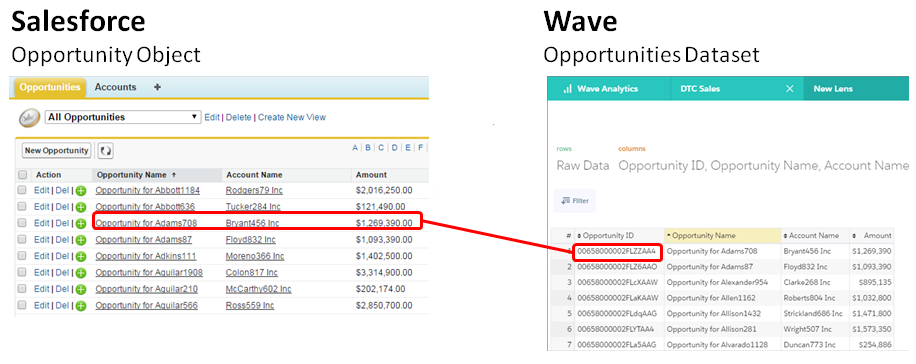
When you add the Update Opportunity action to the Opportunity Name field in the Opportunities dataset, you specify which dimension shows the action menu. You also specify the dataset field that contains the Salesforce record ID. The ID identifies both the Salesforce object and the record.
- Edit the dataset.
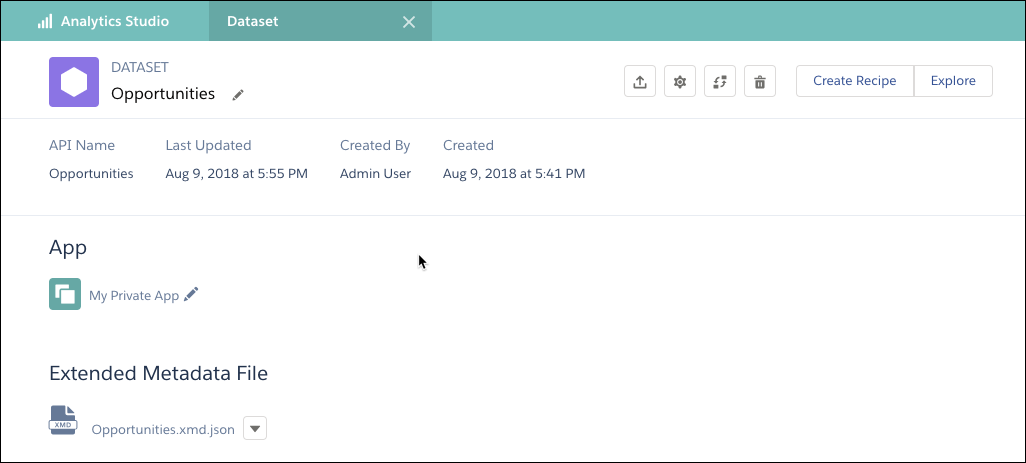
- Click the Configure Actions button (
 .
. - In the left pane, select the dataset field where you want the action menu to appear.
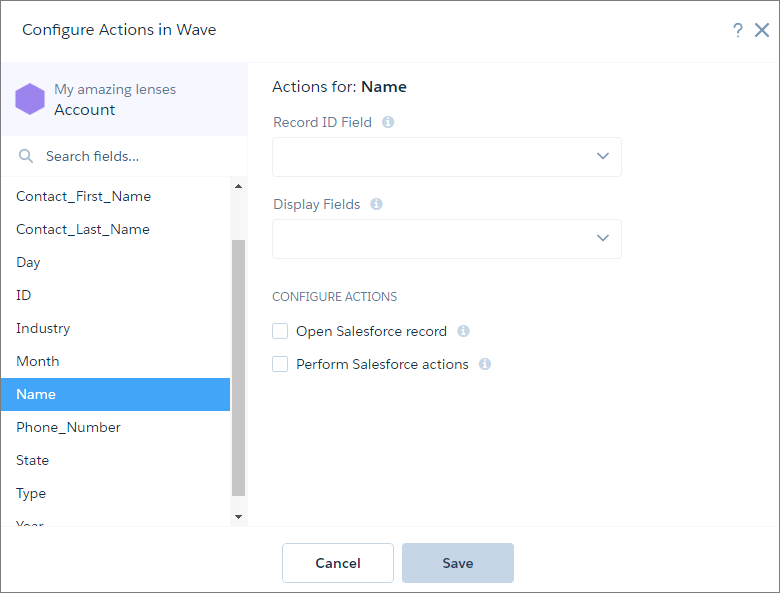
- In the Record ID Field, select Opportunity Id, which is the dataset field that contains the record ID of the Opportunity object.
- In Display Fields, select the dataset fields to show if multiple records match the action. Users can review this information to determine which Salesforce record to perform the action on. To help users identify the correct opportunity record, show Opportunity ID, Opportunity Name, Opportunity Owner, and Account Name.
- To enable users to perform actions on a Salesforce record, select Perform Salesforce actions and then select Choose actions.
- Select Update Opportunity.
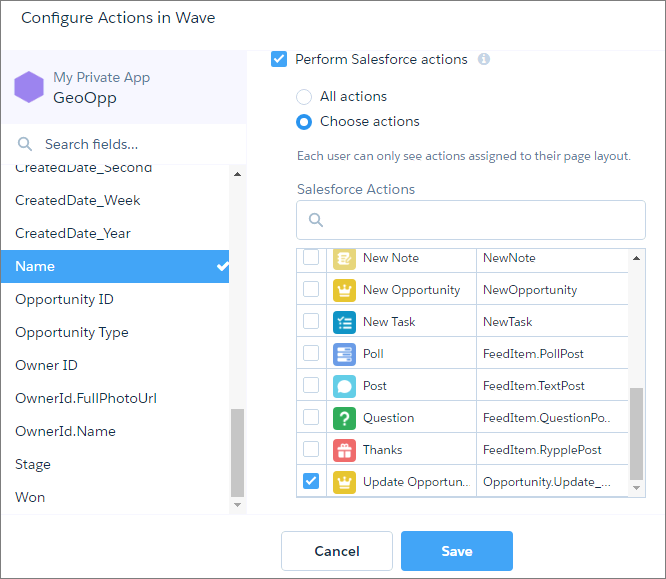
- Click Save.
Did this article solve your issue?
Let us know so we can improve!
