
You are here:
Ways to Get Data from Data Sources Into Datasets
To populate datasets with data from data sources, you can import the data directly from the source. Or, you can extract the data from the source and prepare it before loading it into a dataset.
Import Data
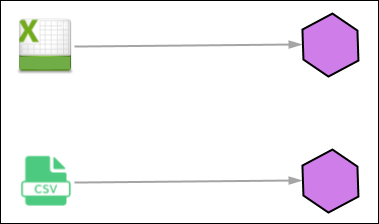
You can import data from Excel spreadsheets (via a connector) and CSV files directly into a dataset. This approach populates the dataset without modifying the data.
Prepare and Load Data
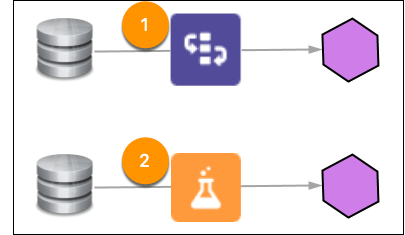
If you want to make any changes to the data, you can use recipes and dataflows. Recipes and dataflows are powerful features that you can use to cleanse, prepare, and optimize your data for analysis. You can use these tools to extract data from different data sources, both inside and outside of Salesforce.
Did this article solve your issue?
Let us know so we can improve!
