
You are here:
Copy and Paste a Recipe
In CRM Analytics, use the toolbar or keyboard shortcuts to copy and paste nodes within a single recipe or across multiple ones. To use this feature, enable clipboard access permissions in your browser.
- In a Data Prep recipe, select one or more nodes to copy or cut.
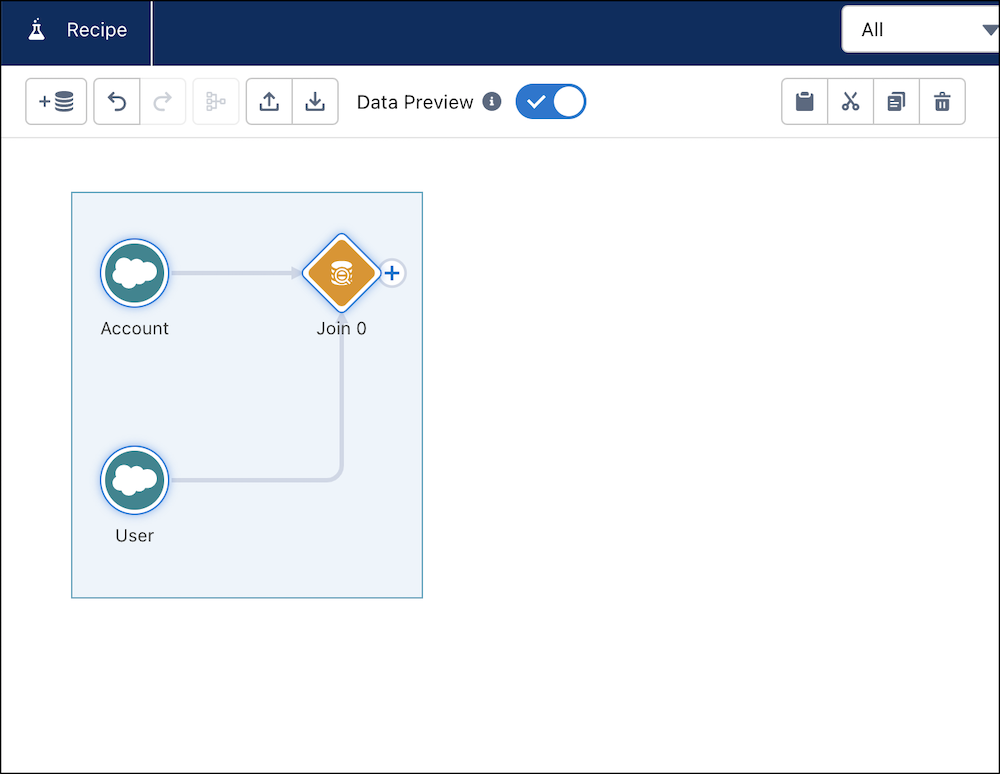
- From the toolbar, click
 or press Ctrl+c to copy, click
  or press Ctrl+x to cut, or click
  duplicate, which copies and pastes in one step. To delete a node, click
  or press Ctrl+d.
- Click
 or press Ctrl+v to paste.
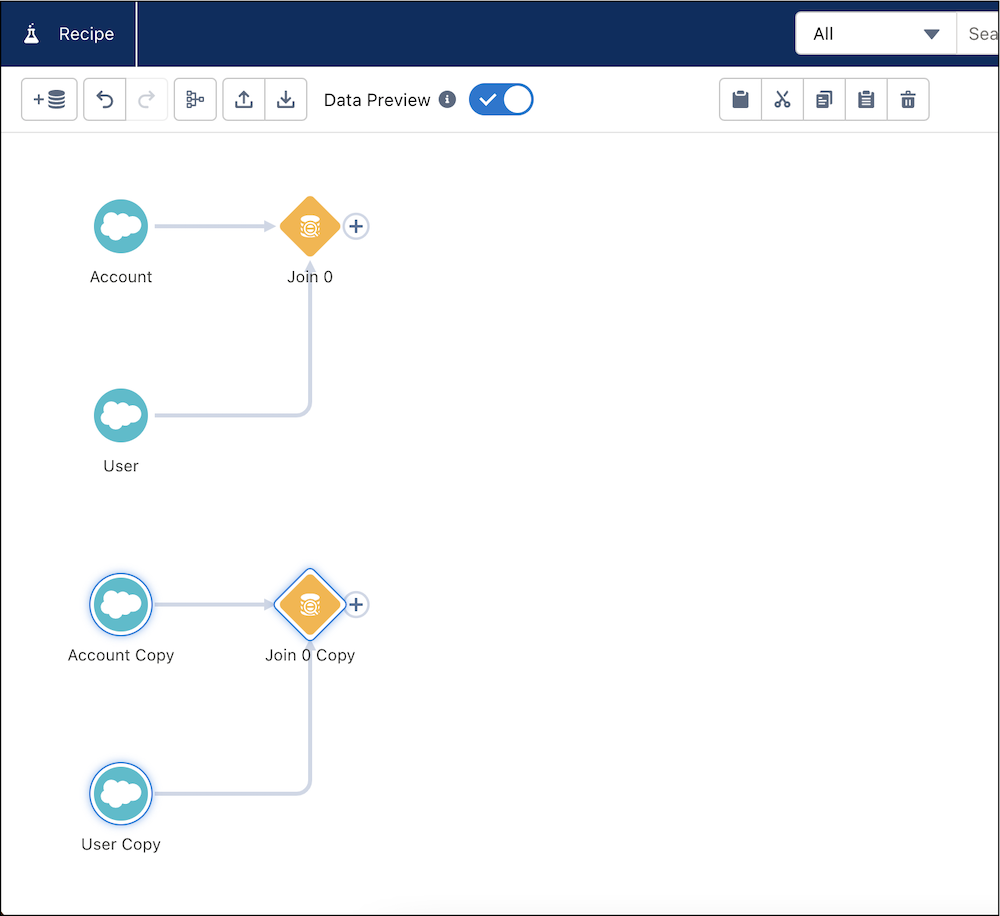
The copied image displays below the original.
Did this article solve your issue?
Let us know so we can improve!
