You are here:
Access Assistance When and Where You Need It
In-app assistance includes the welcome mat, help menus, point-in-time videos, and widget-specific learning resources.
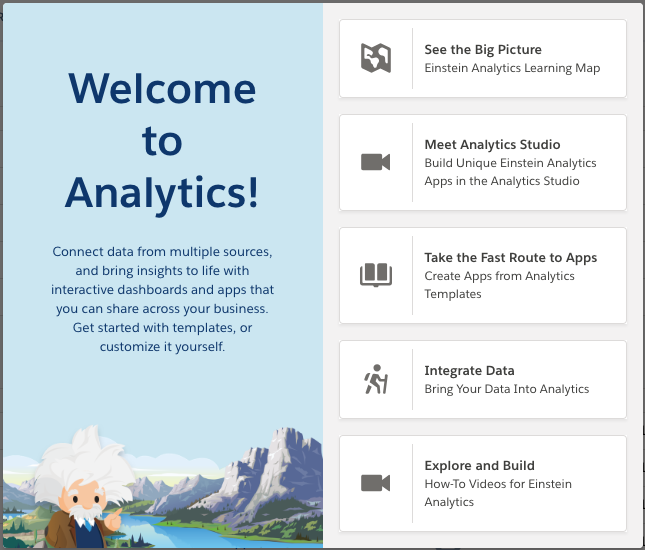
Once you’re up and running with CRM Analytics, in-app resources support you along the way. First thing you’ll notice after login to CRM Analytics Studio is the welcome mat. We’ve packed it with videos, trails, and documentation to get you started. If you click out of it, you can always get it back from the help menu.
In-app video icons ( ) throughout CRM Analytics launch a video or video series that teaches about the
feature you're working with. Videos play in a draggable, resizable frame. Put the frame
wherever you want so the video never blocks the product screen while you watch. You can even
interact with the product as you follow along step-by-step tutorials.
) throughout CRM Analytics launch a video or video series that teaches about the
feature you're working with. Videos play in a draggable, resizable frame. Put the frame
wherever you want so the video never blocks the product screen while you watch. You can even
interact with the product as you follow along step-by-step tutorials.
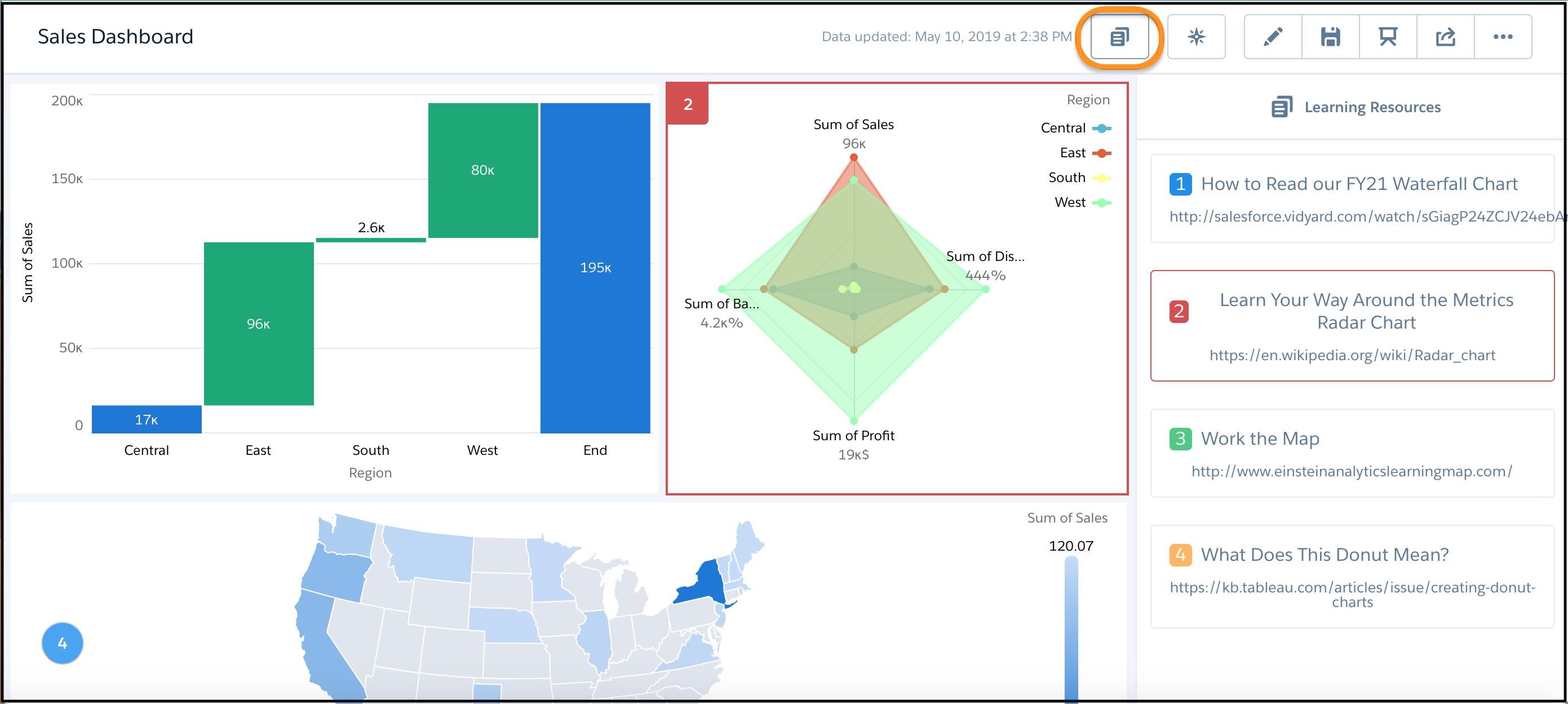
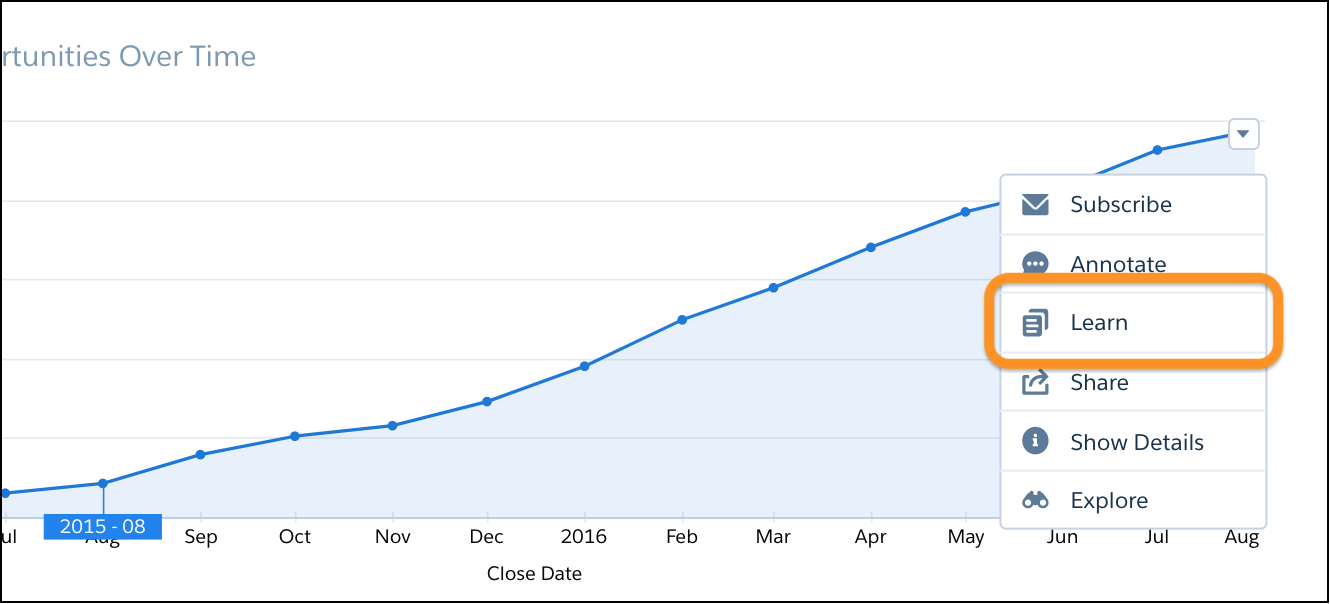
If your dashboard is configured with the Learn option, select it to open the draggable, resizable frame loaded with customized, widget-specific content.
When you have at least one widget with the Learn option, the Learning Resources icon appears. Click the icon to open and close the Learning Resources panel. When the panel is open, hover on a learning resource to highlight the chart that goes with it. Each learning resource is numbered and the numbers appear on the charts for easy reference.