
You are here:
Share a Visualization
Share a visualization by sending a link to your colleagues.
Keep in mind that lenses and dashboards within the CRM Analytics Shared App are accessible to everyone in your organization. All users can at least view the contents of the Shared App, unless you restrict access. All other apps—and the lenses and dashboards that they contain—are private unless you explicitly share an app with a specific user, group, or role. To manage access to apps, open CRM Analytics in a desktop Web browser.
To share a visualization, follow these steps.
-
While viewing a lens or dashboard, tap
 Actions.
-
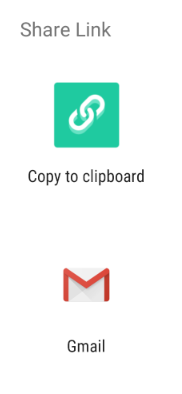
Select one of the options for sharing a link.
Did this article solve your issue?
Let us know so we can improve!
