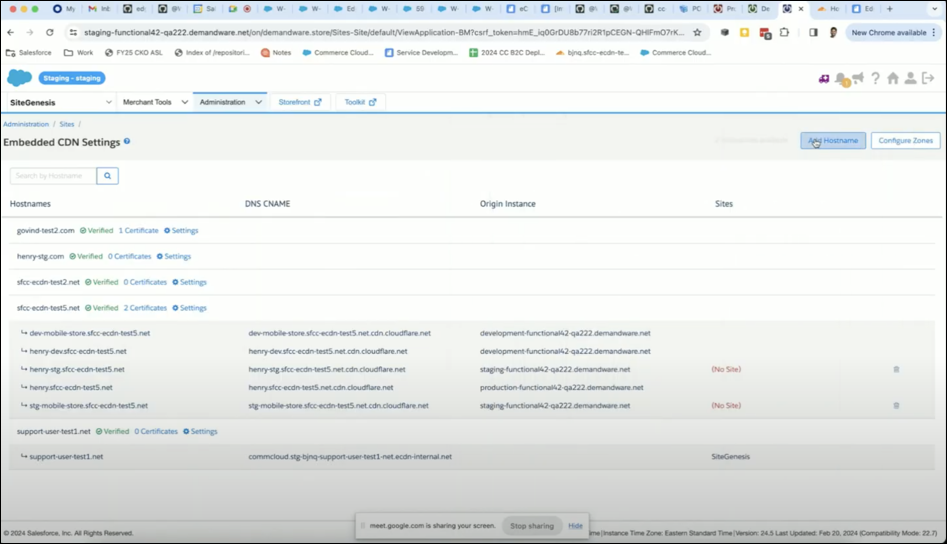
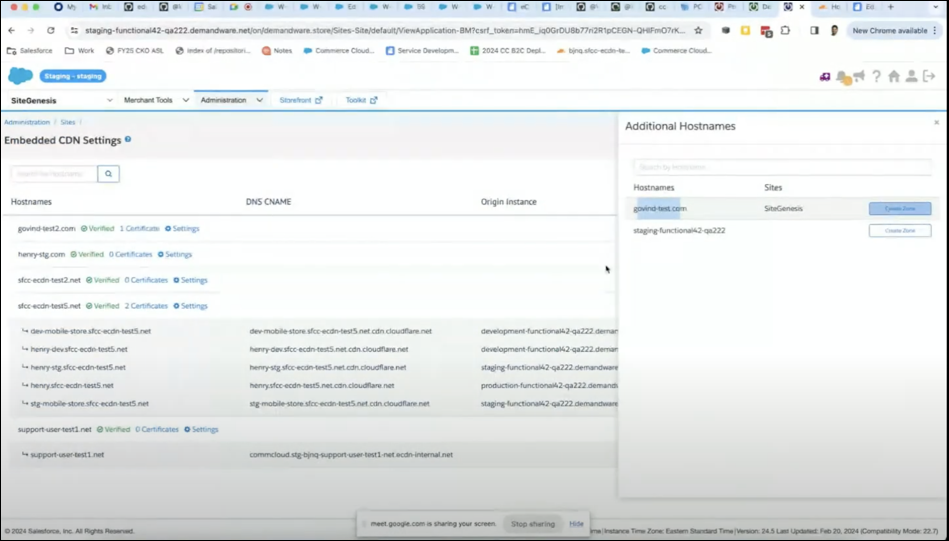
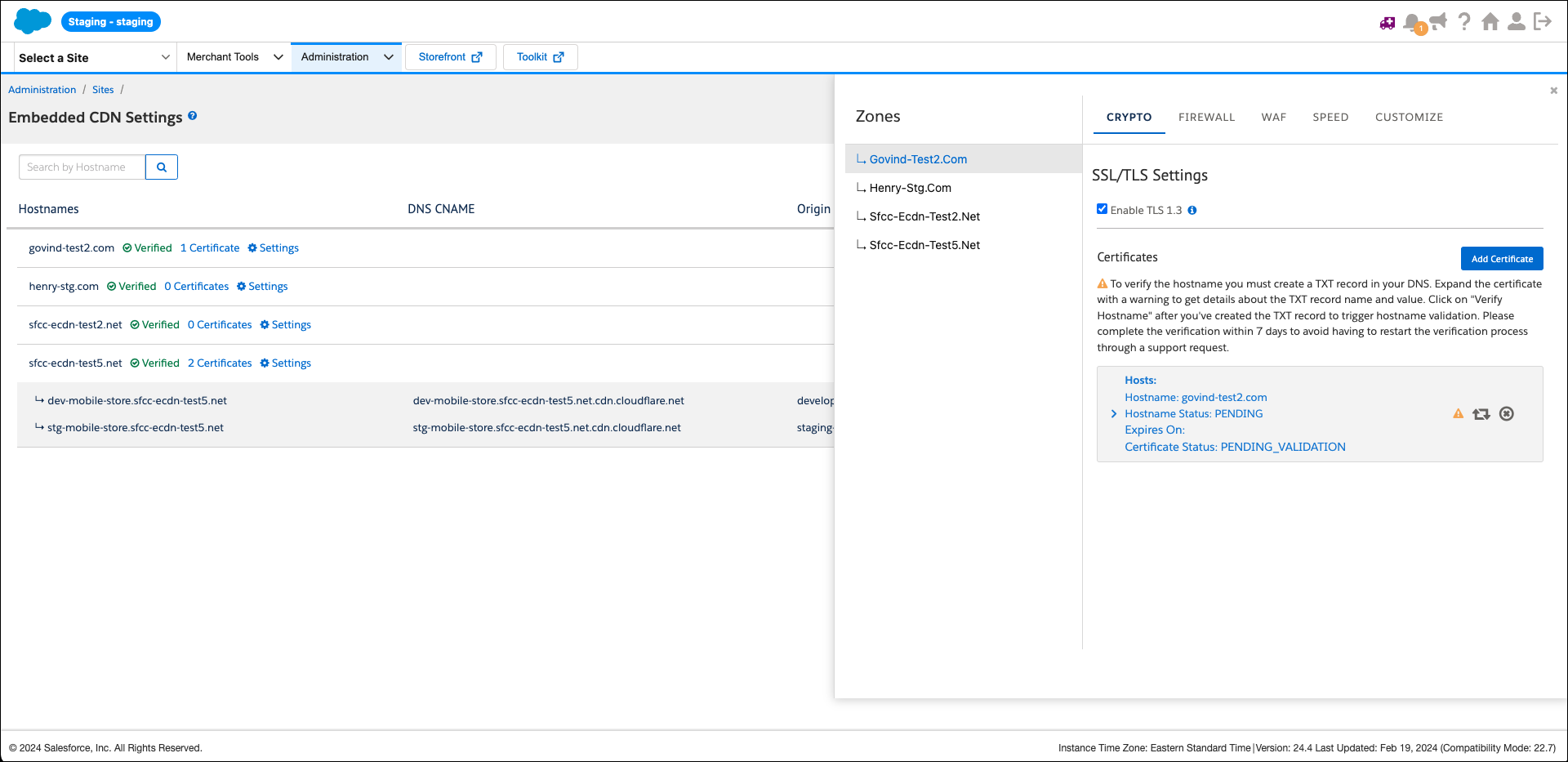
Create an eCDN Zone and Hostnames
When a custom SSL certificate isn’t installed to your development, staging, or production instance POD, or a custom SSL certificate installed to the POD doesn't cover the hostname, create an eCDN zone, and upload the certificate for each domain name.
Required Editions
| Available in: B2C Commerce |
You create a development, staging, or production zone to contain 1 or more hostnames, then create and upload a certificate for each hostname.

-
Create an eCDN zone for each domain name using the POST storefront-zones endpoint. See createStorefrontZone.
For example, to create two zones for the hostnames:
- staging1.example.com
- staging2.example.com
- staging.example.co.uk
-
Call the
POST /storefront-zonesendpoint for each zone.i. For each of the following payloads, call the
POST storefront-zonesendpoint.{"domainName": "mystore.com"}{"domainName": "mystore.co.uk"}
The response contains the back-end zone name and the zone IDs that you use to certify each host name. For example:
- stg-abcd-mystore-com.cc-ecdn.net
- stg-abcd-mystore-co-uk.cc-ecdn.net
The backend zone names use this format:
stg-<realm_id>-<dashed-domain-com>.cc-ecdn.net
-
(Optional) List the zones and zone IDs using the
 GET
        /zones/info
endpoint. You can use the offset or limit query parameters to see all the zones. For example: See getZonesInfo.
-
If you use eCDN managed certificates, use
certificateTypeautomatic to add the certificate for each hostname with. For an eCDN Managed certificate, formatting isn't necessary. Go to Step 4. -
Format certificate and Key in PEM format with newlines represented
with the
\ncharacter.To replace the newlines in a certificate and key files with the literal\n, follow the example for your operating system.Mac/Linux
Use a shell command like:-
cat cert.crt | perl -pe 's/\r?\n/\\n/g'
Windows PowerShell
-
(Get-Content -path C:\path\to\cert-file.crt -Raw ) -replace ('\r?\n','\n')
Note This command handles either Windows (CF LF) or Unix (LF) line endings.Windows GUI
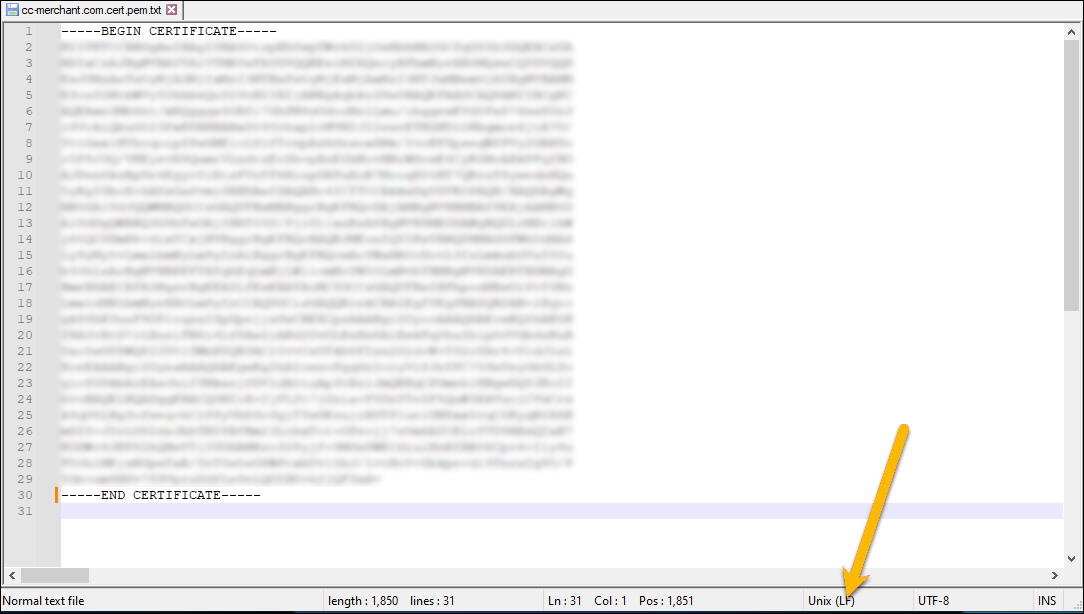
The default Windows Notepad isn’t capable of programmatically replacing line endings, however, you can use a third party advanced text editor. For example, Notepad++.-
To use Notepad++, Open each cert and key file in Notepad++, and take note of the line
ending.
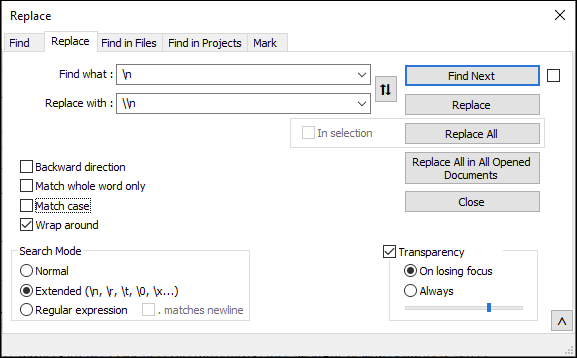
- Select Search | Replace
-
In the Find what field:
- Enter
\n, if the file has Unix (LF) line endings. - Enter
\r\n, if the file has Windows (CR LF) line endings.
- Enter
-
In the Replace with field, enter
\\n. -
In Search Mode, select Extended
(\n,\r,\t,\o,\x...). -
Click Replace All. If you have multiple cert/key fields open, you
can click Replace All in All Opened Documents.
-
- For each host name, upload a certificate using the POST certificate endpoint with the host name, certificate, and key in the payload. See addCertificateForZone.
IMPORTANT: For certificates that cover multiple hostnames and wildcard certificates, upload a certificate for each host name. You can upload the same certificate multiple times.