
You are here:
Data Explorer
With Data Explorer, you can validate data lake objects, data model objects, calculated insights, and data graphs to ensure that your data and formulas are accurate.
If you don’t see Data Explorer, contact your admin to enable Data Explorer permissions.
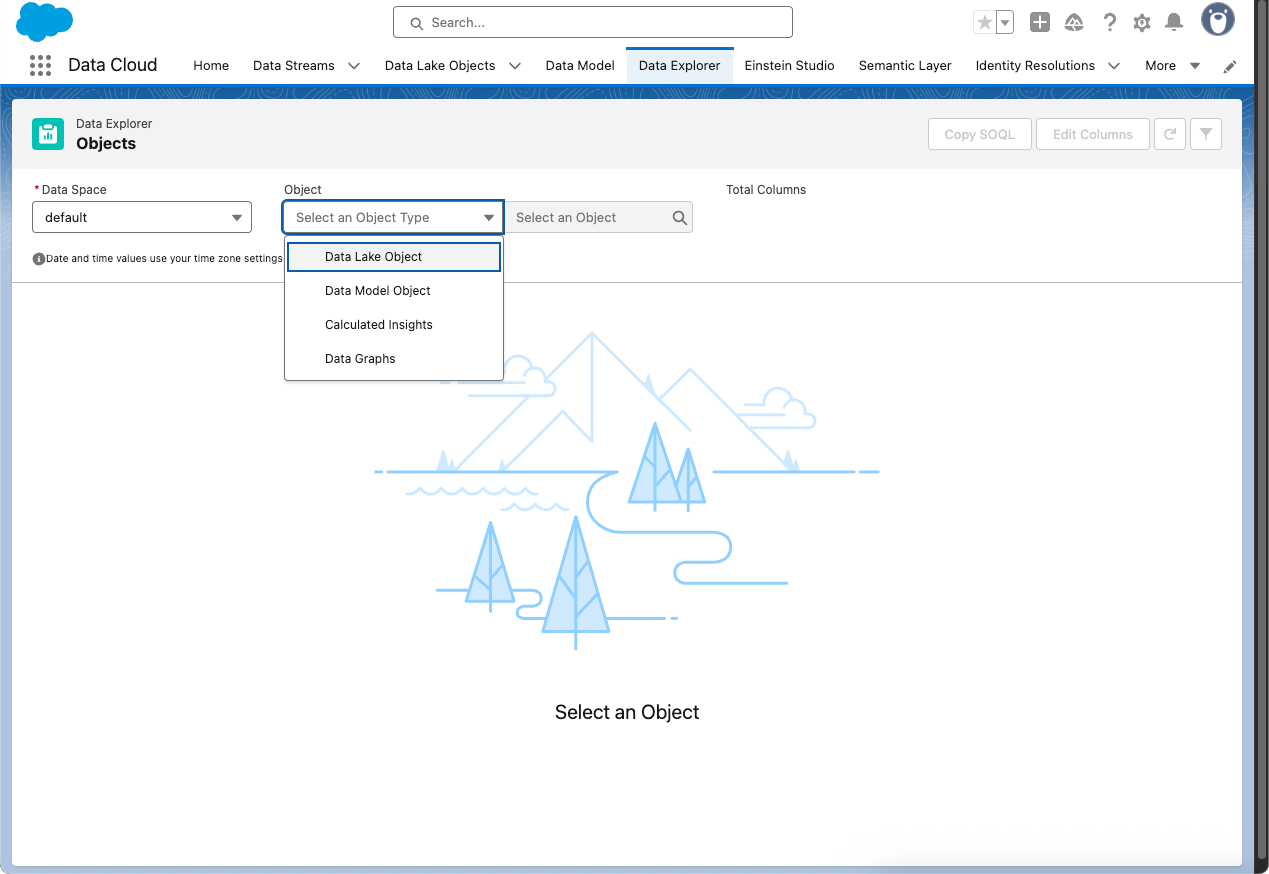
- View Your Data in Data Explorer
In Data Explorer, you can view Data 360 data from your data lake objects (DLOs), data model objects (DMOs), calculated insight objects (CIOs), or data graphs. You can personalize your view by editing the columns and use filters to show only the most relevant data for the selected object. - Data Explorer Columns and Filters
You can personalize your data view in Data Explorer to show only the most relevant data for your selected object in Data 360. You can show up to 10 columns, which are organized alphabetically by default. You can sort the column data in ascending or descending order.
Did this article solve your issue?
Let us know so we can improve!
