
You are here:
Delete a Segment
Delete a segment if it’s no longer needed. If the segment is attached to an activation, delete the activation first.
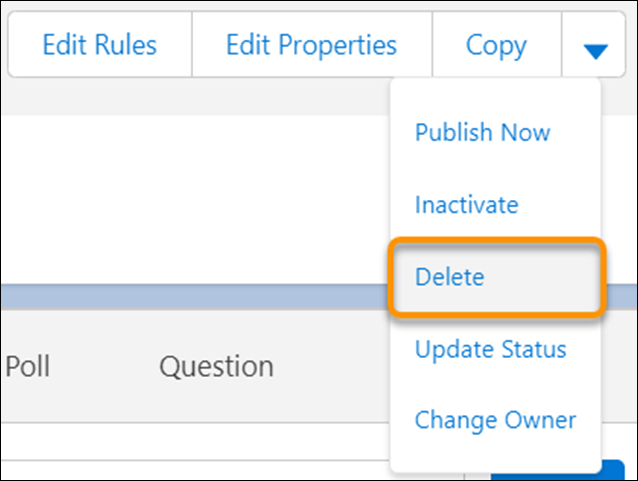
If you’re planning to use the segment again, stop the publish schedule instead. To delete a segment, use the dropdown menu next to the segment name to select delete.
If you delete a segment, you can’t re-enable it. If you restore the deleted segment from the recycle bin, you can't edit or delete it again. You must re-create the segment.
Did this article solve your issue?
Let us know so we can improve!
