
You are here:
Primary Key
To create a data stream in Data Cloud, select a primary key or unique identifier for that source. If a data source doesn't have a field that can be used as a primary key, create a composite key by combining two or more source fields using a formula field.
Carefully select a primary key for each data stream. The primary key is the basis for deciding whether to add a new record or update an existing record. Add key qualifiers to your primary keys, to differentiate records from data sources that have the same primary key.
An Example Primary Key
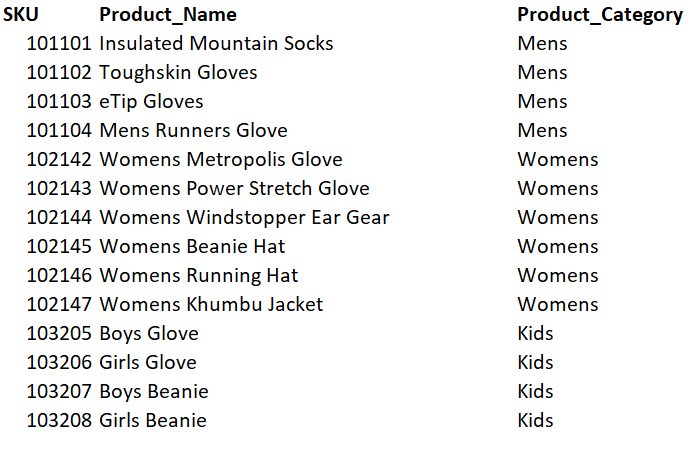
In this product catalog data source, every record has a unique value for SKU (the product's Stock Keeping Unit). Since it's unique, the SKU is selected as the primary key.
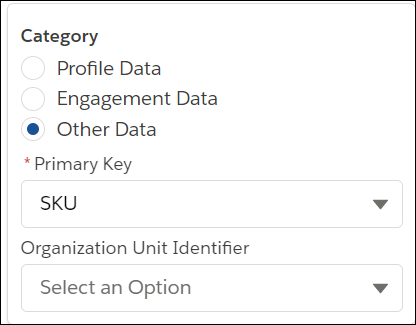
To designate the primary key in Data 360, select the SKU field from the Primary Key dropdown.
- Composite Key
Use a composite key to uniquely identify a record.
