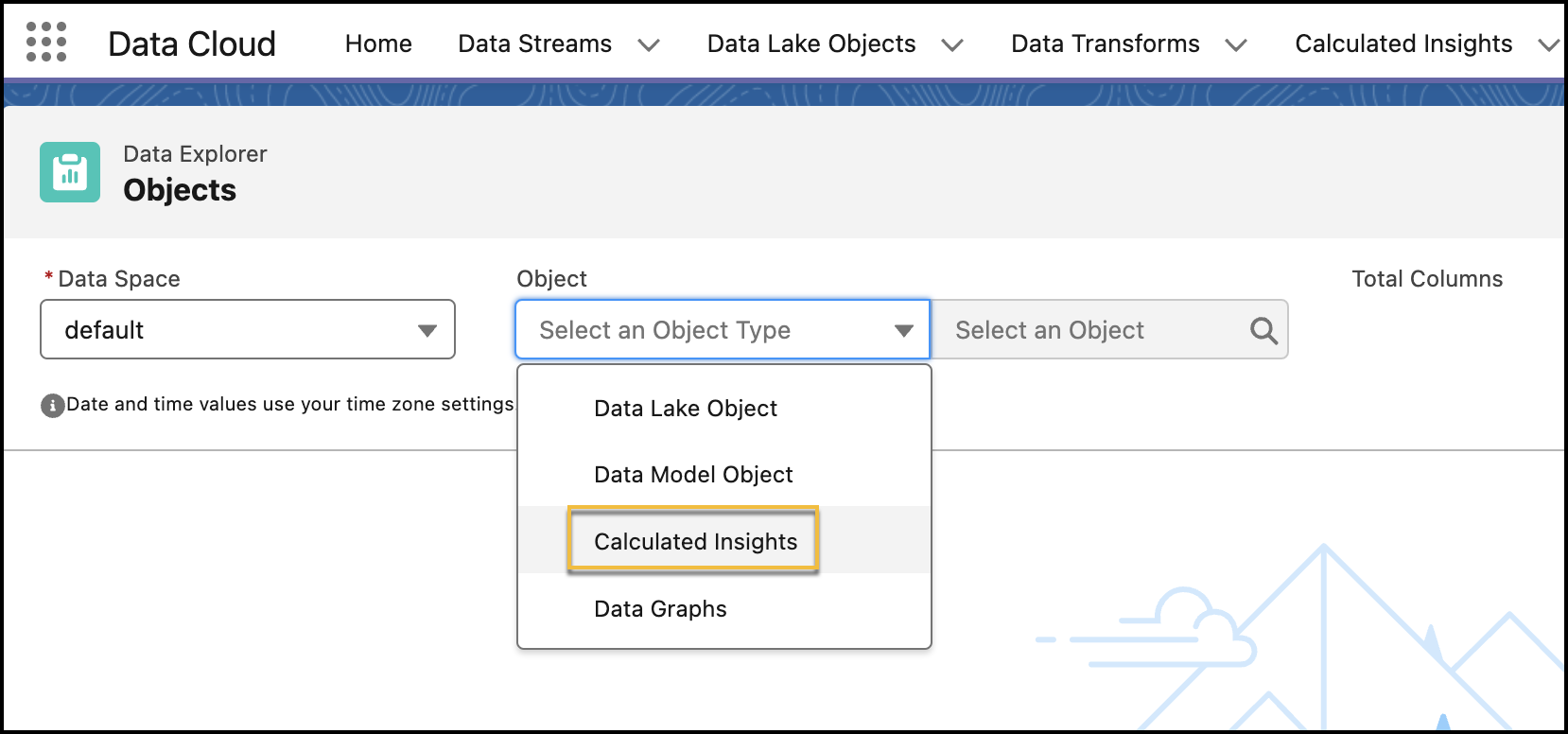
After creation, validate your calculated or streaming insight in Data Explorer to
ensure that your data and formulas are accurate. You must validate an insight before you use it
in a segment.
From the Data Space dropdown, select a data space.
From the Object dropdown, select Calculated Insights, and then
select a calculated or streaming insight.
Review the data and results of your selected insight.
You can personalize your view by editing the columns and use filters to show only the
most relevant data for your selected insight. You can sort the data in descending or
ascending orders by clicking a data column.
For streaming insights, if there isn’t any new streaming data ingested, no data is
displayed in any of the columns. To process a streaming insight, data must be ingested
continuously during a specified time interval. You can check the status of a streaming data
transform from the Refresh History of a data stream. For calculated
insights, you must wait until your insight is processed to validate it in Data Explorer. You
can check the status of a calculated insight on its record home page.
We use three kinds of cookies on our websites: required, functional, and advertising. You can choose whether functional and advertising cookies apply. Click on the different cookie categories to find out more about each category and to change the default settings.
Privacy Statement
Required Cookies
Always Active
Required cookies are necessary for basic website functionality. Some examples include: session cookies needed to transmit the website, authentication cookies, and security cookies.
Functional Cookies
Functional cookies enhance functions, performance, and services on the website. Some examples include: cookies used to analyze site traffic, cookies used for market research, and cookies used to display advertising that is not directed to a particular individual.
Advertising Cookies
Advertising cookies track activity across websites in order to understand a viewer’s interests, and direct them specific marketing. Some examples include: cookies used for remarketing, or interest-based advertising.