You are here:
Moderate Flagged Items in Your Experience Cloud Site
Moderators can review and act on flagged items in their Experience Cloud sites.
If you haven’t already, install the Salesforce Communities Management (for Communities with Chatter) package from AppExchange. This package automatically installs multiple insight reports that you can use to moderate your site, such as the Flagged Private Messages and Flagged Files reports. It also automatically installs the Flagged Discussions and Flagged Direct Messages tiles to the Moderation tile in Experience Workspaces.
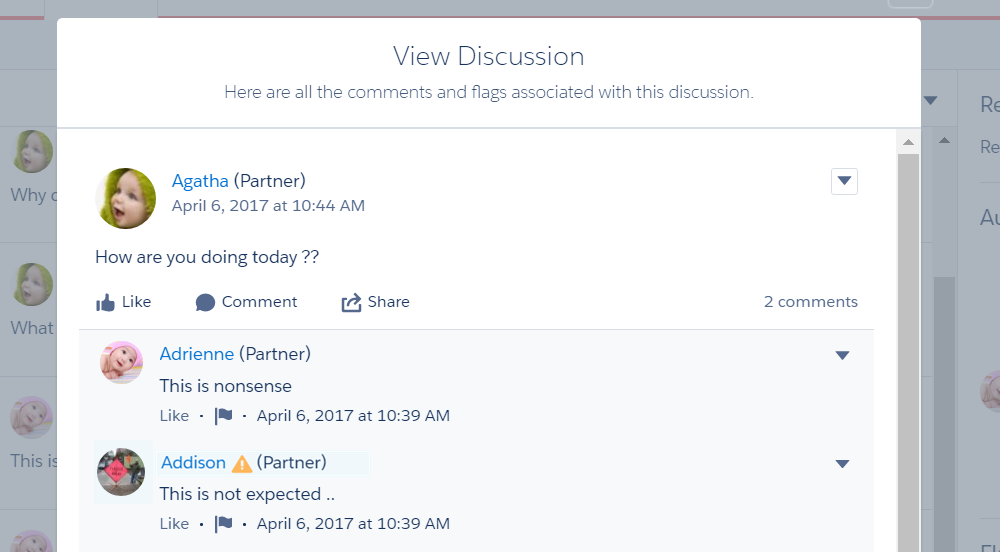
A small orange flag appears next to flagged items. The number next to the flag indicates how many people have flagged the item.
A few things to keep in mind.
- Moderators can only moderate items that they have access to.
- Group owners or managers can moderate items in their groups.
- Members can only flag messages sent from sites that they’re a member and that allow members to flag content.
- You can’t flag items from your internal org, the Salesforce mobile app, or in partner and customer portals.
- Site members can only flag items if the Allow members to flag content preference is enabled.
- If Allow members to flag content is disabled, only moderators can flag items and view flagged items.
- To receive an email each time an item is flagged, select Flags an item as inappropriate on your Email Settings page.
Flagged Posts and Comments
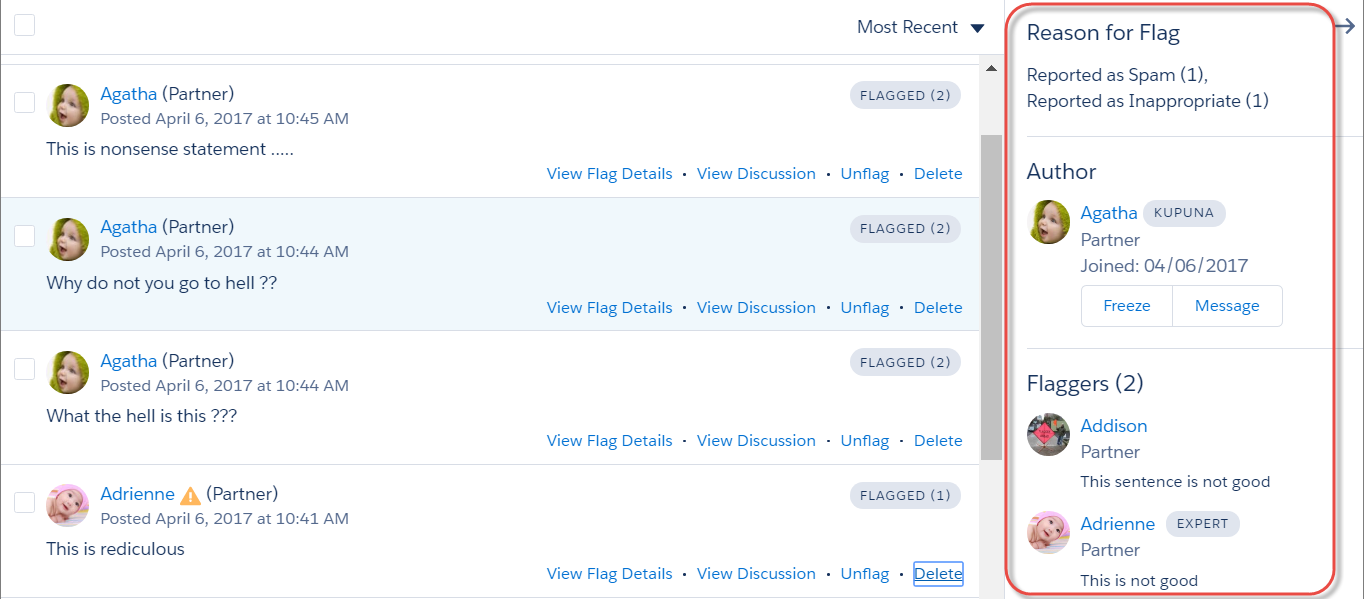
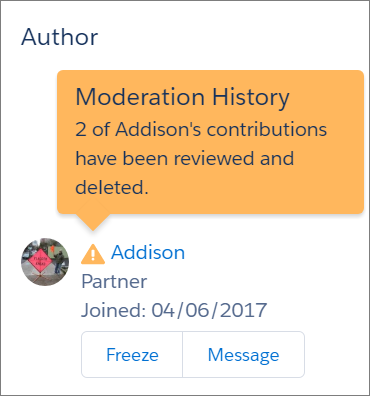
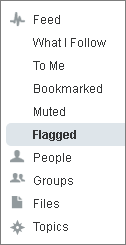
Moderators can review, delete, and remove flags from posts and comments that members flag as inappropriate. Group owners or group managers can review and moderate flagged posts and comments in their groups.
Flagged Private Messages
Moderators can review, delete, and remove flags from private messages that members flag as inappropriate or as spam.

Flagged Direct Messages
Members can flag messages in Experience Cloud sites built using the Customer Service template. Moderators can review, delete, and remove flags from direct messages that members flag as inappropriate or spam.