You are here:
See Your Site’s Topics and Subtopics in One Place
You’ve gone through the exhaustive task of adding topics and various levels of subtopics to your Experience Cloud site’s content. Now you want your site members to see all the organized topics in one place, so they can navigate to any subject their hearts desire. Fear not! They can see everything in your site’s topic catalog.
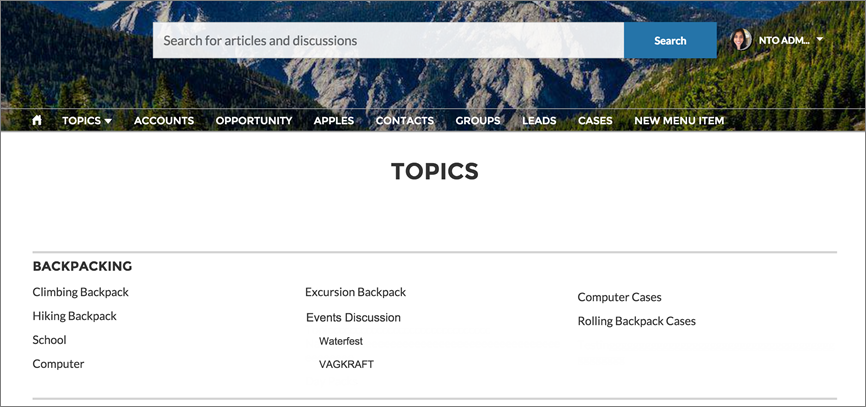
The topic catalog shows the hierarchy of navigational topics you’ve created for the Experience Cloud site. It’s only visible after you set up navigational topics, and it’s accessed from the navigation menu.
How is the topic catalog useful to your site members?
- New and returning users look at all the organized topics in one place, getting a lay of the land before diving deeper into a specific topic.
- Any site user can use the topic catalog as a jumping point to go from topic to topic.
To set up the topic catalog, select Add the “More Topics...” link when editing the navigation menu on the home page. The link appears when you have at least one subtopic.