
You are here:
Organize Experience Cloud Sites with Topics
Navigational, featured, and content topics are a fantastic way to organize information and content in an Experience Cloud site and boost SEO for your articles. Use topics to structure your site’s content or highlight key discussions. You can create topics or use the topics that organically emerge from site member posts.
Choose navigational topics and subtopics to provide a consistent map of your site. Use featured topics to highlight current, popular conversations. Use content topics to organize your original content. In the site itself, member-created topics let users organize information for one another, creating a personalized experience that boosts site engagement. Any article with an assigned navigational, featured, or content topic is included in search results.
Site members can keep up to date on topics by following them and, optionally, receiving email notifications for topics they follow.
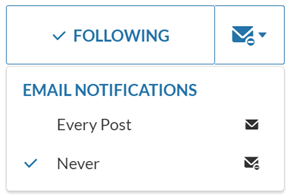
When members choose Every Post, they get notifications when a post or question is added to the topic. They don’t get notifications when the hashtag topic is added to a comment, answer, or record feed.
Navigational Topics
On every page of a site, navigational topics are available from the Topics menu at the upper left. Site members can also see all the site’s navigational topics and subtopics in one place in the topic catalog.
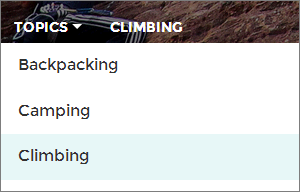
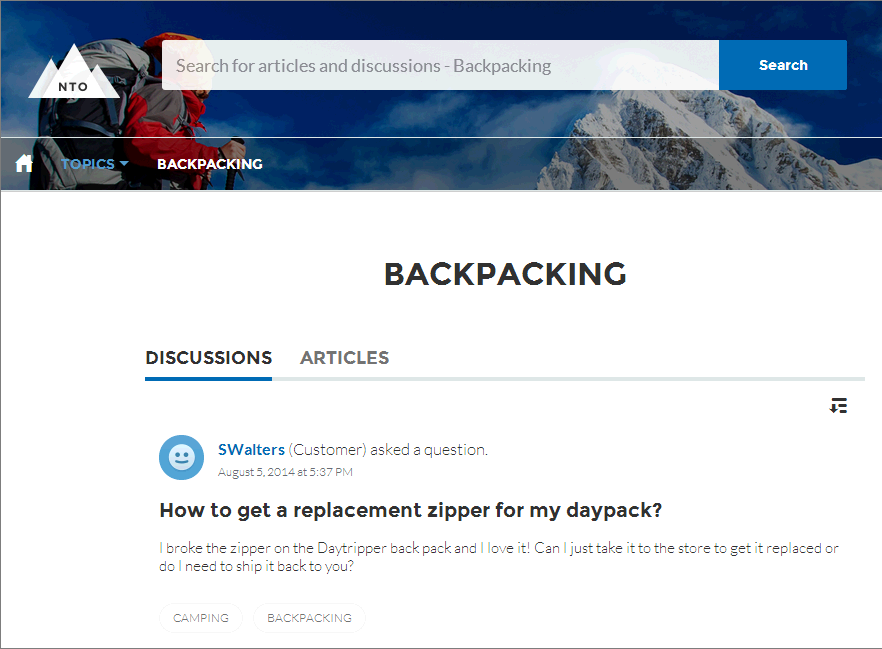
When visitors choose a navigational topic, the banner image you selected for it appears at the top of the page.

Featured Topics
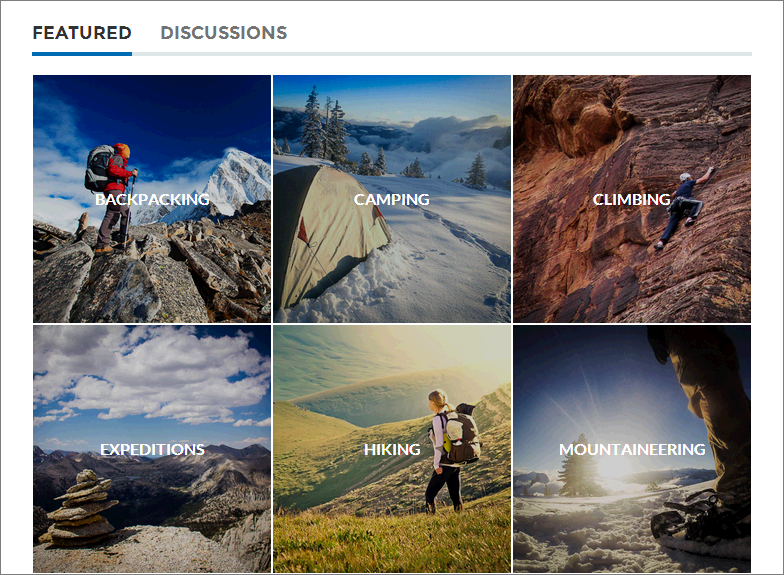
Featured topics are accessible from the body of your site home page. Thumbnail images you select for featured topics uniquely identify them. (These unique thumbnails appear only on the home page; at the top of all featured topic pages, the default banner image specified in Experience Builder appears.)
Content Topics
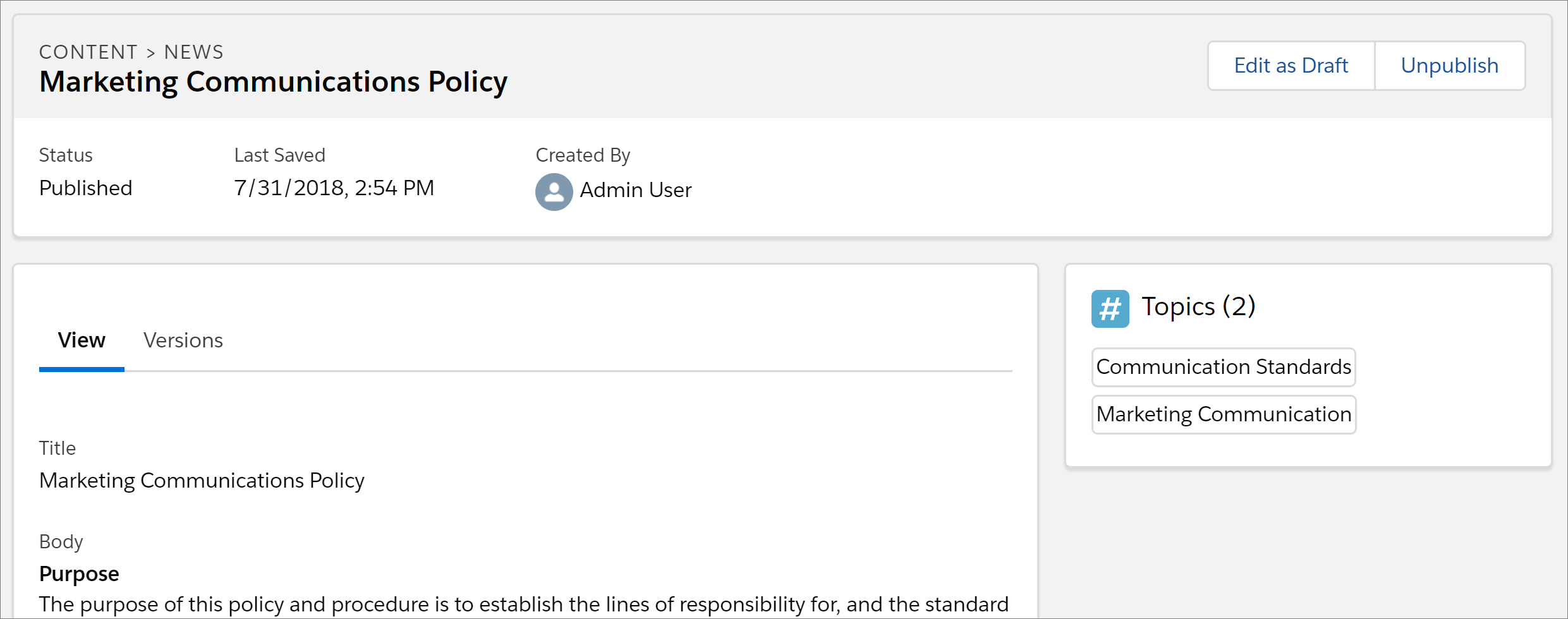
Content topics allow you to organize your original content around common themes. Enable topics that you’re already using for content, or create topics and enable them for content. After topics are enabled for content, assign them to your native content.
Member-Created Topics
When posting questions, site members create topics by using hashtags in body text, or typing in the topic suggestions box. (In Setup, the “Assign Topics” and “Create Topics” permissions must be enabled for site users.)
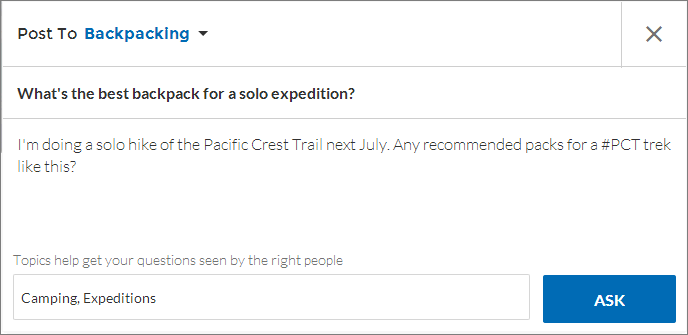
If any suggested topics are poor matches for the post, members can simply click to delete them.

Topic Metrics
Site members can check how often a topic has been used in the past 60 days and how many followers it has. Find metrics on a topic’s detail page. With this information at their fingertips, site members know how current and popular a topic is. Admins can also use these metrics to highlight certain topics in their sites or consolidate similar topics based on usage.
- Manage Topics in Experience Cloud Sites
As the number of topics in an Experience Cloud site grows, curate them to improve usability. You can create, merge, rename, enable for content, and delete topics in one convenient location. - Automatically Assign Topics to Articles
Transport all your hard work of organizing Salesforce Knowledge in your Experience Cloud site, and boost SEO for your Knowledge articles, by mapping topics to data categories. All articles published with a specific data category are tagged with the topics you specify. Articles added to the data category in the future are also tagged. All articles with assigned topics are included in search results. - Set Up Featured Topics
Featured topics highlight current, popular conversations in your Experience Cloud site. Change them regularly to keep members up-to-date and engaged. - Set Up Navigational Topics
Structure your Experience Cloud site’s content and help your users find what they need with navigational topics. If your org uses data categories, community managers can link current Salesforce Knowledge articles associated with those categories to each navigational topic. If data categories aren’t enabled, administrators can add articles to each topic using Connect REST API. - Set Up Content Topics
Content topics organize your original content around common themes for your Experience Cloud site. - See Your Site’s Topics and Subtopics in One Place
You’ve gone through the exhaustive task of adding topics and various levels of subtopics to your Experience Cloud site’s content. Now you want your site members to see all the organized topics in one place, so they can navigate to any subject their hearts desire. Fear not! They can see everything in your site’s topic catalog. - Add Topics to Articles or Remove Them
Easily add multiple topics of any type to specific articles, or quickly remove them as your Experience Cloud site’s needs change. - Translate Topics Names and Descriptions for Experience Cloud Sites with International Audiences
Use the Translation Workbench to translate topic names and descriptions in international Experience Cloud sites.
