
You are here:
Create Record Form
The Create Record Form component displays the action layout when a user clicks an action from the Create Record button.
When a site member clicks an action from the Create Record button in your site, they’re redirected to the Create Record page, which uses the Create Record Form component to display the fields in the associated global action layout. The page and component automatically pick up the global action layout defined in Setup based on the clicked action and the Action Name property is automatically populated. No additional configuration is required.
- Select the Create Record Form component in the page you’re configuring.
-
In the property editor, configure the properties for the component:
Property Details Action Name The API name of the action is automatically populated and doesn’t require configuration. Performance Settings Click to expand. Create Records in Batches A global action that allows users to create cases, leads, and custom objects in batches, rather than one at a time. Batching creation increases the number of objects that can be created at a time for high-volume sites.

Example Sample Create Record Form component.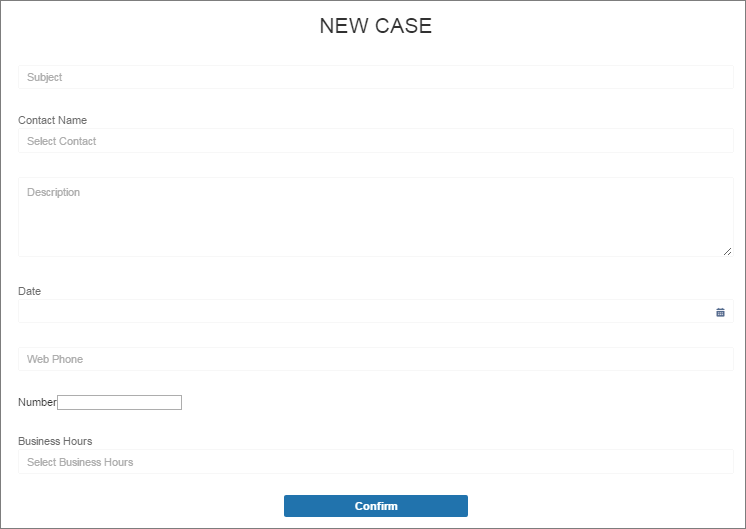
Did this article solve your issue?
Let us know so we can improve!
