
You are here:
Employee Login Link
Use the Employee Login Link component to direct users with accounts in the site’s parent org to their login page. When your employees or other users who have accounts in the parent org for the site end up on the site login page, you can redirect them to their own login page with a link. They can then log in with all the settings and permissions of their org account.
- Select the Employee Login Link component in the page that you're configuring.
- In the property editor, configure the properties for the component.

Example Sample Employee Login Link component: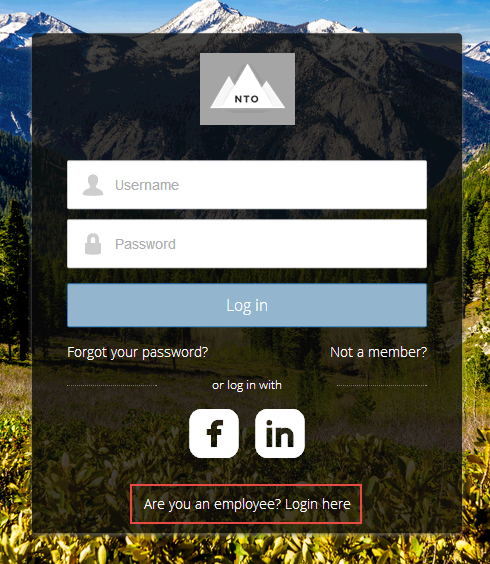
Did this article solve your issue?
Let us know so we can improve!
