
You are here:
Manage Members Section
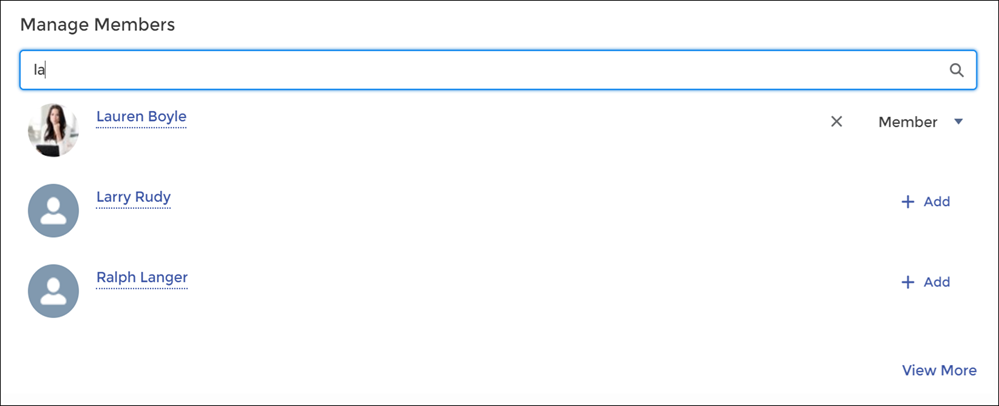
The Manage Members Section component allows you to search for and add members to your group from an Experience Cloud site. Search results update dynamically as you type.
- Select the Manage Members Section component.
-
In the property editor, configure the properties
for the component.
Property Details Group ID Enter a group ID. To find a specific group ID, navigate to the group home page and copy the ID from the URL. The ID is a string of numbers and letters.
Group URL format example: https://MyDomainName.my.site.com/siteName/s/group/0F7A0000000DZXiNQO/groupName
For this URL, the group ID is 0F7A0000000DZXiNQO.
Header Label Enter header text for your component. The default is Manage Members.

Example Sample Manage Members Section component: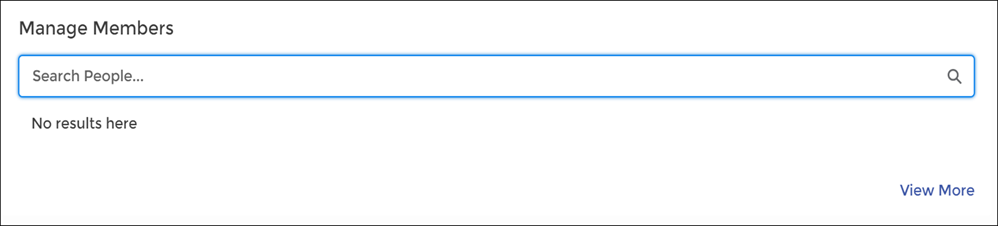
Did this article solve your issue?
Let us know so we can improve!
