
You are here:
Membership
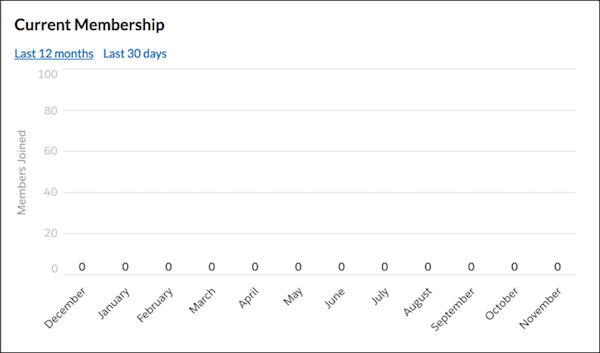
The Membership component displays the number of new group members, either in the past 30 days or the past 12 months.
The Membership component is visible only to users who have reporting permissions in orgs that have group engagement. You can also choose to make the component visible only to group managers.
- Select the Membership component in the page that you're configuring.
-
In the property editor, configure the properties
for the component.
Property Details Group ID The group’s ID. Typically, this field is populated when the page loads.

Example
Did this article solve your issue?
Let us know so we can improve!
