
You are here:
Topic Catalog
The Topic Catalog component lets Experience Builder site members see a full listing of navigational parent and subtopics you have set up for the site in one convenient location.
The following is the maximum number of navigational topics and subtopics you can have in a Customer Service template.
| Level | Maximum Number of Entries |
|---|---|
| One (parent) | 25 |
| Two (subtopic) | 10 |
| Three (subtopic) | 10 |

Note The topic catalog shows only navigational topics and subtopics, and is only
visible after you set them up.
- Edit the Navigation Menu component in your site (typically, on the home page).
- Select Add the “More Topics...” link.

Example When site members click More Topics from the Topics list in
the navigation menu, they see the topic catalog.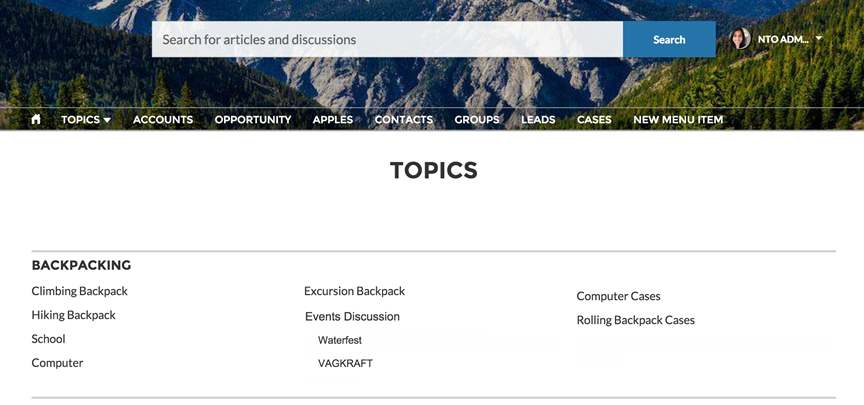
Did this article solve your issue?
Let us know so we can improve!
