
You are here:
Topics
The Topics component allows your site members to add topics to records to organize them by theme in your Experience Builder site.
Add the topics component to record detail pages for objects that have topics enabled.
When a user searches with the Topics component, the dropdown menu displays a maximum of five topics. If they select the topic with Press Enter to Add listed next to it, and the topic exists, the topic is assigned. If it doesn't exist, the system creates the topic, which is assigned when the user clicks it.
- Select the Topics component.
-
In the property editor, configure the properties for the component.
Property Details Title Enter a title for the component. The default text is Topics. Placeholder Text Enter placeholder text that appears in the topic editor to encourage members to enter topic names. The default text is Type a topic name and press Enter. Number of Topics Shown Enter the number of topics to show before the Show More link appears. The default number is 10.

Example Sample Topics component: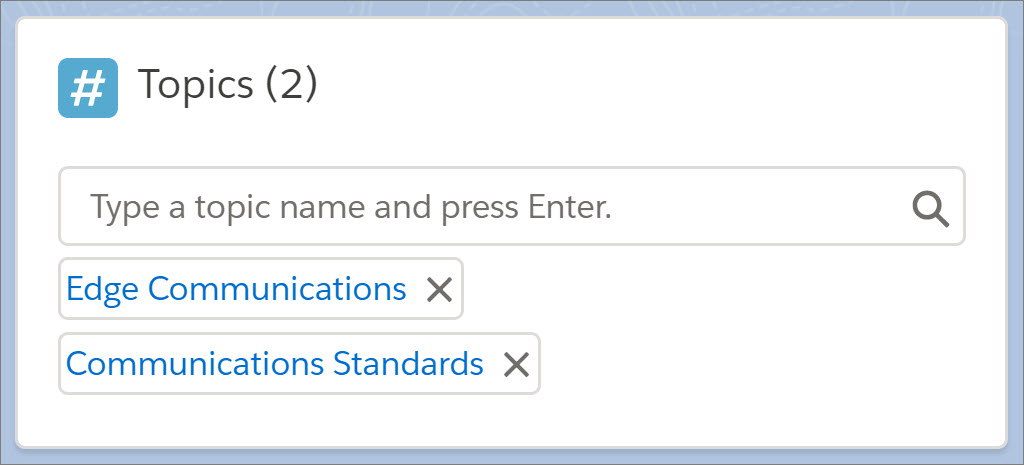
Did this article solve your issue?
Let us know so we can improve!
