You are here:
Comparison of the Product Catalog Applications
In Spring '20, Salesforce introduced the Product Designer for Lightning. Salesforce also supports its legacy versions of the Product Catalog administration applications.
-
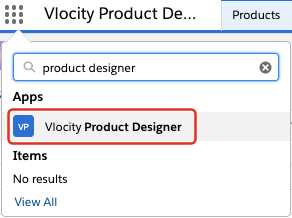
Product Designer uses Lightning Web Components (LWC) and is available in Spring '20 and later. You have access to the product catalog entities from a menu list.
Product Designer has enhanced searching and improved performance. It also aligns with the move to LWC design in Salesforce for a common user experience. Product Designer improves the usability for managing attributes, offers, product specifications, object types, and bundles. For example, you can drag and drop products to create product structures or files to add attachments. The Product Designer
-
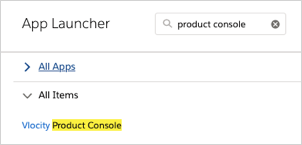
Product Console uses Angular, and you have access to the product catalog entities from a dashboard.
-
Product Console for Salesforce Classic uses the Salesforce Classic interface. This is the first generation of Product Console.
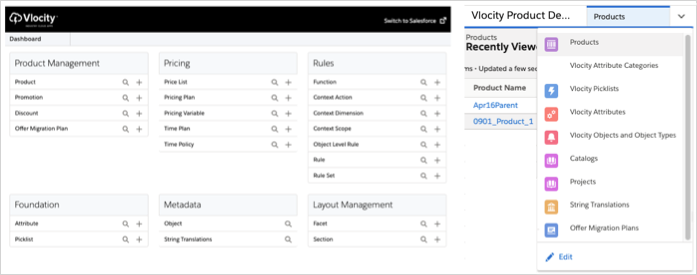
The following image shows Product Console with the dashboard on the left and the Product Designer on the right.
The Product Designer supports creating and managing products:
-
Object types
-
Attribute assignment overrides
-
Price list entries
-
Cost list entries
-
Product attachments
-
Attribute configuration rules
-
Fulfillment rule
The Product Designer supports creating and managing product structures:
-
Bundle composition
-
Attribute overrides
-
Cardinality overrides
-
Pricing overrides and adjustments
The Product Designer supports managing these product catalog entities:
-
Attributes
-
Picklists
-
Catalog
-
Migration plans
-
String translations
-
Object types
For the administration of other product catalog entities, use the Vlocity Product Console.