You are here:
Configure the Page Size for Groups in Industries Cart
Learn how to configure the page size for groups, group members, or ungrouped items. When you configure the page size, it impacts the number of results for each item that appears on the managed group page and the Vlocity Group Cart page.
You can configure the page size for the following items:
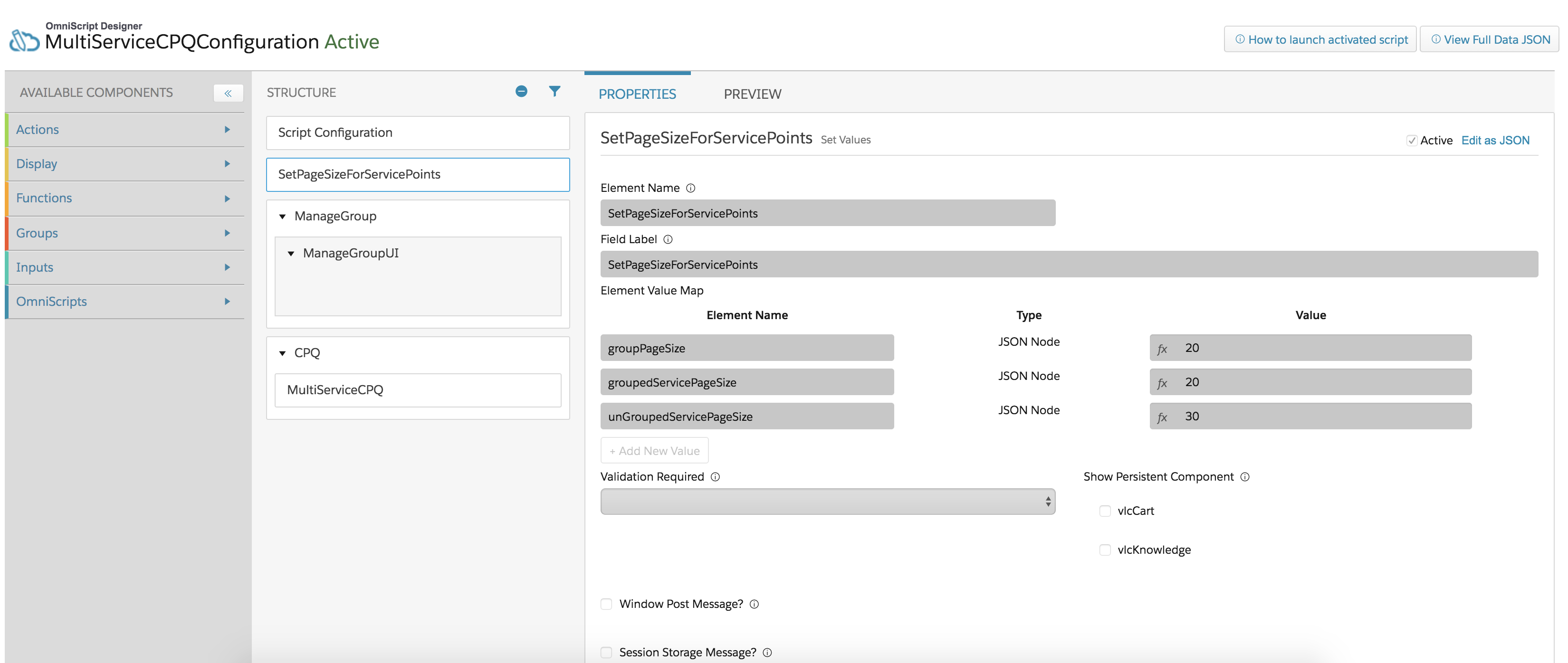
groupPageSize: Page size for groups returns the number of groups you can view. The default is set to 20 for optimum performance. If you create more than 20 groups, you can click the Load More Groups button to view the longer list.
groupedServicePageSize: Page size for groups returns the number of items that are grouped together. The default is set to 20 for optimum performance. If you add more than 20 within a group, the Load More button is available. Click it to view the longer list within that group.
ungroupedServicePageSize: Page size returns the number of individual items that are not grouped. The default is set to 30 for optimum performance. If you have more than 30 items that are not grouped, the Next and Previous buttons are available so you can view the longer list of ungrouped items.

If your org has more than 2,000 records for any grouping object, Salesforce recommends that you apply filters to retrieve your search results because the
maximum query result is set to 2,000 on the Salesforce platform.
Using OFFSET is an efficient way to handle large result
sets.
For more information about
OFFSETconsiderations, see the Salesforce documentation.
To configure the page size:
- Go to the App Launcher.
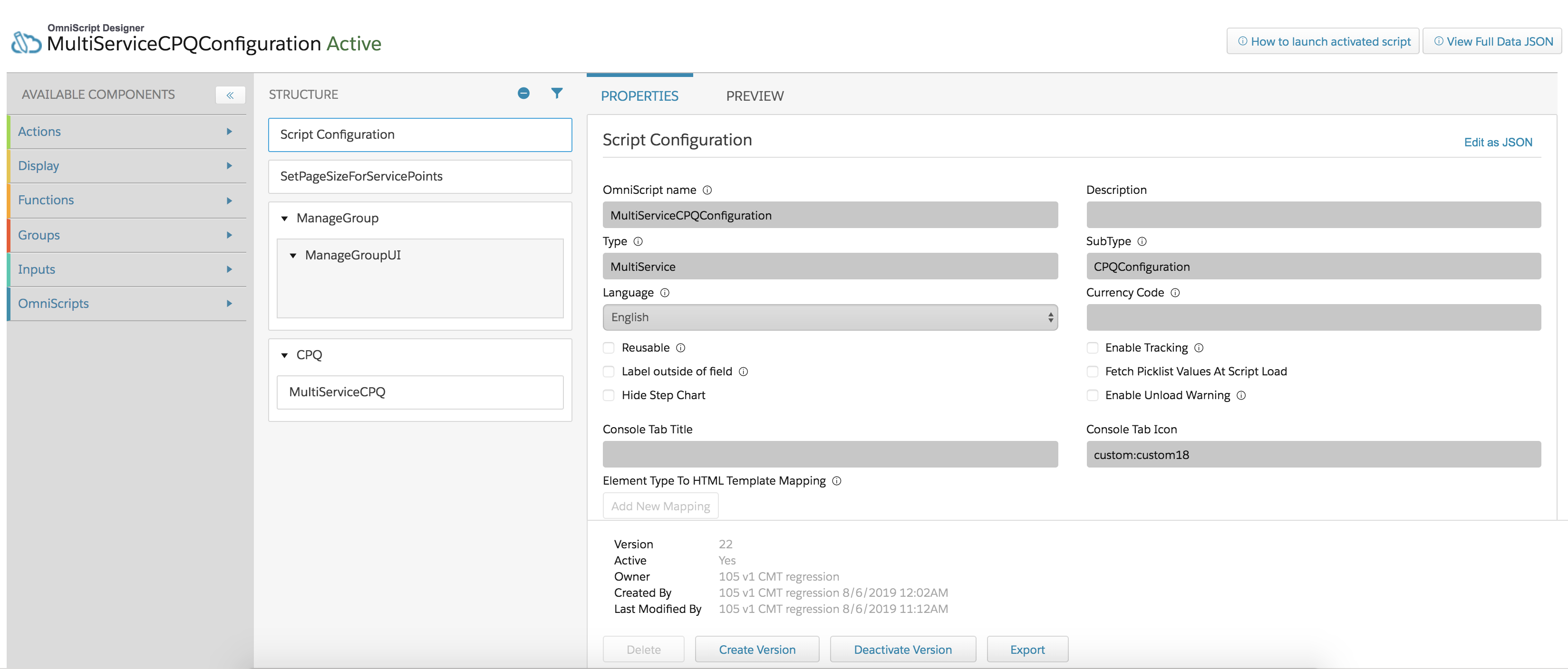
- Search for and open the Vlocity OmniScript Designer.
- Search for and open the MultiServiceCPQConfiguration script.
- Click Deactivate Version.
- Click SetPageSizeForServicePoints listed in Structure.
- Change the value for each element name you want to configure.
- Go to Script Configuration and click Activate Version.