
You are here:
Create a Tab for the Project Custom Object
You must create a Custom Tab for the Project custom object.
- From Setup, enter Tab in the Quick Find box, and open Tabs.
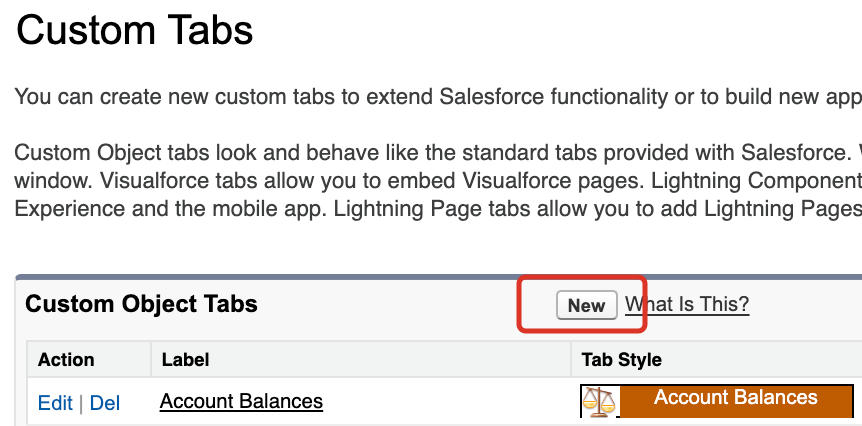
- In the Custom Tabs list, click New.
-
In the Object list,
select Project.
If more than one Project object is listed, select Project (Installed Package: Vlocity CMT).
- For the Tab Style, select Form, and click Next.
- Accept the defaults, and click Next.
-
Click Save.
The tab will have the plural Projects as the label and will refer to the vlocity_cmt__Project__c object.
Did this article solve your issue?
Let us know so we can improve!
