You are here:
Flow Management in Industries CPQ
Flows define sequential processing of rules, logic, and custom processing that can be initiated by an interface implementation, specify calls to Apex, and can access any service.
Salesforce Industries Communications, Media, and Energy (CME) extends Salesforce Flow tools with sequencing logic to support the flow of objects, such as orders, quotes, and price books. Flows support branching, synching, conditional execution, embedded flows, flow actions, and entry and exit criteria.
Flows drive pricing steps. CME can then compute pricing for an entire order.
You can create and manage flows and associate them with business processes to provide eligibility, compatibility, and pricing. You can change the processing order, add new steps, and include branching logic. Each rule action in a flow can invoke one rule by specifying the rule name and rule type. The doCommit option specifies the last rule action, which is required.
Sample flow:
-
Preselect product filter.
-
Select product.
-
Check compatibility.
-
Price order.
-
Submit order.
-
Update order status.
-
Asset-based delta order.
Enable a Flow
You can have several different versions of any flow in your org, but only one version can be active at a time.
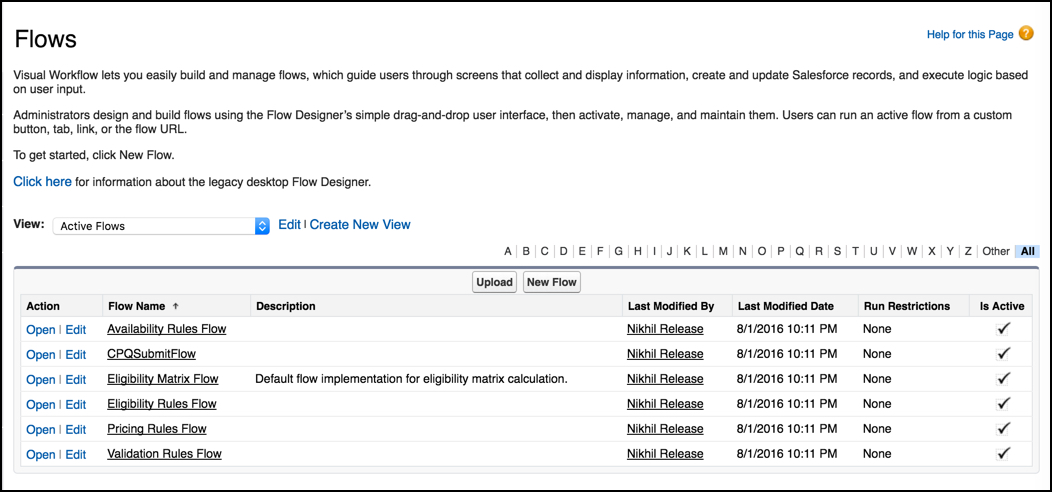
- From Setup, in the Quick Find box, enter Flows.
- Click Flows.
- Click the Flow Name to enable.
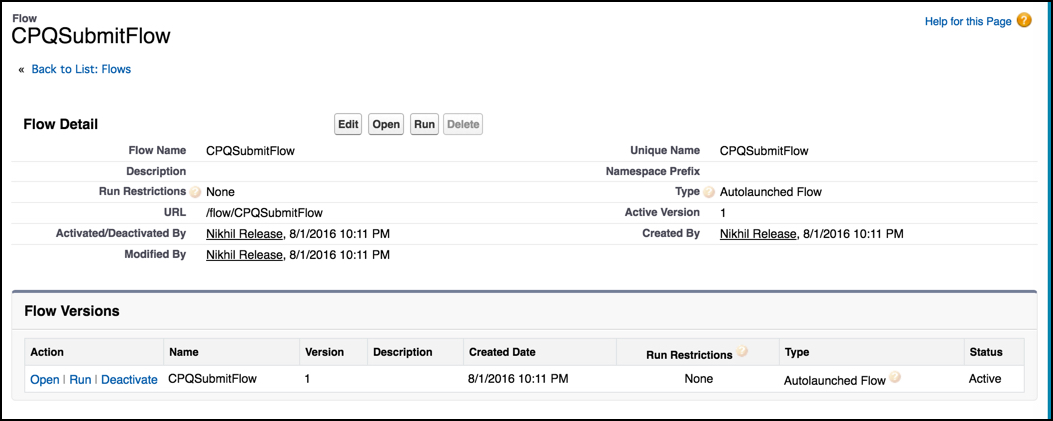
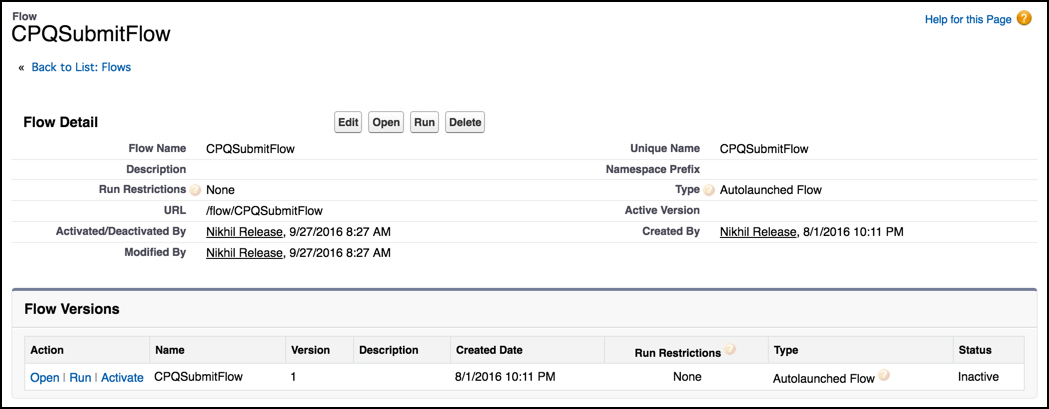
- On the Flow detail record page, in the Flow Versions related list, next to the flow to deactivate, click Activate.
Deactivate a Flow
You can have several different versions of any flow in your org, but only one version can be active at a time.
- From Setup, in the Quick Find box, enter Flows.
- Click Flows.
- Click the Flow Name to deactivate.
- On the Flow detail record page, in the Flow Versions related list, next to the flow to deactivate, click Deactivate.