
You are here:
Mapping Fields Using Field Mapper
Field Mapper is a custom field mapping tool to map fields between the Opportunity, Quote, Order, and Asset objects.
Salesforce Industries Communications, Media, and Energy supports cross-line item (XLI) actions, in which line items move from an opportunity to a quote to an order to an asset and then back again. The actions move order information between objects and support moving data to or from any object.
Field Mapper supports the CPQ process to enable data movement between objects. You can move order information between objects. You can move additional fields to each object by mapping fields from one object to fields on another object. Using Field Mapper, you can move any field from any source object to any field of the same type in any destination object.
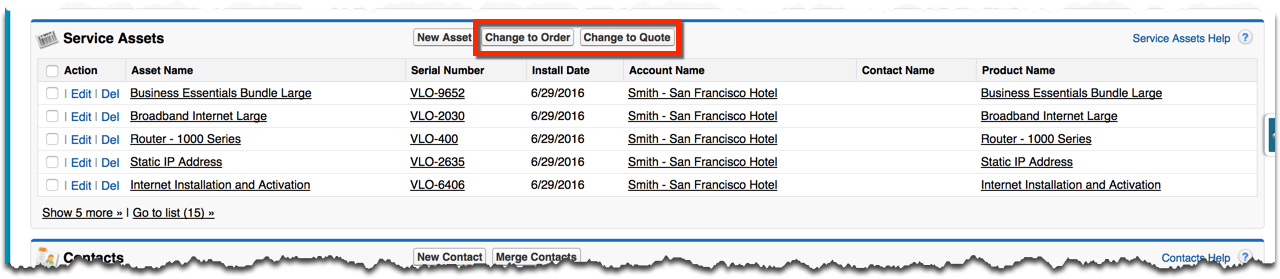
From the Service Assets related list on an Account record, you can change one or more assets back to an order or a quote.
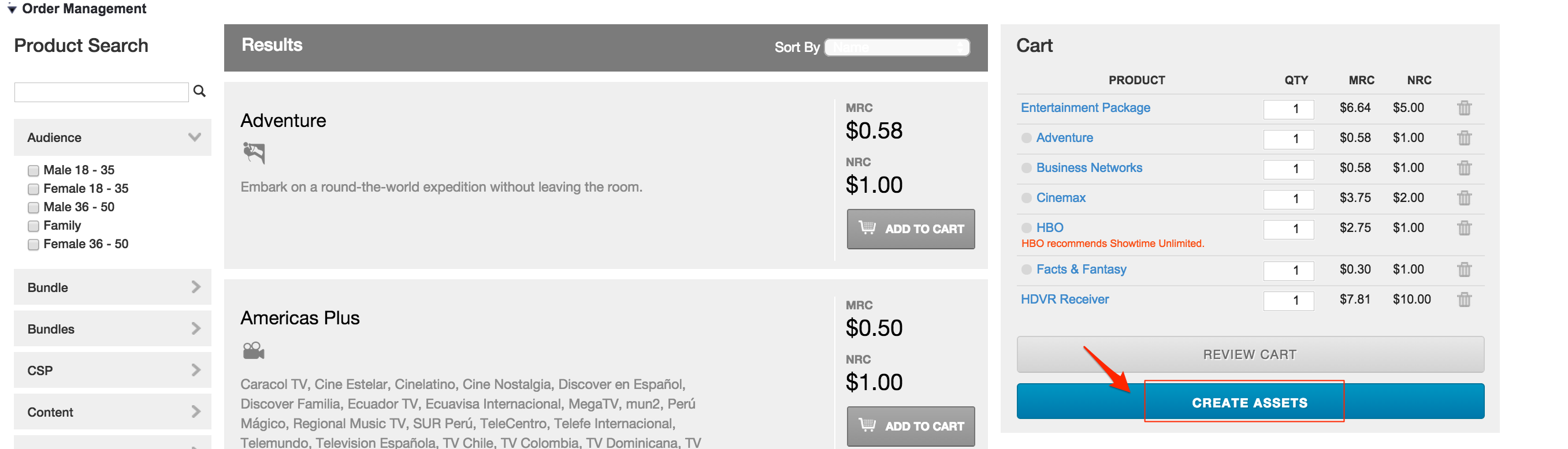
When an order is complete, you can create assets from the products within an order.
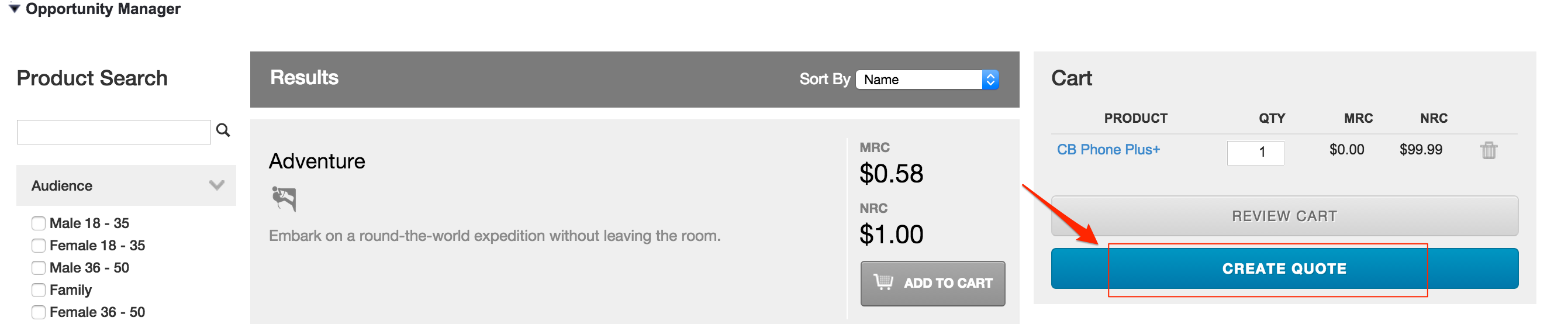
You can create a quote from an opportunity.
For information on resetting the mappings to the out of box defaults and picking up any new fields that have been added to the data model, see Field Maps Maintenance.
- Adding a New Field to Field Mapper
Field Mapper is preconfigured to map all the available fields between objects. If you add fields to the Asset, Opportunity, Quote, or Order objects, use Field Mapper to map them between objects. - Configure Custom Field Map for Standard Cart APIs
You can define, configure, and activate the Standard API Fields, Field Set, which controls the fields used by the Standard Cart APIs. - Adding a Filter to Field Mapper
You can filter or limit source fields based on the configured conditions. - Editing Field Mappings
You can go to the Field Mapper and select the field mappings you want to edit for the objects involved. - Mapping Fields for Asset-Based Ordering
Asset-based ordering uses Field Mapper to move data between opportunities, orders, quotes, and assets.
