
You are here:
Configure Plan Definitions for Rollback or Amendment
You can configure an orchestration plan definition to act as a rollback or amendment plan definition. These plans orchestrate the rollback or amendment of orchestration items when an order is canceled or amended.
For example, if a SIM card was part of an order, and the order was canceled, then rolling back the orchestration item with the SIM card allows the SIM card to be used again in a different customer order.
To configure a rollback or amendment plan, follow the steps below:
- Create an orchestration plan definition to act as a rollback or amend plan definition. See Orchestration Plan Definition
 Note Any orchestration scope that you apply to tasks in a rollback or amend plan definition are ignored, except for the Global scope.
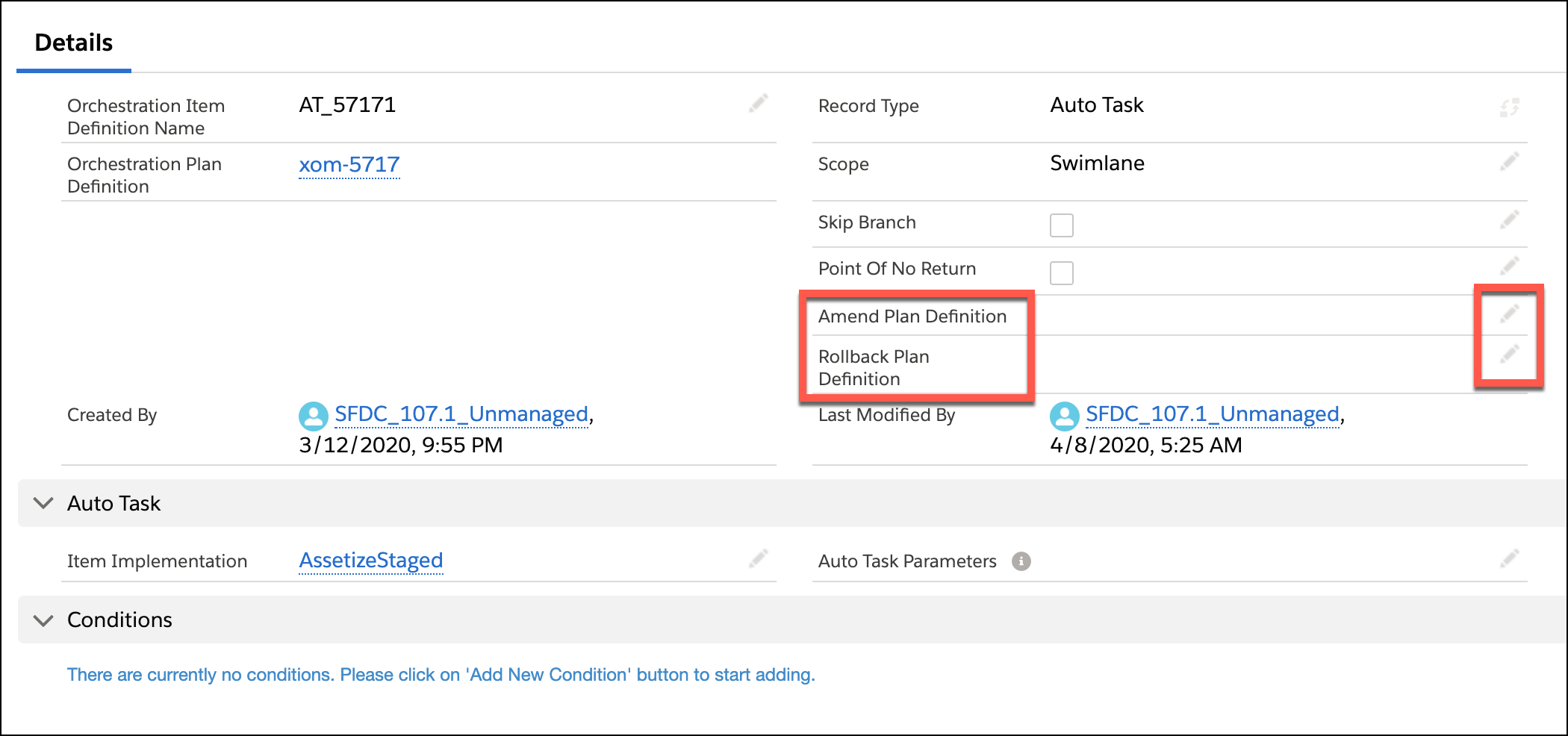
 - Navigate to an orchestration item definition that should be associated with a rollback plan or an amendment plan.
- Click the pencil icon to the right of the type of plan definition that you want to add.
- Click in the Search field and search for the plan that you created.
Did this article solve your issue?
Let us know so we can improve!
