
You are here:
Configure the Point of No Return (PONR)
As a fulfillment designer, you can set an order item to be a point-of-no-return (PONR). Once an item has reached the PONR, it can't be canceled or otherwise amended unless you've selected the Force Supplementals option for that order, which is available in the Spring '22 release.
When an orchestration item is marked as PONR, it displays a "No U-Turn" icon in an orchestration plan:
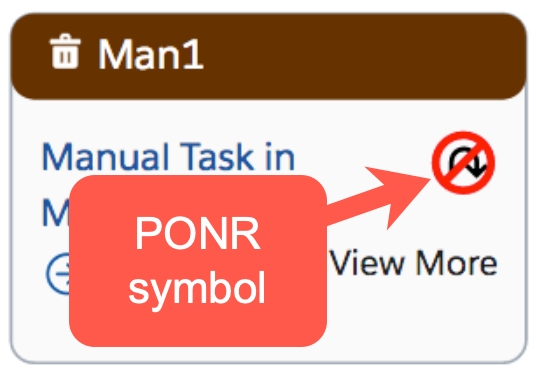

To tag an item as a point of no return, follow the instructions below:
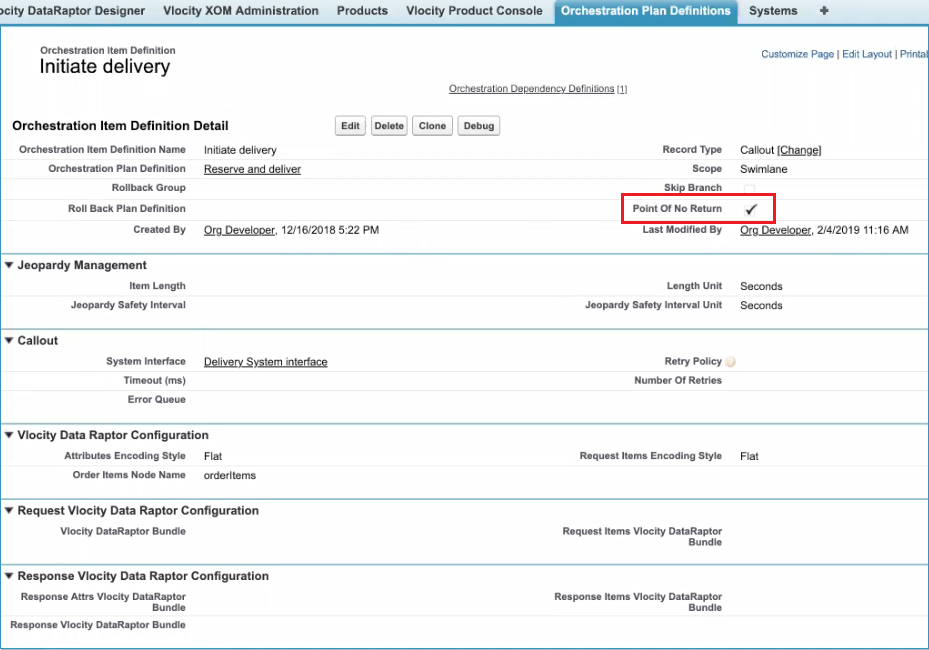
- Click the Orchestration Plan Definition tab and select an Orchestration Plan Definition. The page for that Orchestration Plan Definition appears.
- Click an Orchestration Item Definition. The page for that Orchestration Item Definition appears.
- Click the Point Of No Return check box.
When using the Assetize or AssetizeOrderItem item implementation within and orchestration plan, do one of the following:
Activate Point Of No Return to disallow cancellation after the assetization task is complete, because there is no out of box solution to un-assetize.
Contact Vlocity to implement an un-assetize orchestration item. This item will be in the rollback sub-process for the Assetize and AssetizeOrderItem implementations.
Order Management proactively notifies CPQ that the PONR has been reached, and provides an API that allows any upstream system to query Order Management for the PONR status of an order. If no PONR is defined, then once the order is assetized, it cannot be canceled.
A cancel request is submitted to each orchestration item in reverse order of initial execution.
If all the Order Items are frozen, there is no rollback creation.
If Cancel Order is accepted, the rollback plan is generated.
- Rules for How Point of No Return (PONR) Propagates through a Decomposition Plan
This topic provides an overview of how the PONR feature works in a decomposition plan.
