
You are here:
Create Sub Actions for Order Decomposition and Orchestration
Sub actions allow you to be more detailed than the out of the box actions allow. For example, you might have different types of suspensions, such as on-demand suspension, fraud suspensions, and so on. Create custom sub actions to support the main suspend action.
To set up sub actions, you'll make a change to both the Order Product object and the Orchestration Scenario object:
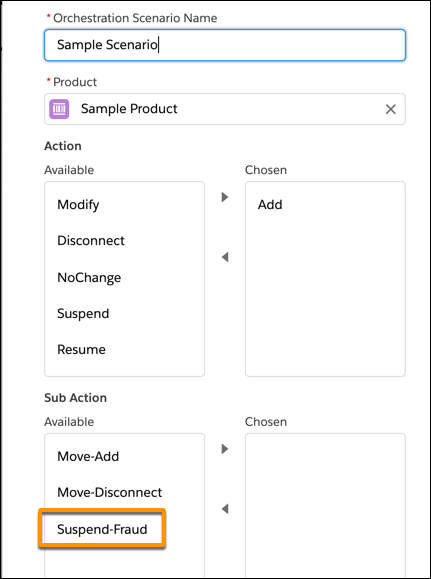
- Add a sub-action to the Order Product Object or Orchestration Scenario Object
Sub Action is a field of type Picklist in the Order Product and Orchestration Scenario objects. You can add values to this picklist in the Object Manager in Setup.
Did this article solve your issue?
Let us know so we can improve!
