
You are here:
Search for Products and Promotions from the Cart in LWC
From the Industries CPQ Cart, you can search for promotions and products that are in the selected price list.
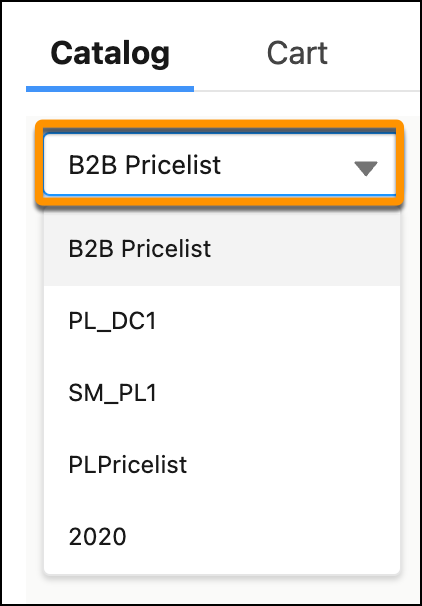
- If you want to update the price list to view a different catalog, click the price list and select a new price list.
-
Search for products from the Cart.
- From the Catalog tab, select All Products or a product category, if available.
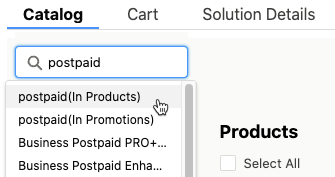
- In the Search box, enter a search term.
- From the list, select a product or the (in Products) item to see all products that match the search terms.
-
Search for promotions from the Cart.
 Note
NoteA promotion must belong to the same price list as the order to which is it added. Otherwise, the promotion doesn't appear in the Promotions list.
- From the Catalog tab, select Promotions.
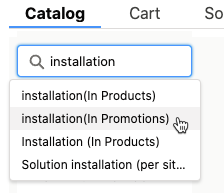
- In the Search box, enter a search term.
- From the list, select a promotion or the (in Promotions) item to see all promotions that match the search terms.
-
Select whether to show only qualified items or include items that the order doesn't qualify for.
Qualified items can be added to the cart and ordered. Disqualified items can’t be added to the cart for this account.
- Select a view for the list of items: List View or Tile View.
Did this article solve your issue?
Let us know so we can improve!
