
You are here:
Set Up a Sumo Logic Named Credential for OM Plus
The last thing to do in the process of Sumo Logic integration is to set up a new named credential using the URL that you get from Cloud Engineering.

Note
Before you can do these steps, you must have received the relevant web hook (URL) from Salesforce Customer Support
To set up a named credential with the correct information for receiving alerts to Sumo Logic, follow these steps:
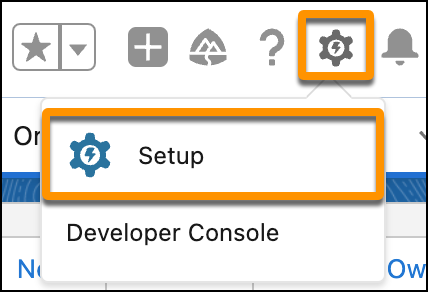
- Click the Setup button to open Setup.
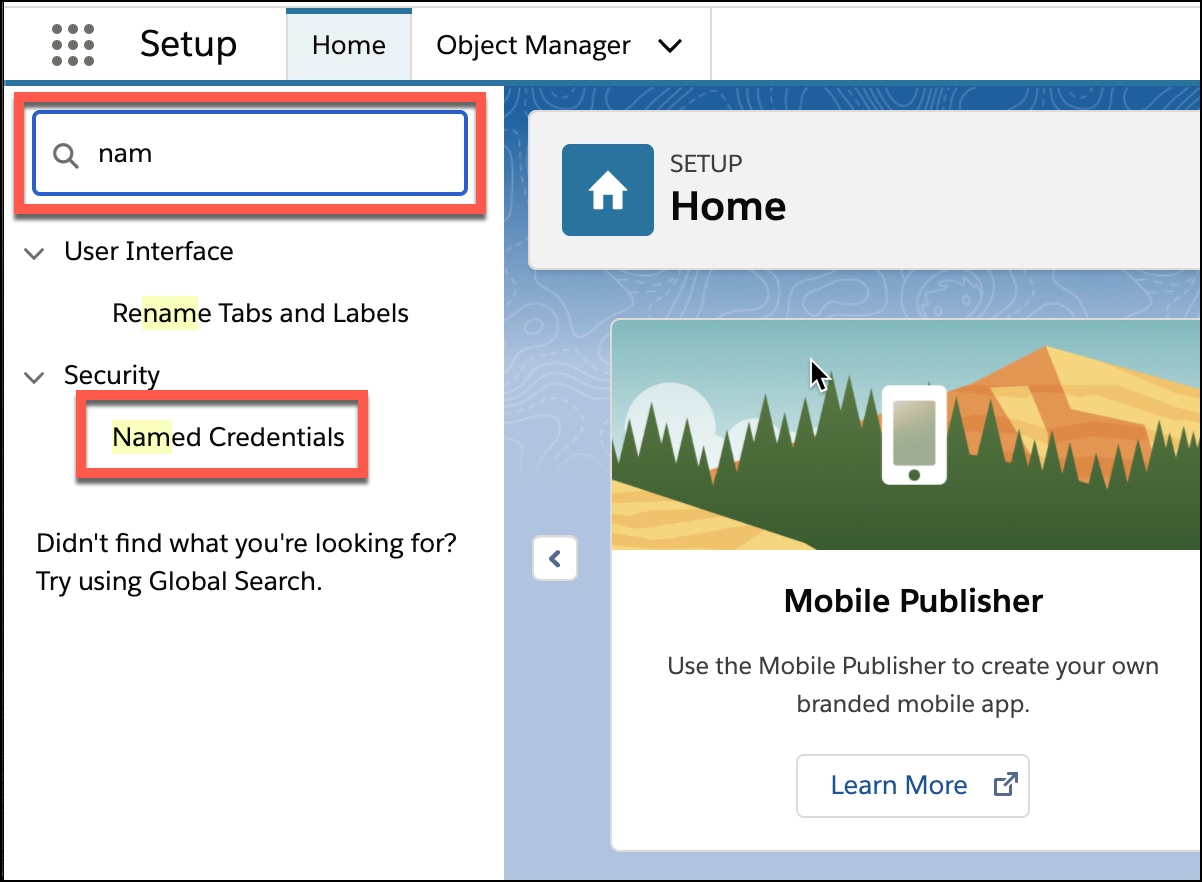
- In the Quick Find box, start typing Named Credentials, then click Named Credentials.
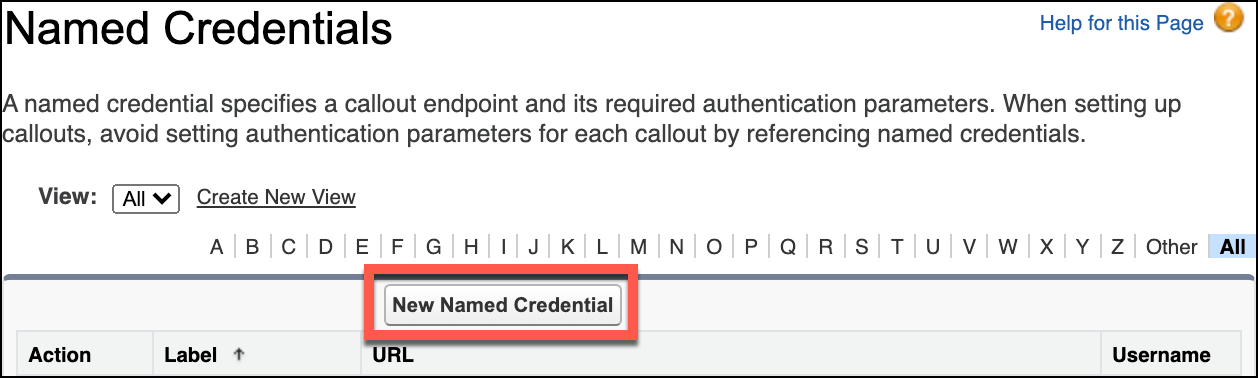
- Click New Named Credential.
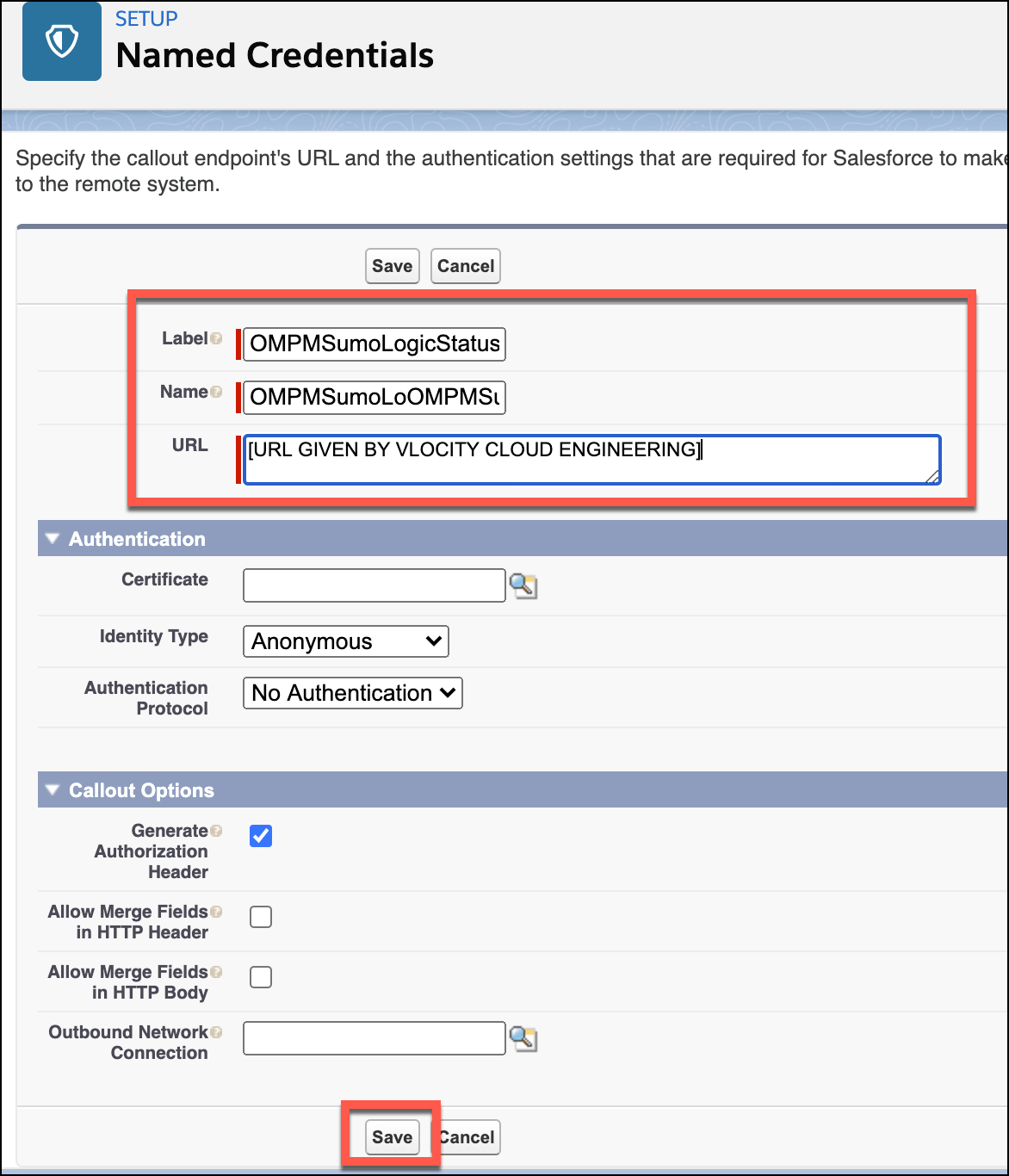
- Enter the following information, then click Save.
Did this article solve your issue?
Let us know so we can improve!
