
You are here:
Omnistudio Package and Salesforce Industries Package
You can now install both the Omnistudio package and Salesforce Industry package in the same org. If you install the Omnistudio package first, this dual installation feature lets you choose the required document generation capabilities. With enhanced document generation capabilities, you get seamless guided workflows to design templates and generate documents.

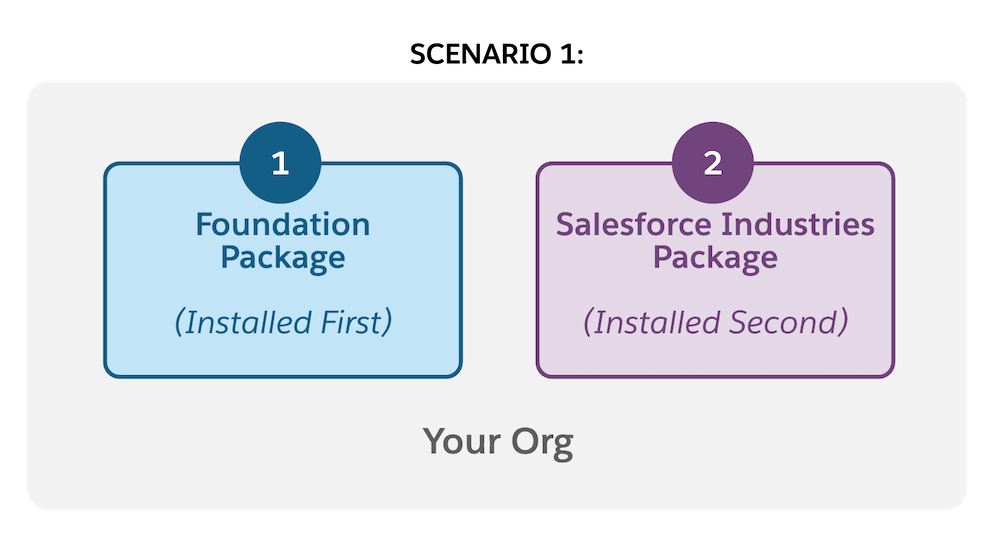
Scenario 1: If you install the Omnistudio package before installing the Salesforce Industry (CME, HINS) package.
-
When you select either the Document Template Designer or Vlocity Document Template option, the Select the Document Templates wizard appears, asking you to select the document template that you want to create. For more information, see Select Templates for CLM or Omnistudio DocGen.
NoteIf you create either a .docx or .pptx template on the Vlocity Document Templates tab, you can only select the Usage Type as Contract.
-
Both the Document Template Designer and Vlocity Document Template options are available in the App Launcher. For more information, see Hide Document Template Designer tab or Vlocity Document Template tab.
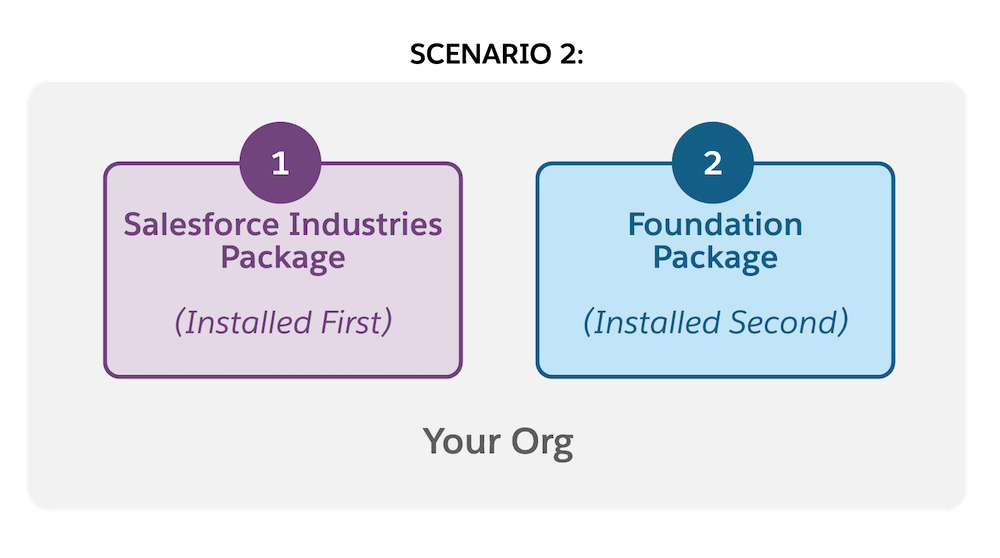
Scenario 2: If you install the Salesforce Industry package before you install the Omnistudio package.
-
When you select either the Document Template Designer or Vlocity Document Template option, you’re redirected to the Vlocity Document page to access all document templates.
-
Both the Document Template Designer and Vlocity Document Template options are available in the App Launcher. For more information, see Hide Document Template Designer tab or Vlocity Document Template tab.
- Select Templates for CLM or Omnistudio DocGen
If you installed the Omnistudio package before installing the Salesforce Industry package in your org, selecting either the Vlocity Document Templates or Document Template Designer tab asks you which template type you want to create. You’re redirected to the appropriate tab for your choice. The Vlocity Document Templates lets you create CLM templates. The Document Template Designer tab lets you create Omnistudio Document Generation templates. - Hide Document Template Designer tab or Vlocity Document Template tab
If you installed the Omnistudio package before installing the Salesforce Industry package in your org, the Document Template Designer and Vlocity Document Template options appear in the App Launcher. When you select either of the two options, the application navigates you to the Select the Document Templates window to choose the document template type. - Workaround: Document Template Import Error Post Upgrade
When you export a document template from a Summer '21 Omnistudio package org and try to import the template into a Winter '22 Omnistudio package org, an import error message appears. This procedure is a workaround to successfully import the document template to a Winter '22 Omnistudio org by manually modifying the .json datapack values. - Workaround: Omnistudio Omniscripts
If you installed the Omnistudio package before installing the Salesforce Industry package, when you try to use either the fndSingleDocxLwc or fndSingleDocxServersideLwc Omnistudio OmniScripts, an error message can appear. This procedure is a workaround to activate the Omnistudio Omniscripts by modifying the namespace value to match the Omnistudio namespace value. - Configure Namespace with Both Salesforce Industry and Omnistudio Packages Installed
If you install the Salesforce Industry package and then install the Omnistudio package, some of the components of the Omniscripts are installed with the Salesforce Industry package namespace.
