
You are here:
Create a Self-Service Financial Services Client Portal
Work with a Financial Services Client Portal Experience Builder template to create a self-guided loan application and financial account experience for your customers. Perform initial setup and branding, configure components, and then deploy a working portal to your sandbox in about 30 minutes.
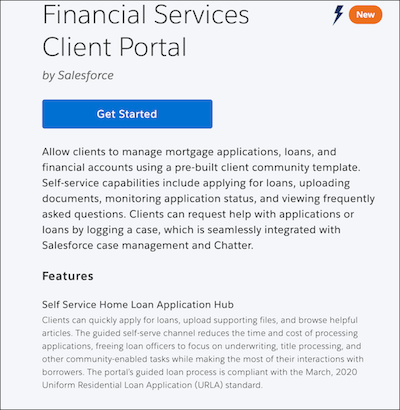
From the Financial Services Client Portal site template, configure prebuilt flow components that allow customers to:
- Start a loan application and upload required documents.
- Display application summaries and drill down to update records
- Browse articles and FAQs to guide their journey and use Chatter to contact their relationship manager or loan officer.
- Launch a self-service flow to request help, including a forbearance modification, for any loan application, bank account, or generic customer issue.
Customers can launch any of these flows from the portal home page.

Note The Financial Services Client Portal follows standard Experience Workspaces conventions:
- Use Experience Builder to configure, brand, and otherwise customize the Home page and the prebuilt flow components.
- Optionally use Flow Builder to modify the flows.
- Use Content Management and Moderation to set up the Knowledge Base.
- Take advantage of prebuilt analytics using Dashboards.
- FSC Portal Experience Cloud Site Setup Checklist
The Financial Services Client Portal Experience Builder template is anchored by a home page that provides flow components. The prebuilt components wrap each flow and allow customers to launch the flow. Use this checklist as a guide to perform Experience Cloud site setup tasks, to brand the home page and flows, and to update component properties. - Work with the FSC Portal Home Page
The Financial Services Client Portal home page and tiles are ready to brand and personalize for your Experience Cloud site. - Experience Builder Components Provided in Financial Services Cloud
Work with Experience Builder to configure the existing components and optionally add components to pages. The prebuilt components wrap flows that customers use to start or modify a loan application, upload supporting documents, browse FAQs and other Salesforce knowledge features, or request help.
Did this article solve your issue?
Let us know so we can improve!
