You are here:
Set Attribute Required Field Validation for Claim Product Models
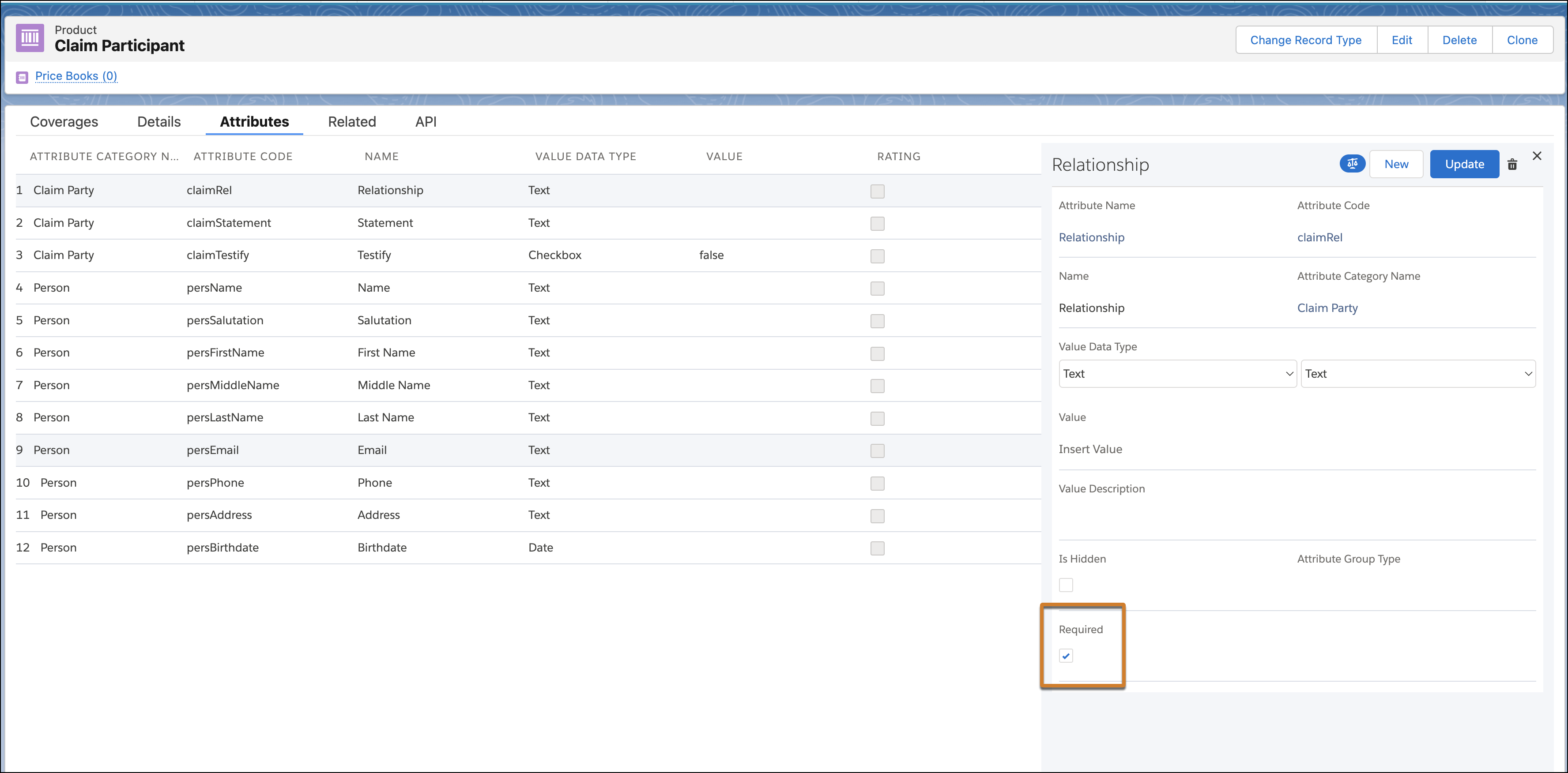
You can now set the Required field indicator on attributes for Claim Involved Injury and Claim Damaged Property record types. This configuration on the claim product model enforces at runtime when claim item records are displayed on the participant card claim item page.
Where: This change applies to Lightning Experience in Professional, Enterprise, and Unlimited editions with the Insurance Industries managed package.
Why: With this enhancement, users can identify the required fields on the participant card while adding or updating the attributes for claim-involved injury or damaged property record types. Furthermore, if users attempt to save a record without populating a required field, an error message is displayed which helps users complete the missing information.
How: Select Required when you configure the attribute for the claim product models.