
You are here:
Workflow for Updating an Envelope Status
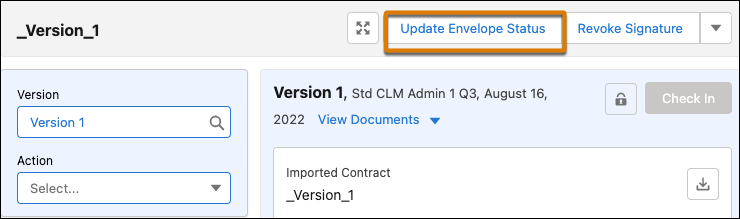
Salesforce Contracts renders Update Envelope Status flow when submitted for e-signature.
When the contract is in Awaiting Signature state, you can either update the envelope status on demand or wait for the scheduled job to query docusign to verify whether the e-signature envelope was signed or declined by the signers.
To update the envelope status manually:
The envelope status updates to signed or signature declined with Update Envelope Status action.
If envelope is signed, the contract state changes to Signed and the pdf version of the signed document is generated with the prefix ‘signed’.
If envelope is not signed, the contract state changes to Signature Declined.
For more information on scheduling a docusign job, see Schedule a DocuSign Job to Poll for Document Signed Status.
