
You are here:
Enable the Enhanced Lookups Search Setting
Enhanced Lookups is a search setting that provides an updated lookup dialog interface that gives users the ability to filter, sort, and page through results as well as customize columns. It also returns more comprehensive search results from Lookup pages.
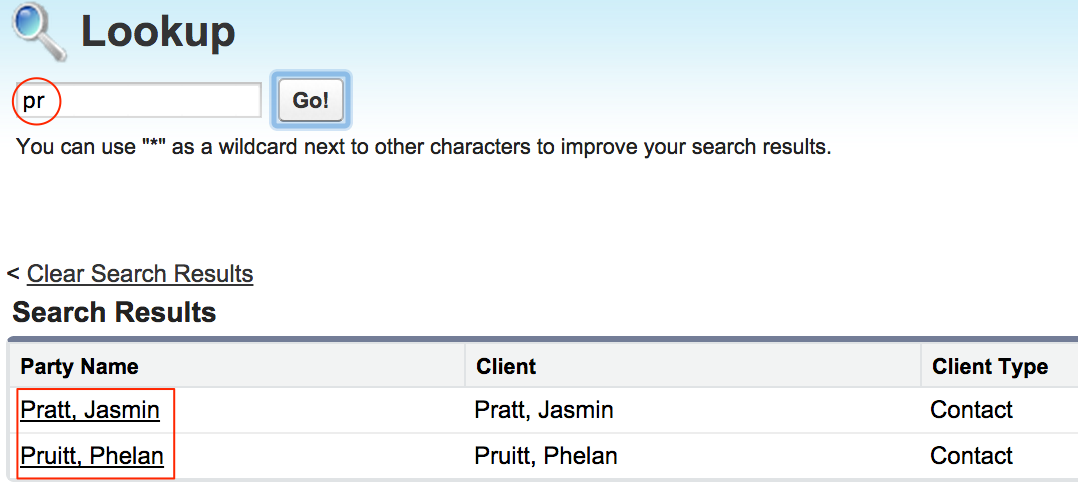
Without Enhanced Lookups, search results for "pr" only return results for a contact with "pr" in the last name:
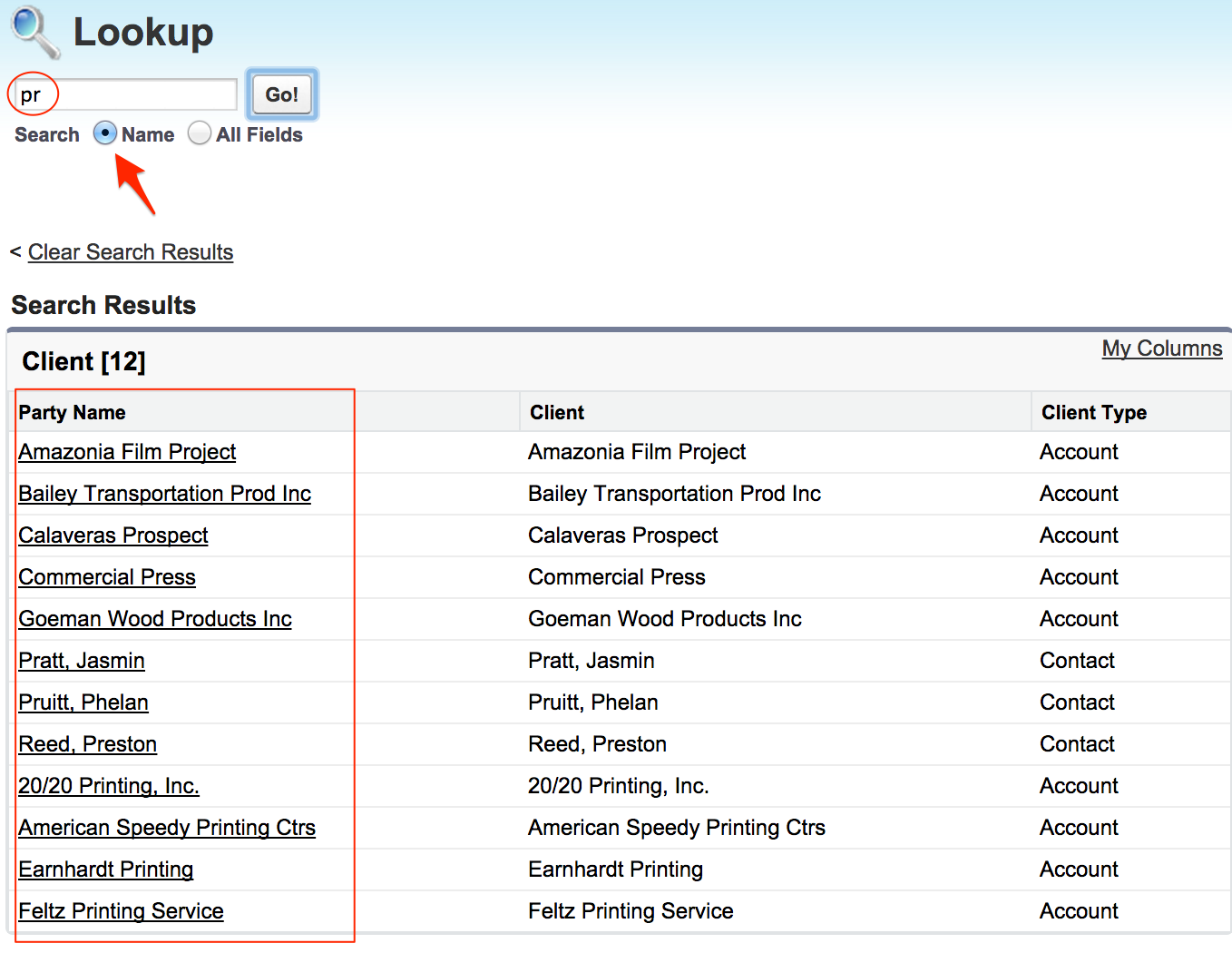
With Enhanced Lookups enabled, the same search returns results with "pr" anywhere in the name of a contact or account:
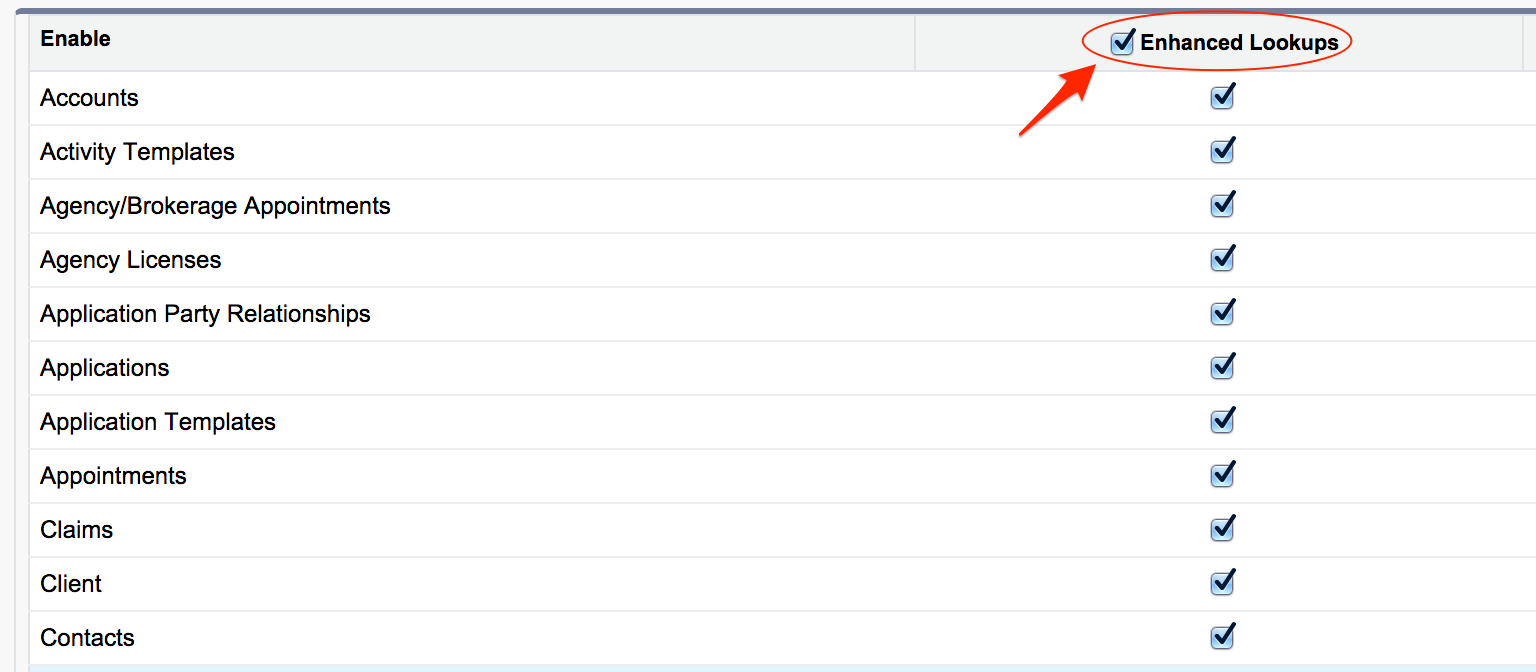
To enable Enhanced Lookups:
- From Setup, click Customize, and then click Search, then click Search Settings.
- Click Enhanced Lookups.
- Click Save.
Did this article solve your issue?
Let us know so we can improve!
