
Loading
Feature Degradation | Agentforce Voice Read More
Get Started with Communications, Media, and Energy & Utilities (CME)...
Table of Contents
Select Filters

          No results
          No results
          Here are some search tips

          Check the spelling of your keywords.
          Use more general search terms.
          Select fewer filters to broaden your search.

          Search all of Salesforce Help
          Add an Event

          Add an Event

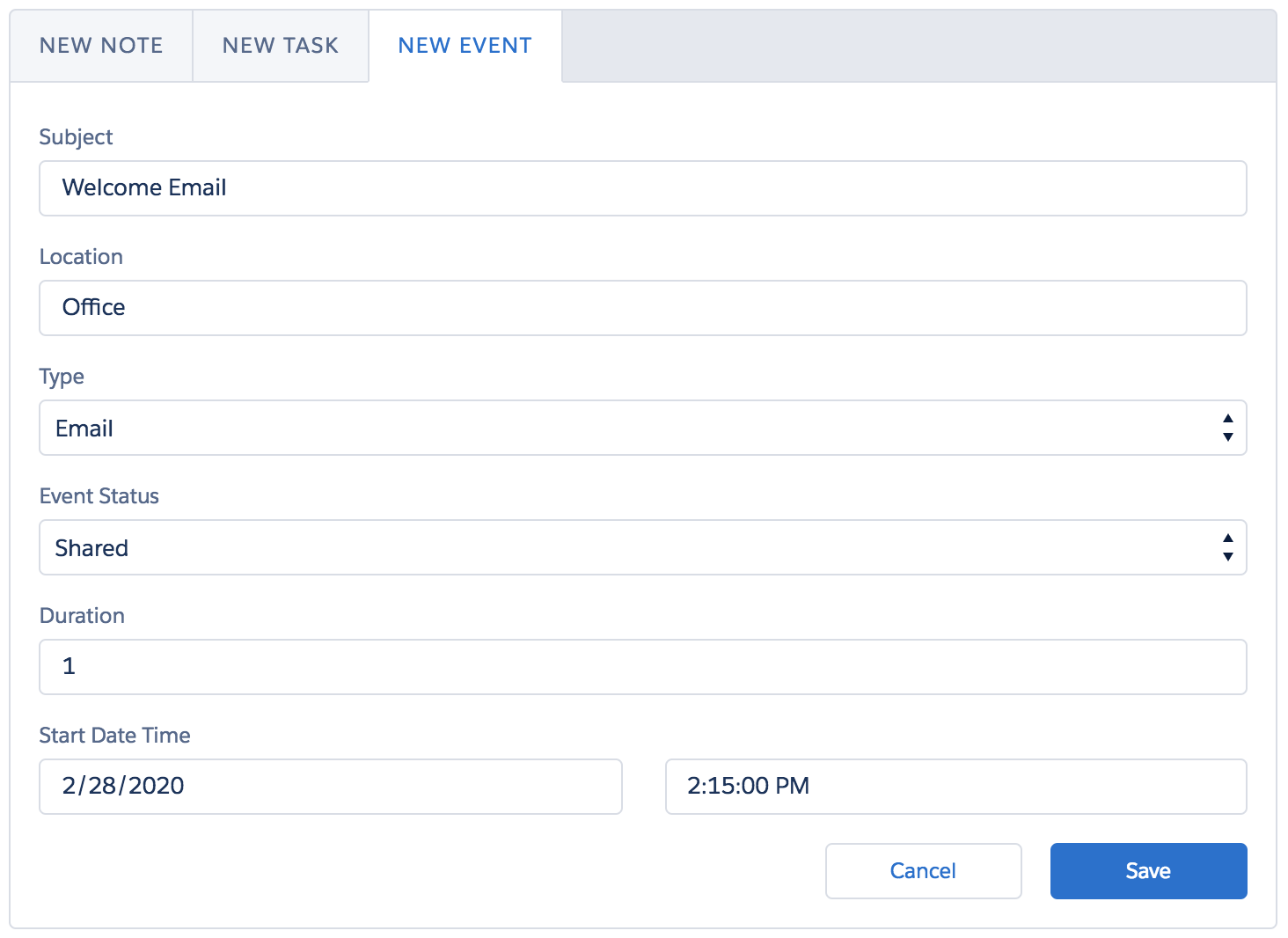
          One of the Event actions in the center area of the Campaign Call List Record Page lets you add an event.

          1. Click New Event.
          2. Type a Subject and a Location.
          3. Select the Type: Email, Meeting, Call, or Other.
          4. Select the Event Status: Not Started, In Progress, or Shared.
          5. Enter the Duration in minutes.
          6. Select the Start Date and Time using the pop-up calendar and time picker.
            The Subject is Welcome Email. The Location is Office. The Type is Email. The Event Status is Shared. The Duration is 1. The Start Date Time is 2/28/2020, 2:15:00 PM.
          7. Click Save. The new event appears in the Customer Story.
           
          Loading
          Salesforce Help | Article