
You are here:
Use the Member List
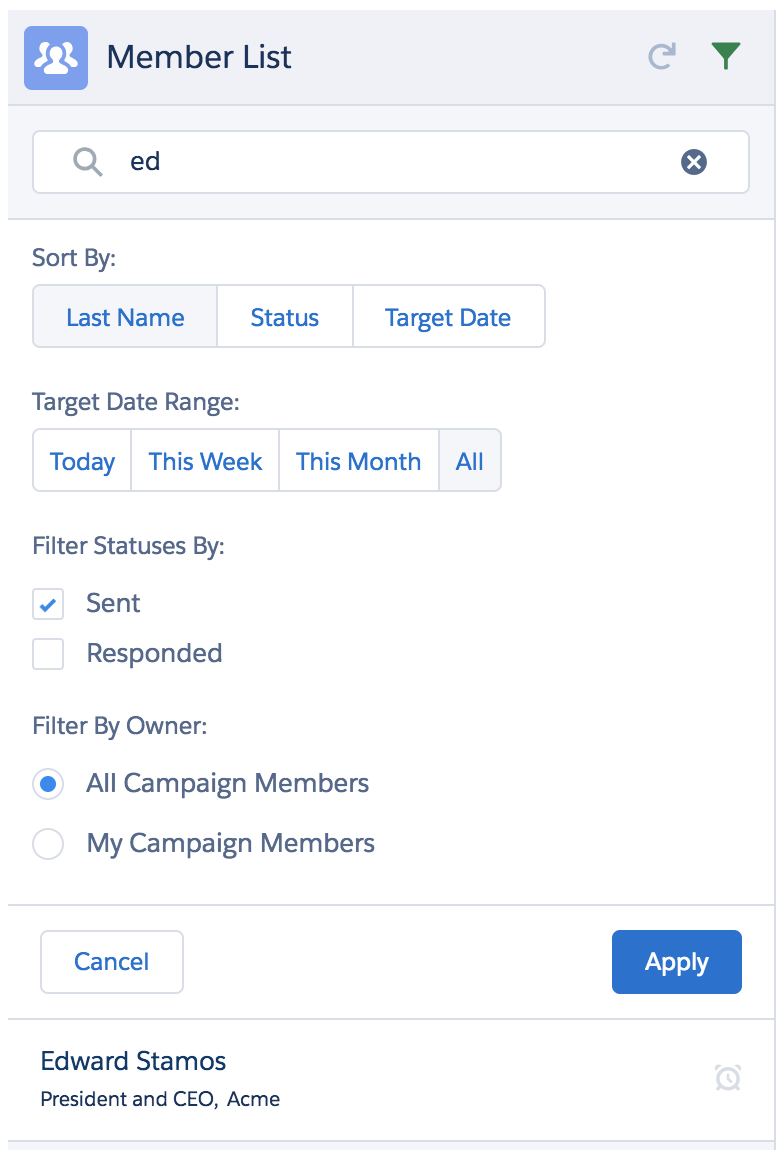
In the Member List, you can sort and filter members and view member details.
- Click the Refresh icon to make sure the Member List includes any new members.
- Type text in the Search Members by Name field to filter the list by name.
- To perform sorting or more complex filtering, click the Filter (funnel) icon, then:
- Click a member's list entry to populate the Member Detail area with that member's information.
- Click a member's name link to open the Contact or Lead record page for that member.
Did this article solve your issue?
Let us know so we can improve!
