
You are here:
Add Hyperlink in Text Field
After you’ve created a custom text field in your desired object, you must add the hyperlink to the custom text field. Using Omnistudio Data Mapper you can render the hyperlink in the generated document.
Here's an example of how to add a hyperlink in a custom field:
- Open your object where you created the custom text field, and go to the Details tab.
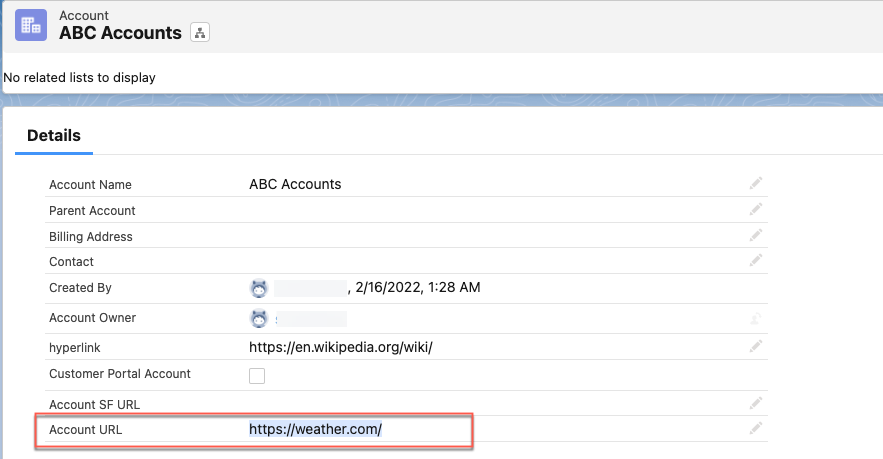
- Add the hyperlink in the custom text field. For example, add https://weather.com/ URL in the Account URL custom field.
Did this article solve your issue?
Let us know so we can improve!
