
You are here:
Comparing Contract Document Versions
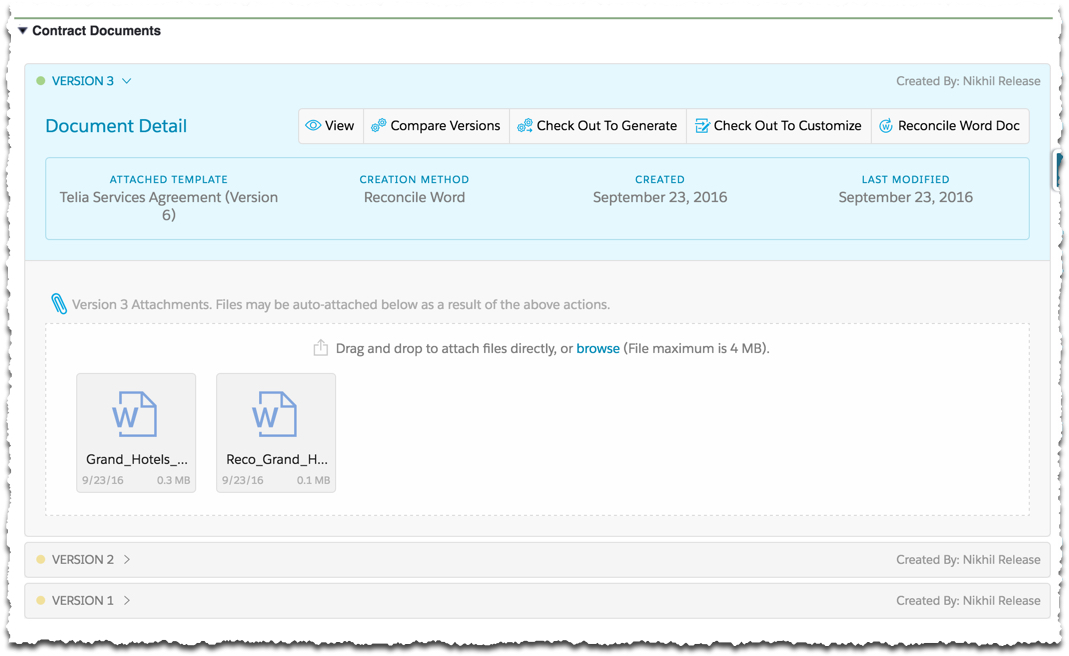
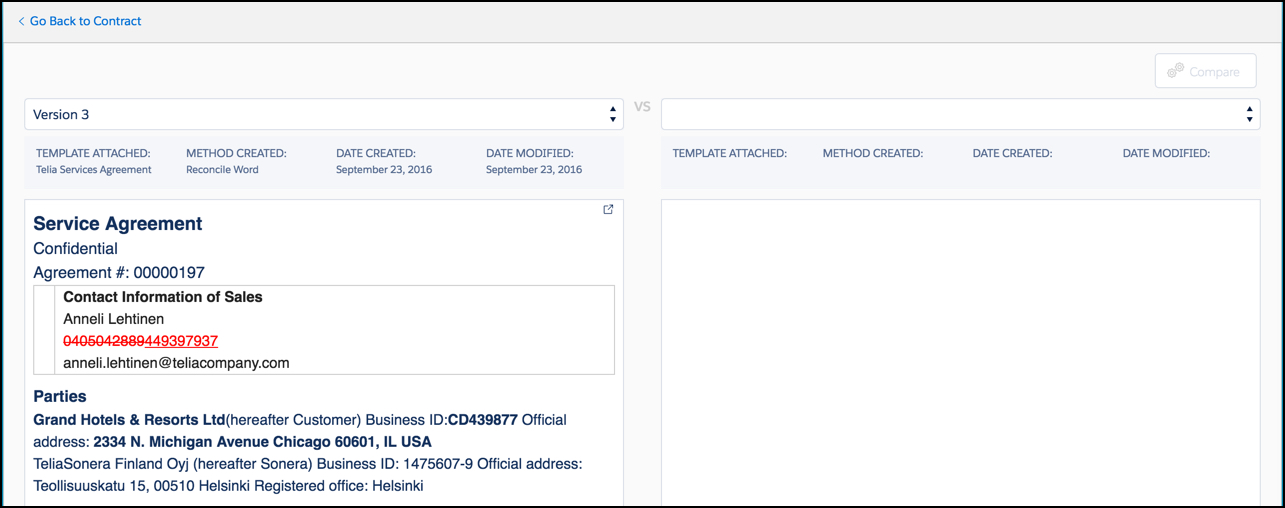
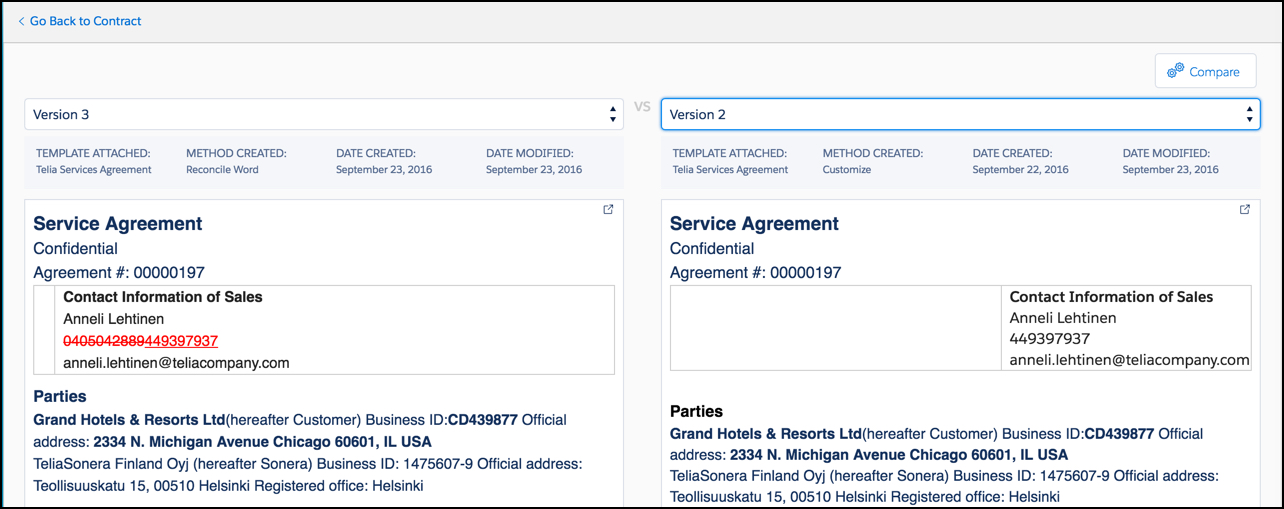
You can compare two versions of a contract document side-by-side. The Compare Versions button is available on every contract document version. Click Compare Versions to open the side-by-side comparison window. Newer versions appear in the left side panel, while older versions appear in the left side panel.
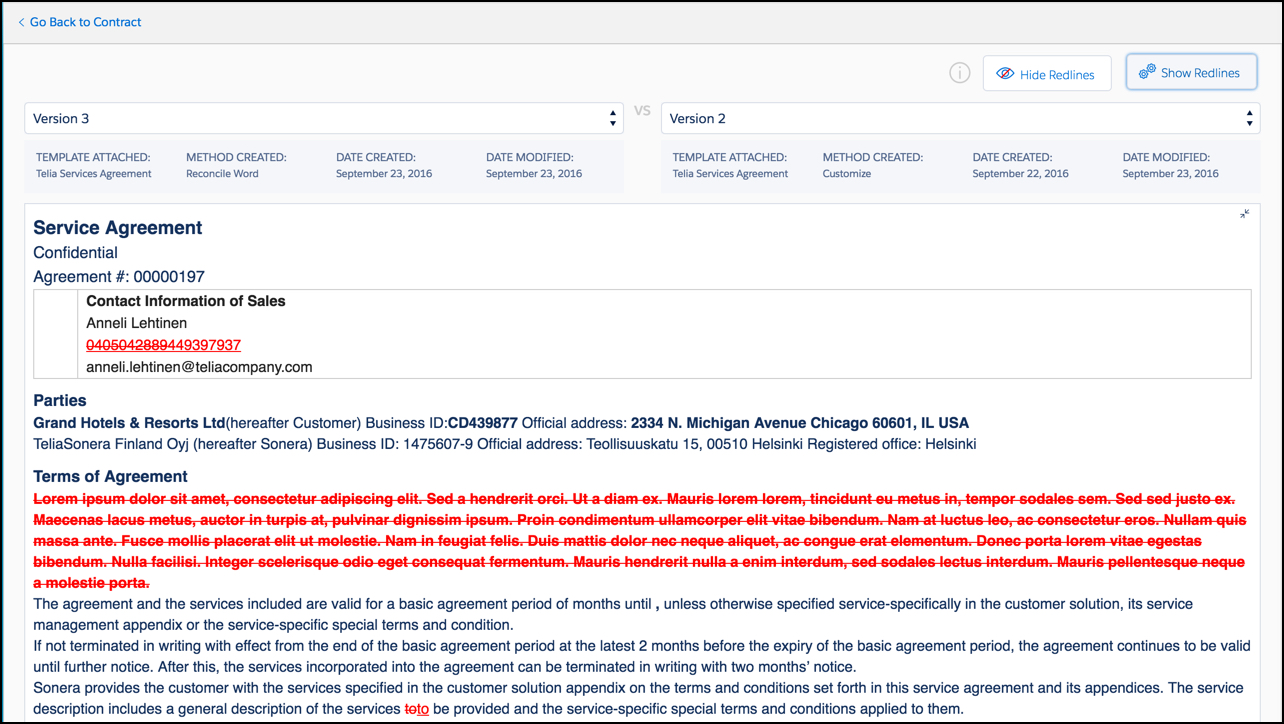
To see the differences, click Compare. Vlocity displays the document differences in red lines.
To compare contract document versions:
- On the Contract record detail page, expand the Contract Documents Visualforce page.
- Expand the newer contract document version to compare.
- Click Compare Versions.
- On the right side of the window, select the other version to compare.
- Click Compare.
- To hide the redlines, click Hide Redlines. To show them again, click Show Redlines.
Did this article solve your issue?
Let us know so we can improve!
