
You are here:
Configuring Contract Management Custom Settings
Use custom settings to create and manage data at the organization, profile, and user-levels.
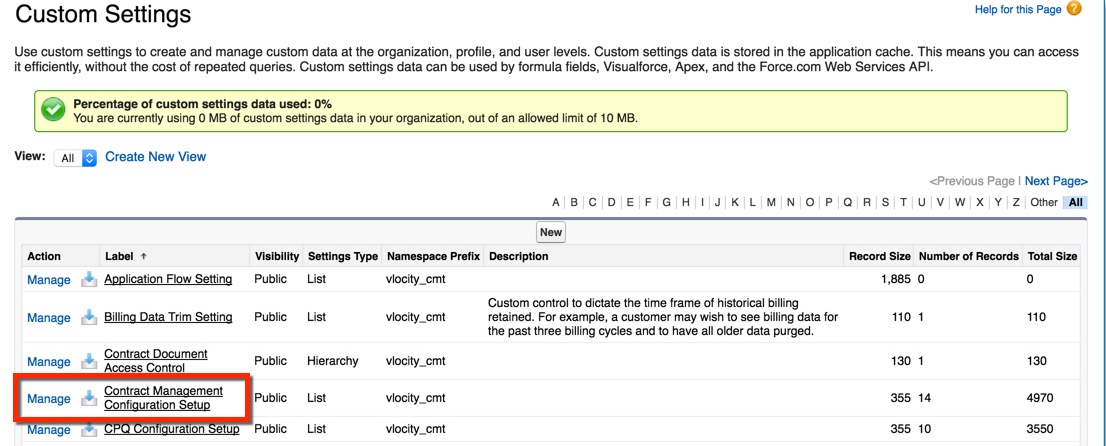
- From Setup, in the Quick Find box, enter Custom Settings.
- Click Custom Settings.
- Next to Contract Management Configuration Setup, click Manage.
-
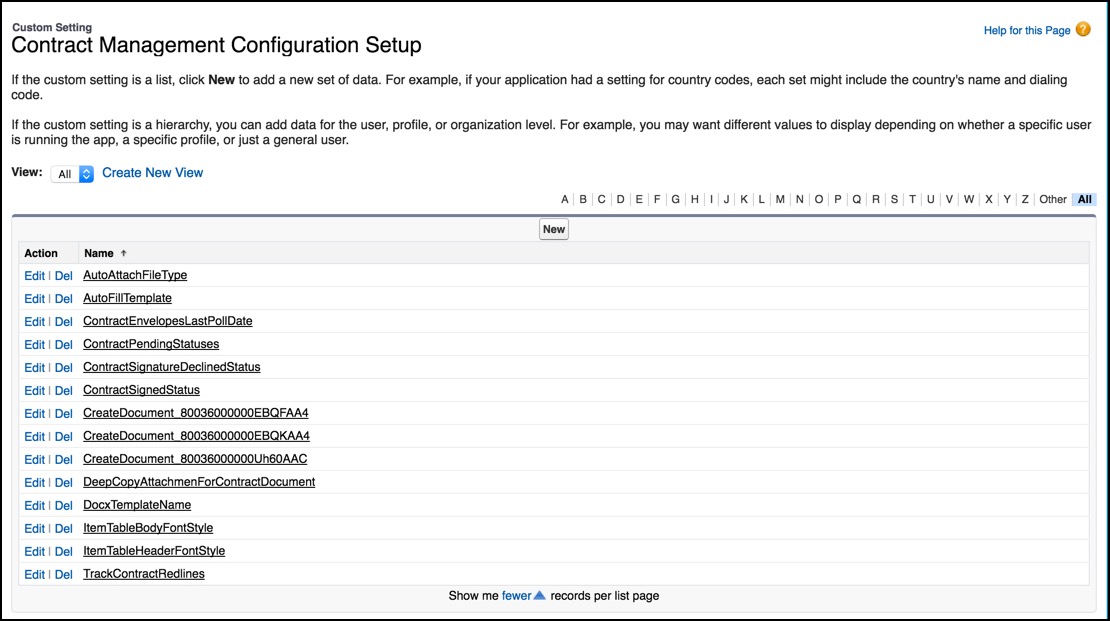
Next to any of the custom settings, click Edit.
 Note
NoteTo enable server-side document generation, see Enable Server-Side Document Generation Setting for the Salesforce Industries Package.
- Change the Setup Value.
- Click Save.
Did this article solve your issue?
Let us know so we can improve!
