
You are here:
Deleting Document Versions
You can delete document versions of your contracts by editing the page layout of the contract.
- Open the contract with the document version you want to delete.
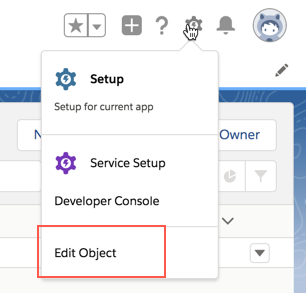
- Click Setup > Edit Object.
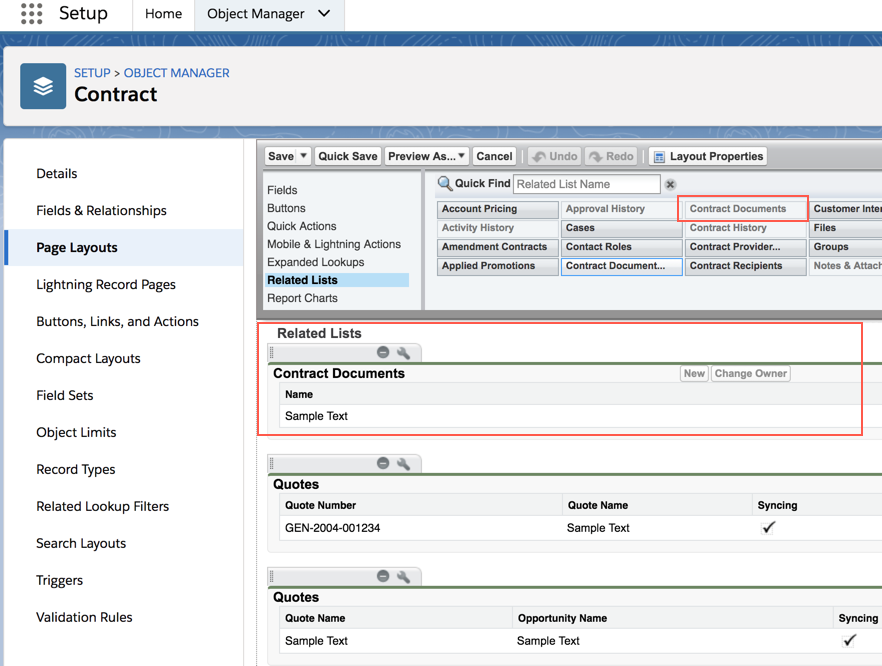
- Click Page Layouts.
- Click the page layout name that you're using.
- Click Related Lists.
- Drag and drop Contract Documents to the section below.
- Click Save.
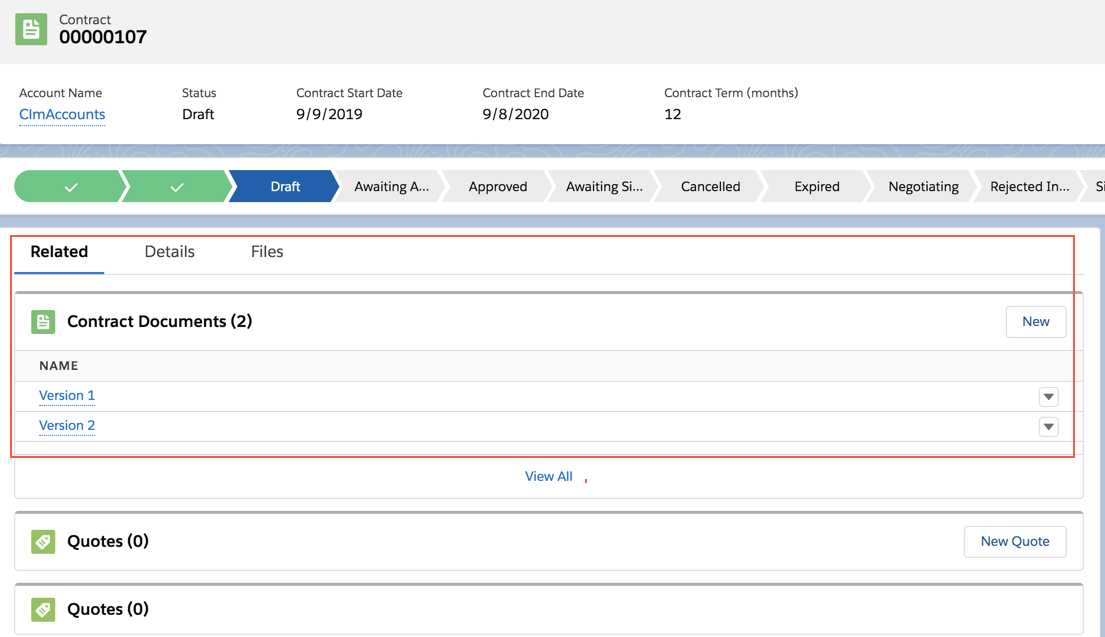
- Go back to the contract with the document version you want to delete. Now you can see the different document versions.
- Next to the document version you want to delete, click the dropdown menu and select Delete.
Did this article solve your issue?
Let us know so we can improve!
