
You are here:
Setting Up the DocuSign System User
Each customer must have its own DocuSign account. The account may include multiple DocuSign users. Among the users, one is the Vlocity CLM API user. The DocuSign integration uses the DocuSign Send On Behalf Of (SOBO) feature. A single user in an account can authenticate for other account members.
For more information, see the DocuSign REST API Reference Guide.
To set up the DocuSign system user:
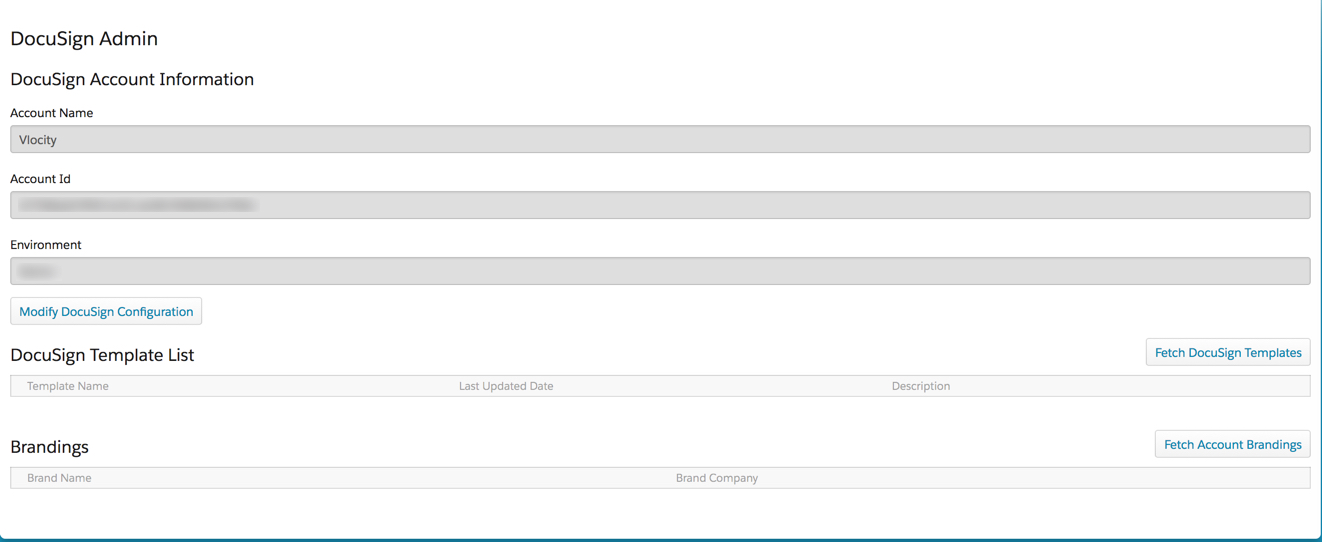
- Go to the Omnistudio DocuSign Setup tab.
- Enter the Email address and Password for Vlocity CLM user.
- Select the DocuSign Environment.
-
Click Log In.
Logging in issues a call to DocuSign to get Vlocity CLM user credentials and store them for future API calls.
Did this article solve your issue?
Let us know so we can improve!
