
You are here:
Cloning a Document Template
You can clone an active template to create a new template. How you clone a template depends on which Vlocity application and version you are using.
Cloning a Document Template in Any Other Vlocity Application Version
To clone a document template in Vlocity Insurance or Vlocity Health , any version, or Salesforce Industries Communications, Media, and Energy Winter '18, Minor release, Version 101.1.10.900.137.7 or earlier:
-
Go to the Vlocity Document Template tab.
-
Click New.
-
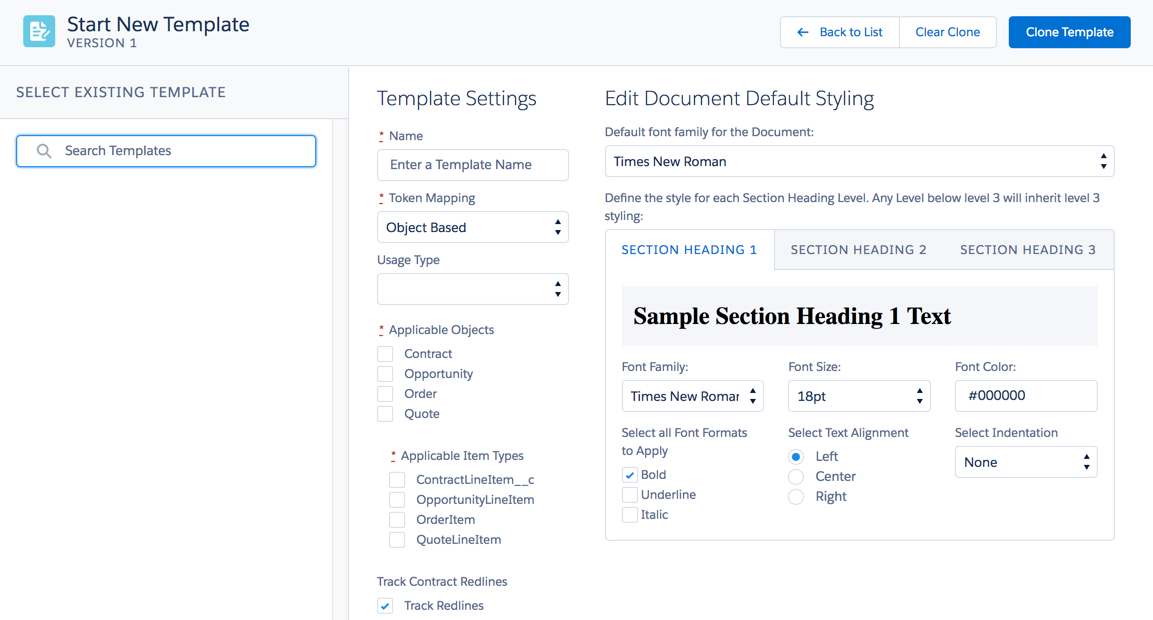
Click Clone from Existing Template.
-
Search for and select an existing template.
-
Edit the template details.
-
Click Clone Template.
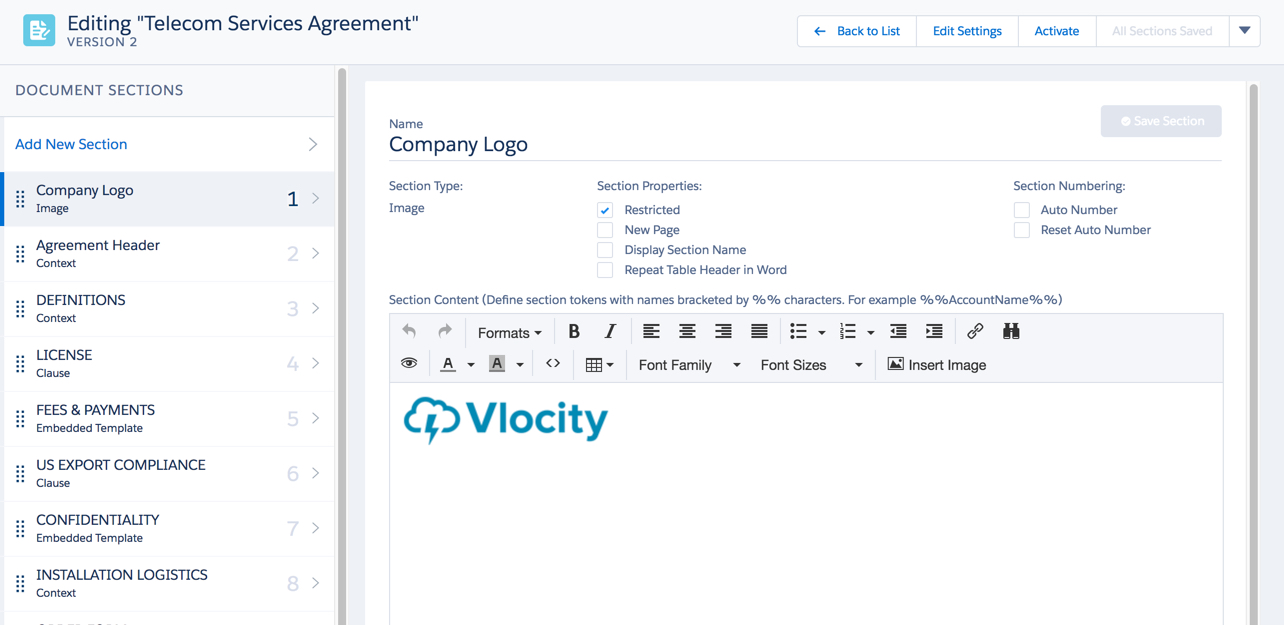

- Cloning a Document Template in Salesforce Industries Communications, Media, and Energy Winter '18, Minor release, Version 101.2.900.151
In , the procedure to clone a template has changed. You can clone an active template. If the template is not active, the Clone Template button does not appear.
Did this article solve your issue?
Let us know so we can improve!
