You are here:
Async Process Tracking and Debugging
To track and debug processes, add the Async_Engine_Develop_and_Manage_Design permission set to your user. With this permission set, you can use the Async Process tab. Before adding permission sets to users, ensure that you're aware of the security implications.
The tabs and pages are standard Salesforce FlexiPages and Layouts designed to facilitate development and debugging. Each Async Process has pages to provide details of the Process, Step and Job. Each page contains:
-
Summary details at the top for quick assessment of the status and the progress.
-
The details section of the process.
-
Payload details that provide all the information that was received and sent to your custom process. This section can be collapsed to hide larger payloads that are used when debugging.
-
Tables listing all the Steps and Jobs for a quick assessment.
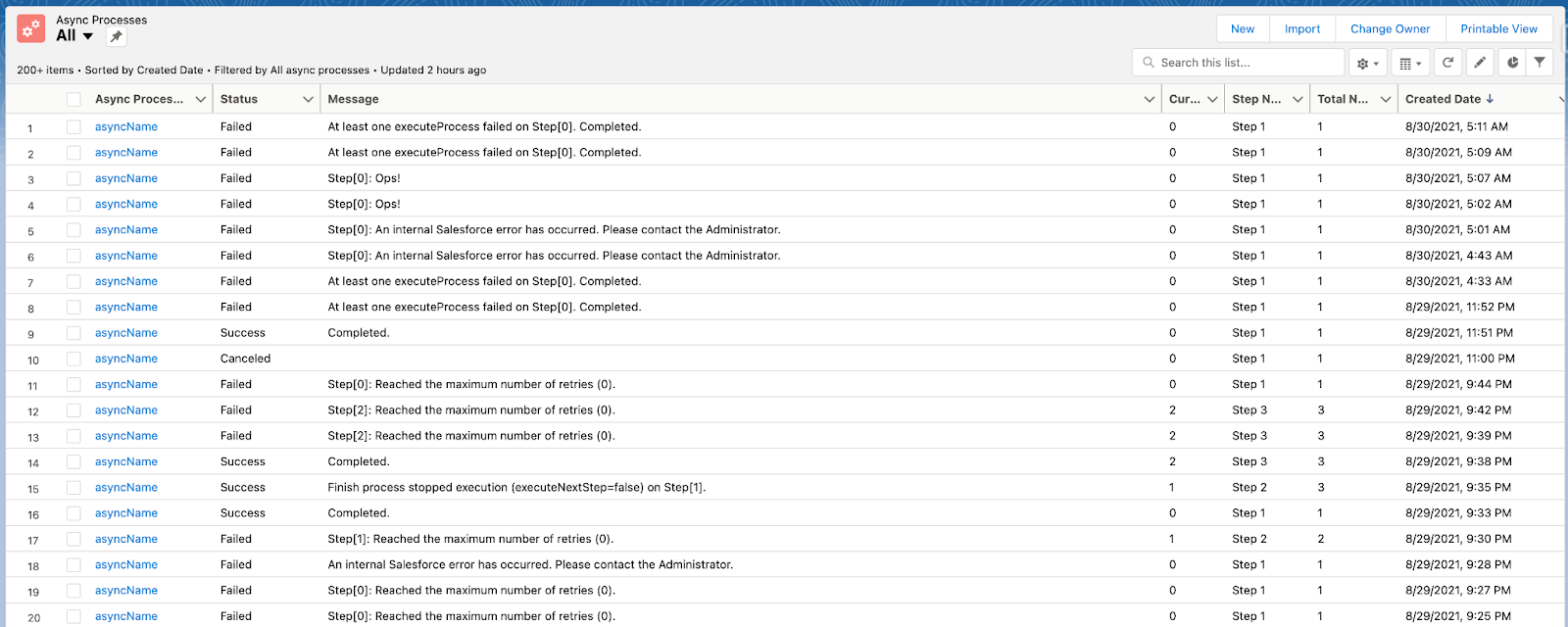
- Async Process Details
Click an Async Process to view detailed information about that process. - Async Process Step Details
To view the process step details, click the specific step under the Async Process Details section. - Async Process Job Details
To track and debug processes, you can review the job details for an async process, such as the status code for errors, error messages, and processed items.
