
You are here:
Access the Developer Portal
Access the Developer Portal to develop tools, use cases, and examples.
Required Editions
| User Permissions Needed | |
|---|---|
| To access the Developer Portal: | Admin, Power User, and Viewer |
To access the Developer Portal, click one of the following links (according to your platform):
- AWS UShttp://developers.datorama.com
- AWS EUhttps://platform-eu.datorama.com/developer-portal
- Azure UShttps://platform-us2.datorama.com/developer-portal
- Azure EU https://platform-eu2.datorama.com/developer-portal
You can also click the Developer Portal link under the (?) menu inside the Marketing Cloud Intelligence platform.

Note If you’re using a white label
account, access the Developer Portal via the direct link.
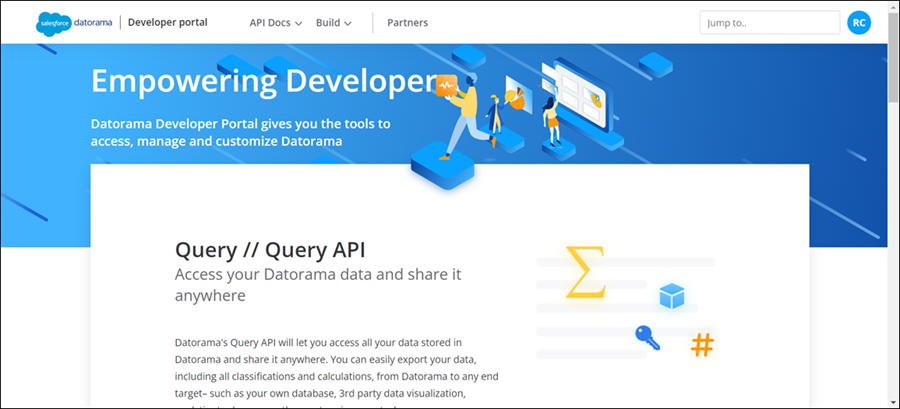
After you enter the Developer Portal, the main page appears:
-
To see the different sections that are offered, scroll down the page or click the three
tabs at the top of the page to quickly find your way.
API Docs Here you can find all the API documentation with examples. Build Here you can learn more about building your apps and connectors. Partners If you’re a partner and are interested in developing your own app, read about the process of becoming a partner and developing your Marketplace product. -
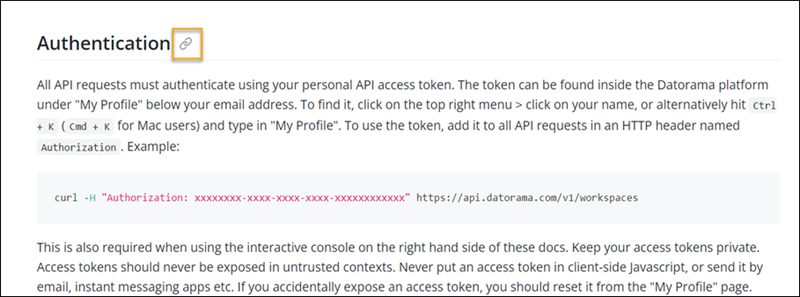
To copy a direct link of a specific document, hover over a title and then copy the link.
-
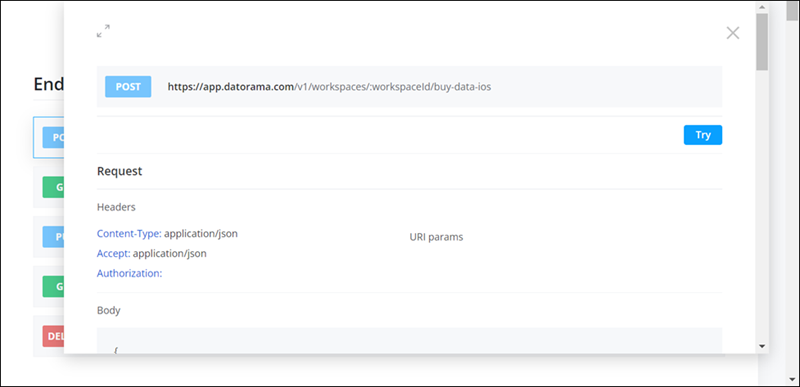
To view parameters with an example of a request and response, click any “endpoint”.
Did this article solve your issue?
Let us know so we can improve!
