
You are here:
Campaign Tags in Marketing Cloud Engagement
Use tags in Marketing Cloud Engagement to categorize campaigns by any criteria, such as geography, marketing tactic, and product line.
For example, each campaign for a monthly newsletter can have the tag “newsletter.” You can aggregate campaign analytics with the “newsletter” tag in reports. See Campaign Email Tracking and Multi-Campaign Email Tracking Summary.
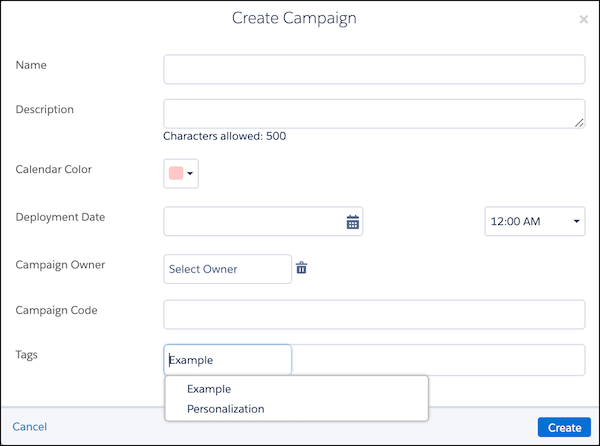
Create campaigns and add tags to new or existing campaigns on the Campaign Overview page. You can associate multiple tags to a campaign and add or remove them at any time.
- Filter Campaign Tags in Marketing Cloud Engagement
Learn about filtering tags for campaigns in Marketing Cloud Engagement.
Did this article solve your issue?
Let us know so we can improve!
