
You are here:
Contact Definition and Count Determination in Contact Builder
A contact in Contact Builder is an individual added to any contact database in Marketing Cloud Engagement. A contact can be someone who received a message from any Engagement tool, such as GroupConnect, Journey Builder, MobileConnect, or MobilePush.
You can add a contact to Engagement with these methods.
- Imported file
- SOAP or REST API call
- Marketing Cloud Engagement app
- Contacts, Leads, and Users added via Synchronized Data Sources
Contact records are available in these locations.
- Contact Builder All Contacts list
- Email Studio All Subscribers list
- Populations, formerly known as root data extensions, including these examples:
- Contacts involved in custom activities via Journey Builder
- Contacts added via queries, filters, data extracts, or other data-intensive operations
A subscriber is a person who opted to receive messages from you. A subscriber opts in to specific channels, such as email, SMS or MMS, or push notifications. A contact is a single individual who can receive messages via multiple channels.
Contacts can receive messages from the channel apps or the triggered send API.
Engagement also considers an individual a contact if Journey Builder processes that individual in a journey, regardless of whether Engagement sends a message via any channel to that contact.
Contact Count Determination
Engagement combines contacts from all previously mentioned sources based on the ContactKey value. The Contact Key value usually includes customer-supplied information used specifically to identify a single individual. Contact records without a ContactKey value default to the address of the respective channel sending the message, such as an email address, mobile number, or MobilePush device ID.
When a lead from a synchronized data source is converted into a contact, that record uses a different ContactKey value. These contacts count as a separate contact. The separate contacts contain different tracking information and don’t merge attributes. Contact your account executive for all contacts billing inquiries.
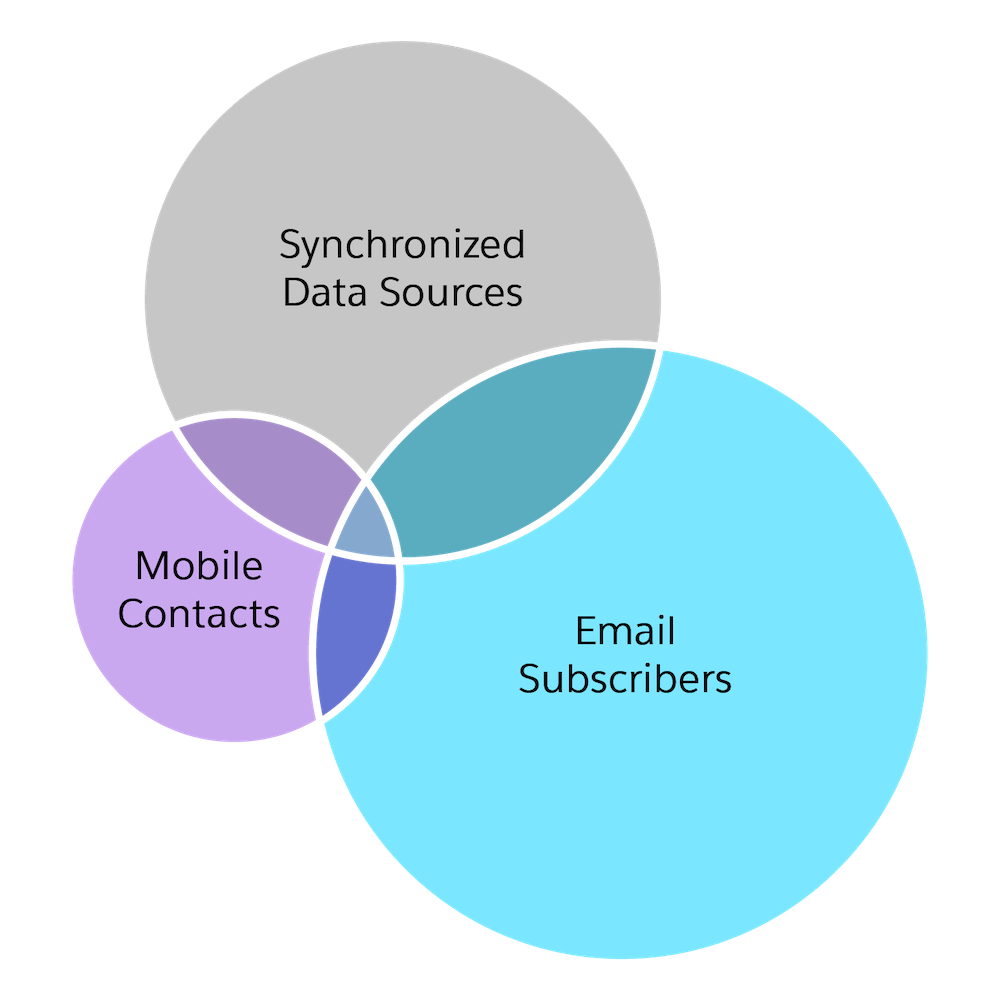
Different data sources can include duplicate contact records, so the total contact count in a tenant can differ from the total contacts contained in all available data sources. For example, this figure shows the overlap in an account with 500,000 email contacts, 300,000 synchronized data source contacts, and 125,000 mobile contacts.
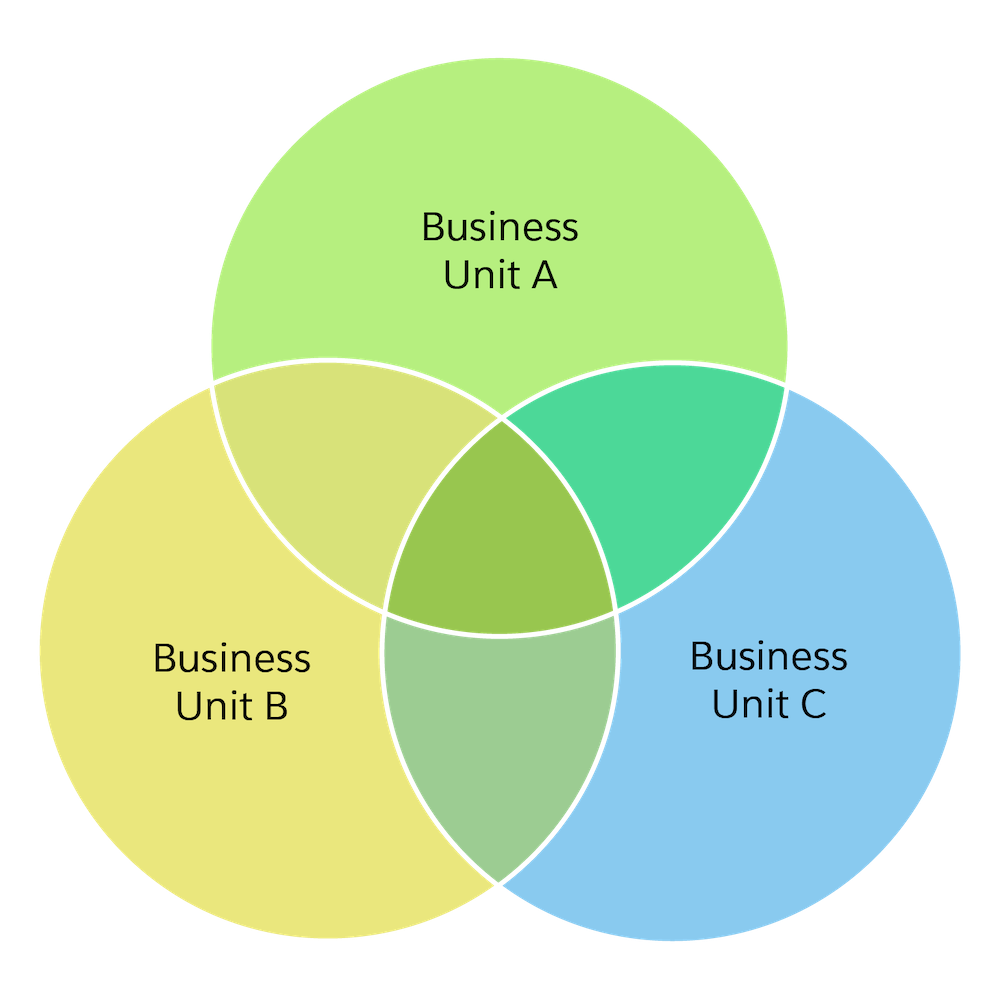
Sometimes accounts with business units can't access all contacts. This figure shows how some contact records can overlap in business units, but other contacts can remain available only to a particular business unit.
Contact Deduplication
Contacts count only one time. Engagement automatically deduplicates multiple instances of a contact in a population based on the Contact Key value. For example, two records with different Contact Key values and the email address jai@example.com count as two unique contacts.
If you set up a data extension as a population, the records in the data extension contribute to the contact counts. You can undo that action in Data Designer. Open Populations, and select the data extension that you don’t want counted. Click the trash can icon, and confirm the changes.
Unsubscribed, Held, and Deleted Contacts
Engagement includes unsubscribed contacts in contact counts because those contacts remain eligible to receive transactional sends. Some contacts are saved with a status of Held because queries, filters, and data extracts can still use those contacts. Deleted contacts don’t appear in contact counts.
Enterprise 2.0 Contacts
Enterprise 2.0 accounts include all child business units in the Contact Builder All Contacts list count. A child business unit shows contact counts when that business unit uses populations in Contact Builder, contacts from a Sales Cloud or Service Cloud integration, or contacts from channels such as MobilePush.
Synchronized Data Sources
Synchronized data sources from contact, lead, and user records are shown in the Contact Builder All Contacts list. An email address, specified source, or channel isn’t required. These records don’t include a channel until they’re added to a list or to a channel’s message send. Until that time, the record includes only a ContactKey value and a modified date of 01/01/0001 12:00 AM. These records are for billing purposes. Disable synchronization for applicable data sources to prevent this occurrence.
- Find Contacts Without Channel Addresses
Find and manage your contacts that aren’t associated with channels in Marketing Cloud Engagement. Understand the source of your contacts, and delete the ones that you don’t want.
